
Post Production
AJA press conference from NAB 2018
In the spirit of what Adam Wilt has been doing this NAB here’s random thoughts as I sit in...
NAB Show
Avid updates Media Composer, lays out the future at NAB Show 2018
I was teaching NAB Post|Production World classes on Saturday morning of NAB 2018 when Avid’s new CEO Jeff Rosica...
Uncategorised
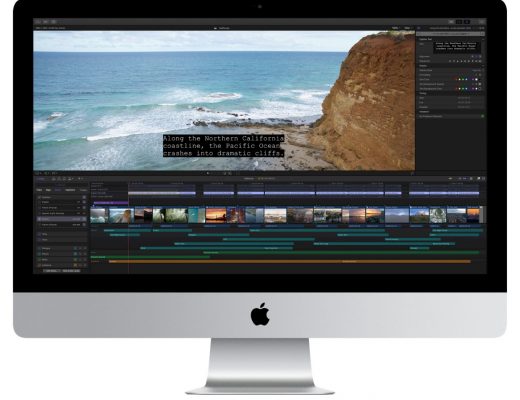
Apple prepares a new Final Cut Pro X update for NAB 2018
NAB 2018 will see an update to another NLE as Final Cut Pro X will hit version 10.4.1. This comes...
Post Production
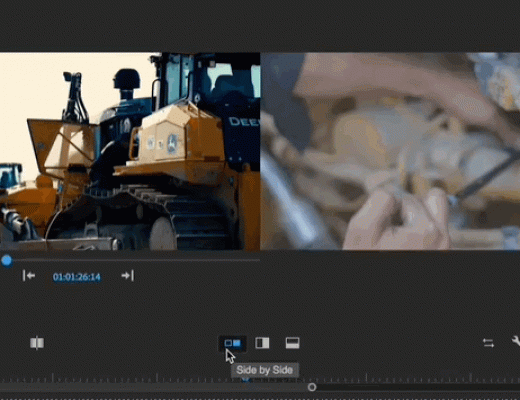
Adobe Premiere Pro 2018 NAB Update: Comparison View, Color Match and Timecode
Trade show time! You know what that means, it’s also time for another big update to the Adobe Creative...
Post Production
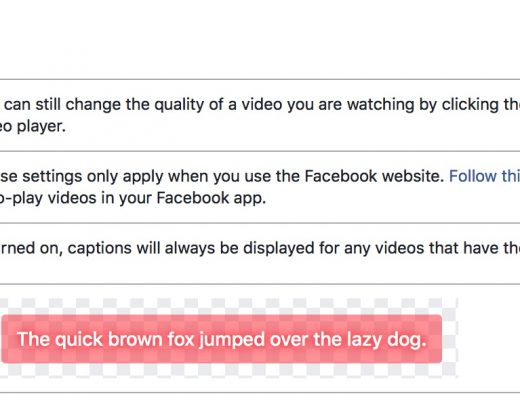
One more #28daysofQuickTips 2018 – Tips for creating captions for Facebook
There’s one more QuickTip for #28daysofQuickTips 2018 that I began but never finished. It’s finished now so here it is:...
Post Production
All the #28daysofQuickTips 2018 in one place
February was a busy month as the Editblog posted a QuickTip a day for the entire month. Some were Adobe...
Post Production
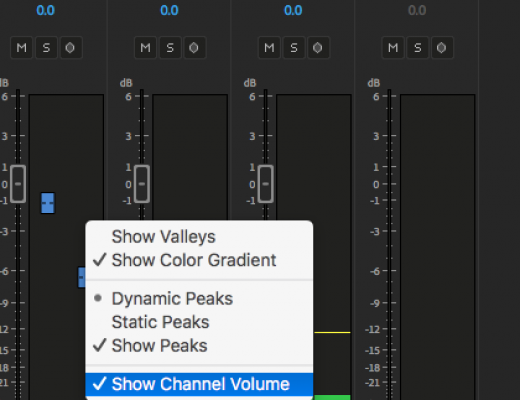
Day 28 #28daysofQuickTips 2018 – Show Channel Volume in the Adobe Premiere Pro Clip Mixer
Today’s QuickTip is one of those I can’t believe I’ve never discovered that QuickTips. Whenever I learn something from...
Post Production
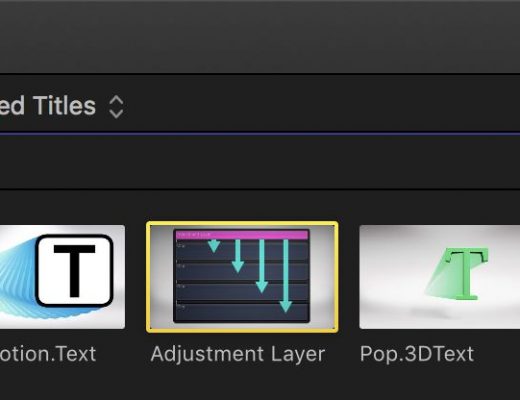
Day 27 #28daysofQuickTips 2018 – Audition Adjustment Layers as Effect Collections in Final Cut Pro X
Years ago before the release of Final Cut Pro X but after the first announcement many editors, myself included, were...
Post Production
Day 26 #28daysofQuickTips 2018 – Round-tripping just a few shots from Resolve
I wanted to be sure and have at least a couple of DaVinci Resolve tips in this year’s #28daysofQuickTips. I...

Post Production
Day 25 #28daysofQuickTips 2018 – A Bunch of Colorist Tips
The best QuickTips are ones that you learn something from. One of my favorites is the #Colorist Tip hashtag...