Post Production
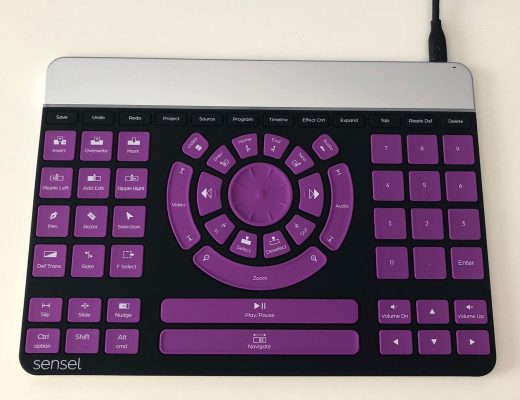
Review – The Sensel Morph and its use in video editing
I’ve written about alternative input devices for editing and post-production many times here on The Editblog. There’s the RollerMouse,...
Post Production
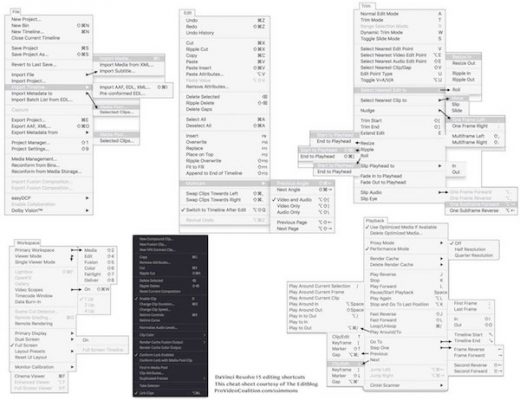
Free DaVinci Resolve 15 editing keyboard cheatsheet download
Blackmagic Design’s DaVinci Resolve 15 is still in public beta but that hasn’t stopped people from using it. I...
Post Production
Useful Tools for Editors – Summer 2018 edition
It’s been quite awhile since we visited the long running Useful Tools for Editors column and as I was...
Post Production
Nashville Filmmakers Guild Post-Production Workshop June 2
The Nashville Filmmakers Guild is more than just a Facebook group. It’s an active organization in and around Nashville...
Post Production
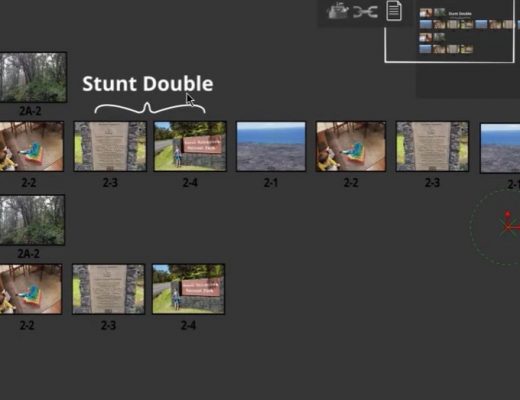
Alan Bell’s Open Letter to the NLE makers
I rarely ever make a blog post these days about someone’s Vimeo or YouTube video but scrolling around Twitter...
Post Production
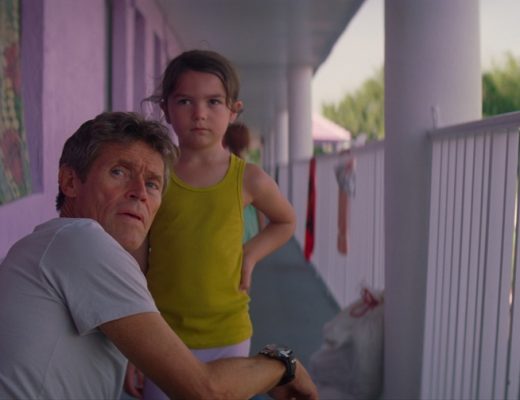
NAB 2018 – An interview with the post-production team behind The Florida Project
When I saw a list of Premiere Pro related people that Adobe was brining to NAB 2018 my first...
NAB Show
My top 5 features in DaVinci Resolve 15 plus an interview with Blackmagic’s Director of Sales Operations
DaVinci Resolve 15 was a big update at NAB 2018. It began with the buzz that Fusion was getting...

NAB Show
NAB 2018 – An Interview with the MINDHUNTER post-production team
I don’t do a lot of interviews with editors, that’s the domain of Steve Hullfish and his legendary ART...
NAB Show
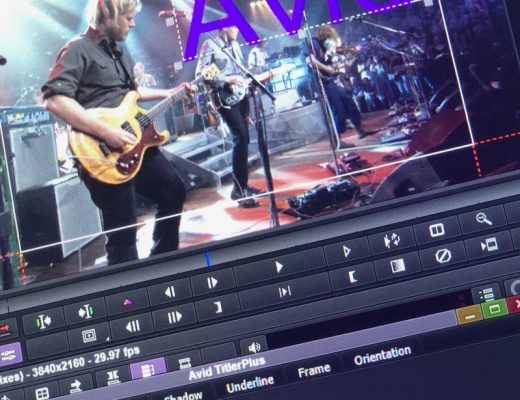
NAB 2018 Interview with Avid’s new CEO Jeff Rosica and a look at upcoming Media Composer features
While I hated missing out on the Avid keynote the Saturday before NAB began, I knew I had another...
NAB Show
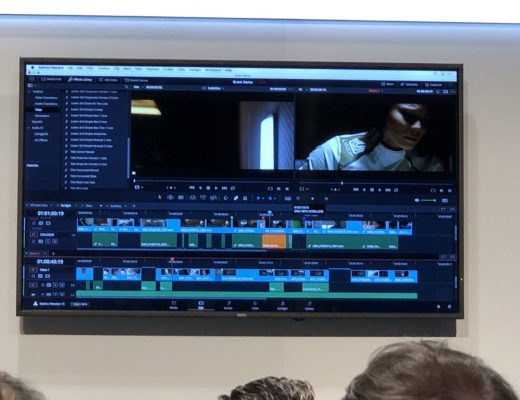
Random thoughts from the Blackmagic NAB 2018 press conference
Like the AJA press conference here’s some random thoughts at Blackmagic’s press conference. https://youtu.be/uV_A5cutyKk Blackmagic’s Grant Petty kicks it...