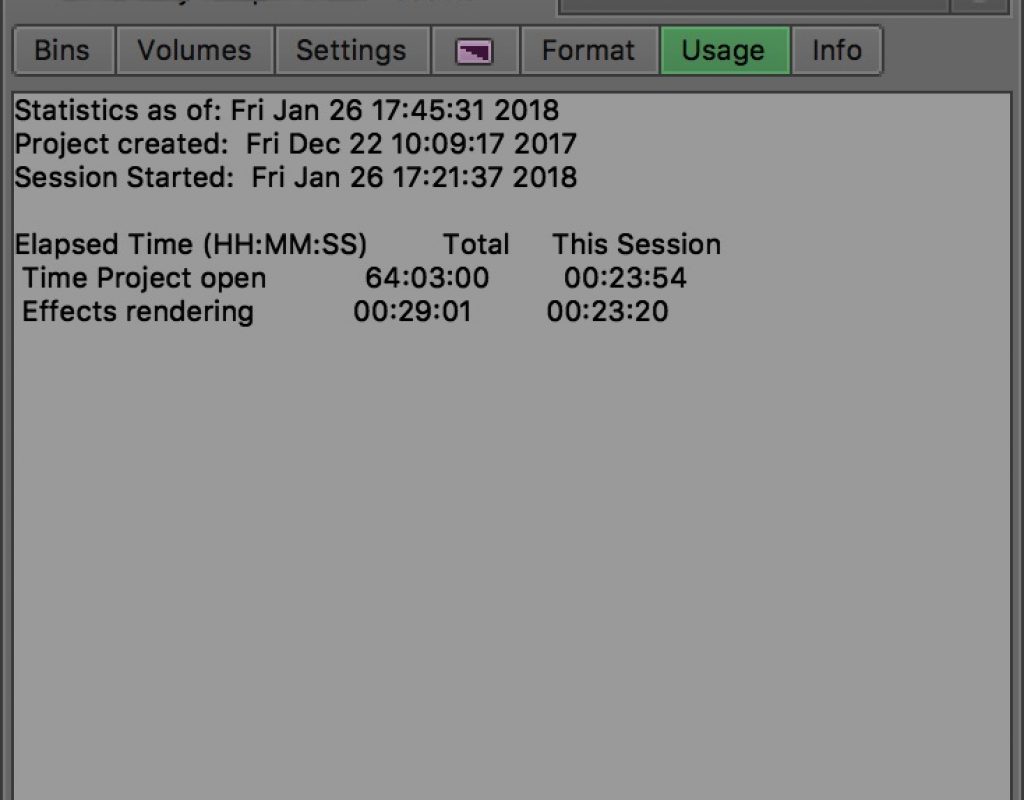
Day 6 #28daysofQuickTips 2018 – The Usage tab in Avid Media Composer
Many Avid Media Composer editors rarely travel to their Project panel beyond opening bins and accessing they settings. But there’s...
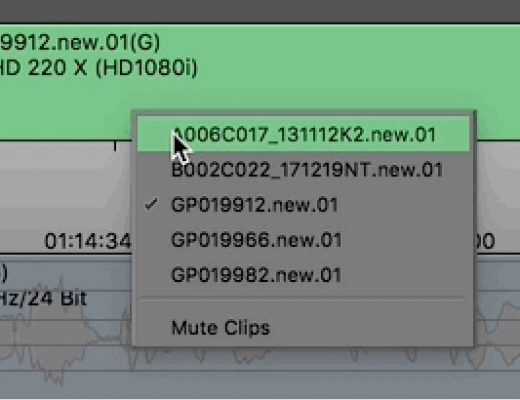
Day 5 #28daysofQuickTips 2018 – Mute Clips in the Media Composer timeline
Following along with yesterday’s QuickTip to move clips up and down in the Avid Media Composer timeline, here’s another recently...
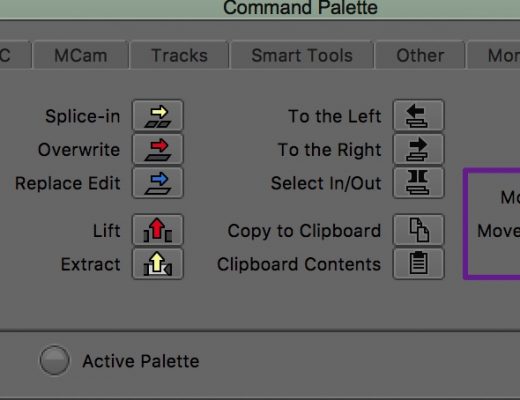
Day 4 #28daysofQuickTips 2018 – Move Up Move Down in Media Composer
Premiere Pro (and okay maybe Final Cut Pro 7 Classic editors if there are any really still out there) editors...
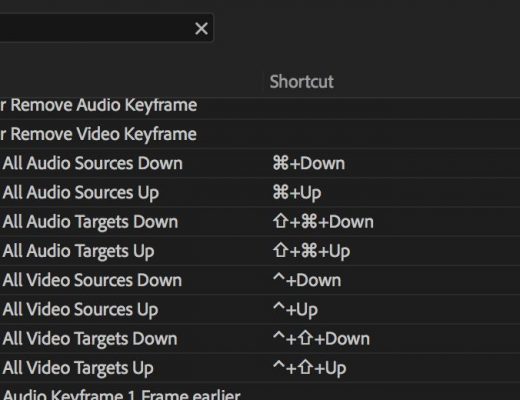
Day 3 #28daysofquicktips 2018 – Track patching with the keyboard in Premiere Pro
Adobe Premiere Pro has an unbelievably advanced set of keyboard shortcuts but many of those are unassigned. One of...
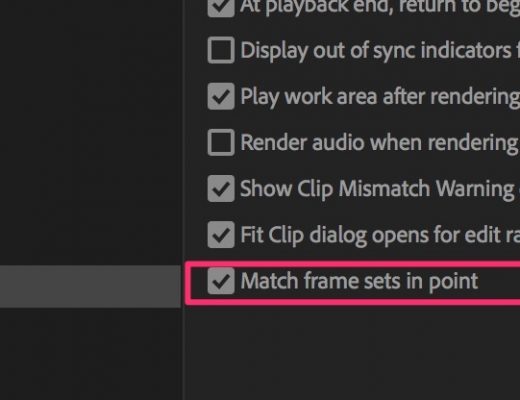
Day 2 #28daysofquicktips 2018 – Mark IN for Match Frame in Premiere
For a few of our tips this month we’re going to look at some newly added features in recent...
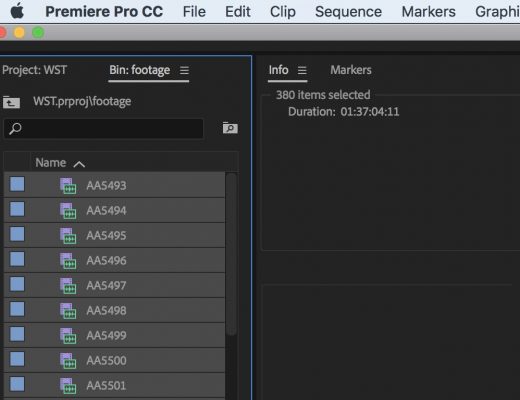
Day 1 #28daysofquicktips 2018 – Premiere’s Info window for total durations
Have you ever wanted to know many hours, minutes and seconds of all of those clips you have in...
Let’s Edit with Media Composer – Power Editing Tips – Transitions
In this Let’s Edit with Media Composer lesson, Kevin P McAuliffe talks about some power editing tips, when it...






