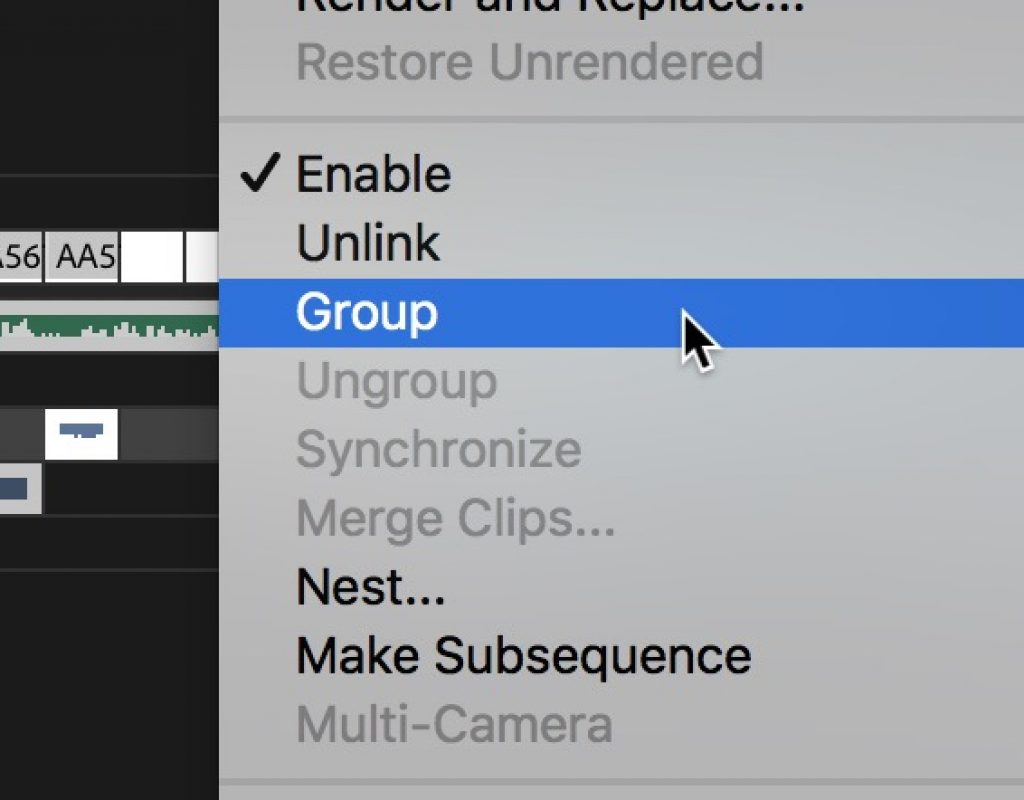
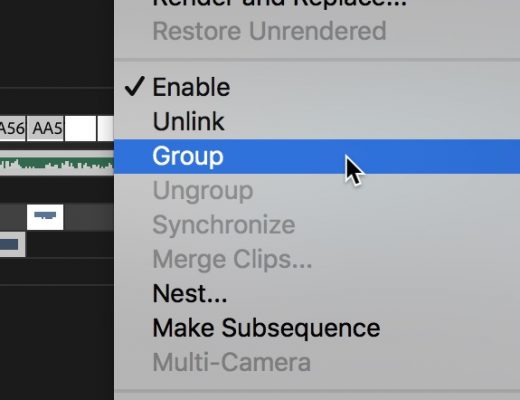
Day 22 #28daysofQuickTips 2018 – Group and Ungroup in Adobe Premiere Pro
Day 22 is another reader QuickTip that comes to us all the way from Jamaica. Twain Richardson is an...

Sound for Philip K. Dick’s – Electric Dreams
Electric Dreams is an apt title for the new anthology series for television, created from the short stories of...

Day 21 #28daysofQuickTips 2018 – Use DaVinci Resolve free to test your XMLs and conforms
If you’re an editor who has to send out your projects to a colorist (besides being one of the...
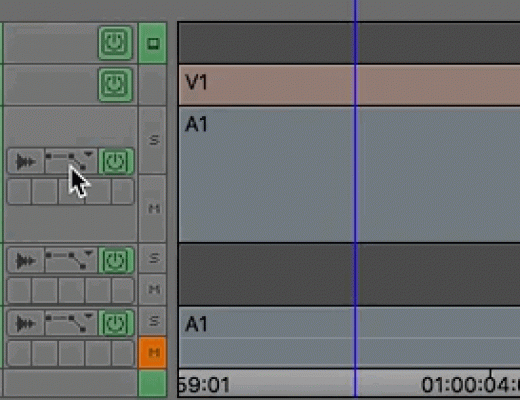
Day 20 #28daysofQuickTips 2018 – an extra 12db in the Avid Media Composer timeline
This is kind of two Avid Media Composer audio tips in one. When you raise the audio level on a...
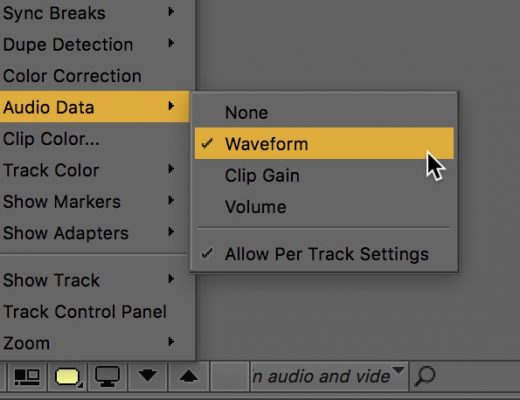
Day 19 #28daysofQuickTips 2018 – Map audio waveforms and keyframes in Avid Media Composer
A number of versions ago Avid added the very handy per track toggle option for audio waveforms where you...
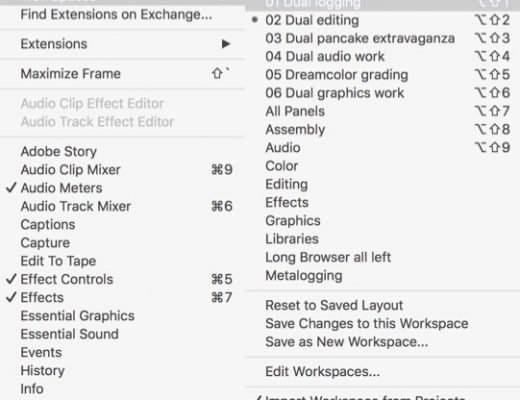
Day 18 #28daysofQuickTips 2018 – Free up some screen real estate in Adobe Premiere Pro
Adobe Premiere Pro has a lot of panels and windows that provides a lot of flexibility. With all of...
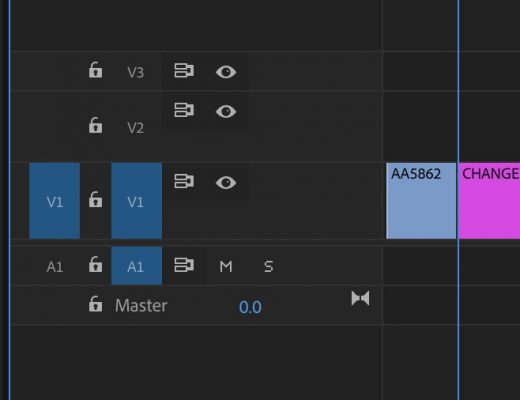
Day 17 #28daysofQuickTips 2018 – See original clip names in Premiere Pro timeline
First off, this QuickTip mainly applies to those who use the Display the project item name and label color...
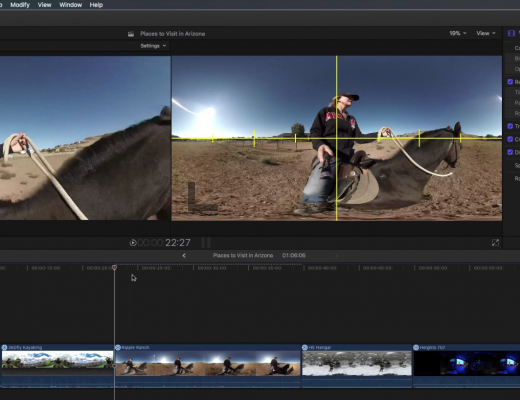
Editor as Director in 360 Video with Final Cut Pro X
This week on MacBreak Studio, Ripple Training’s Steve Martin shows us how the editor can be the director when...
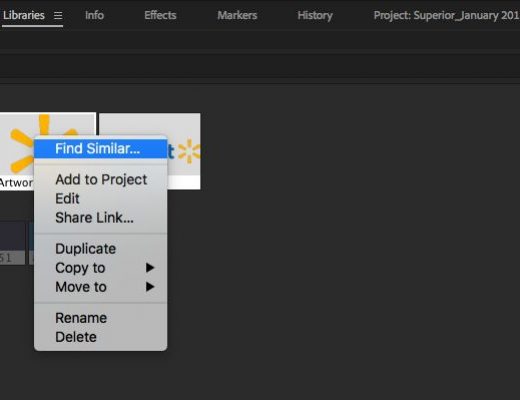
Day 16 #28daysofQuickTips 2018 – 3 reader Adobe Premiere Pro QuickTips
Today we have three reader QuickTips for Adobe Premiere Pro that take us from the relatively new Library panel to...

Wildlife and nature as seen through a RED
Shannon Wild and Russell MacLaughlin, Paul Nicklen, Andy Casagrande and Asgeir Helgestad all have a passion for nature and...