Tool Tip Tuesday for Adobe Premiere: Grab the best Moments in the Transcript Panel with Paper Edit
Welcome to Tool Tip Tuesday for Adobe Premiere on ProVideo Coalition Premiere 26.5 (September) added Paper Edit to the...
Tool Tip Tuesday for Adobe Premiere: Prevent Auto Adding Tracks when Editing
Welcome to Tool Tip Tuesday for Adobe Premiere on ProVideo Coalition Scott Simmons and I talk quite a...
Tool Tip Tuesday for Adobe Premiere: Hidden Audio Keyframes secrets
Welcome to Tool Tip Tuesday for Adobe Premiere on ProVideo Coalition Let’s talk about audio keyframes. Yes, I know...
Tool Tip Tuesday for Adobe Premiere: Move clips faster with Swap Edit
Welcome to Tool Tip Tuesday for Adobe Premiere on ProVideo Coalition There was a thread on Reddit recently about...
Tool Tip Tuesday for Adobe Premiere Pro: Getting your Mask/Key to look real
Welcome to Tool Tip Tuesday for Adobe Premiere on ProVideo Coalition. Between green screen, chroma keying and the new...
Tool Tip Tuesday for Adobe Premiere: Getting your Computer Volume calibrated
Welcome to Tool Tip Tuesday for Adobe Premiere on ProVideo Coalition How do you know if your computer’s volume...
Tool Tip Tuesday for Adobe Premiere: Quick Finding of Similar Shots using Media Intelligence
Welcome to Tool Tip Tuesday for Adobe Premiere on ProVideo Coalition The dreaded question: “Where are clips just like that...
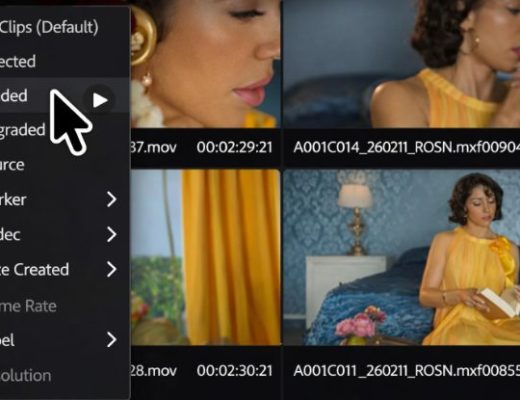
The Clip Grid — A Different Way to Work
One of the first reactions editors have when entering Color Mode in Adobe Premiere is confusion. The timeline—the structure...
Tool Tip Tuesday for Adobe Premiere Pro: Perfect Sequence Templates (With Track Names That Actually Stick)
Welcome to Tool Tip Tuesday for Adobe Premiere on ProVideo Coalition One of the signs of an experienced editor: specific...
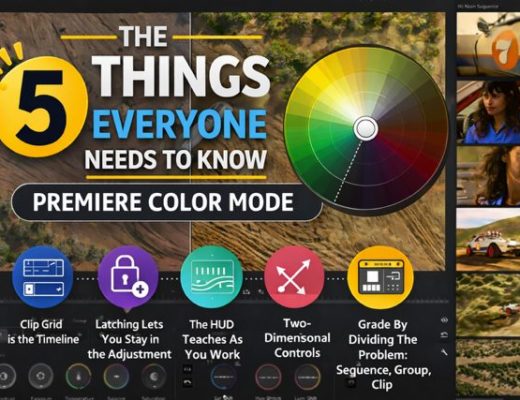
The Five Things Everyone Needs to Know Adobe Color Mode in Premiere (beta)
If you’ve been editing in Premiere for a while, you’re used to treating color as a set of sliders,...






