

What “Better Motion” Actually Means in After Effects
If you’ve ever watched an animation you made in After Effects and thought, “this works, but it doesn’t feel...
Tool Tip Tuesday for Adobe Premiere Pro: Tame Your Effects Library
Welcome to Tool Tip Tuesday for Adobe Premiere Pro on ProVideo Coalition Last week at a client’s facility, a...
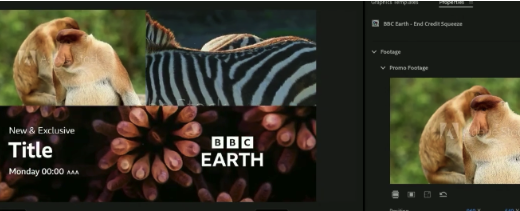
Working Faster Without Breaking the Brand
In-house video teams tend to feel pressure throughout their day. The work increases, the requests stack up, and brand...

Tool Tip Tuesday for Adobe Premiere Pro: The best of Scott’s 2025 Tips – picked by Jeff
Welcome to Tool Tip Tuesday for Adobe Premiere Pro on ProVideo Coalition Whether or not you’re a frequent reader,...

“I edit in AE” as a new normal for filmmakers and content creators
It wasn’t too long ago that the baseline understanding across the industry was that feature films were cut in...
Tool Tip Tuesday for Adobe Premiere Pro: Timed Replace Edit (Sync Point version)
Welcome to Tool Tip Tuesday for Adobe Premiere Pro on ProVideo Coalition We’ve been looking at Replace Edit for...

Tool Tip Tuesday for Adobe Premiere Pro: Replace from Source
Welcome to Tool Tip Tuesday for Adobe Premiere Pro on ProVideo Coalition I love overlooked features. Replace from Source looks...

AI Tools: Adobe Firefly AI has gone Bananas!
Let’s start with a rundown of this Post-Adobe MAX update of new tools & features! As of late October...

Tool Tip Tuesday for Adobe Premiere Pro: Replace from Bin
Welcome to Tool Tip Tuesday for Adobe Premiere Pro on ProVideo Coalition I love Replace Edit. It’s one of...

Tool Tip Tuesday for Adobe Premiere Pro: Toggle Visibility/Mute/Solo from the keyboard
Welcome to Tool Tip Tuesday for Adobe Premiere Pro on ProVideo Coalition I’m always adjusting the visibility or solo...






