Skip to content
ProVideo Coalition
  • Latest
  • News
  • Production
  • Post Production
  • Podcasts
  • Reviews
  • Experts
  • More
    • About Us
      About Us MM Image
    • Meet the Experts
      Meet the Experts MM Image
    • Advertise
      Advertise MM Image
    • Contact Us
      Contact Us MM Image
  • Subscribe
  • Search
    • Search MM Image
      • FOLLOW US
      • TOP LINKS
      • TIPS
      • TOPICS
      • WEBINARS

quicktips

Adobe Premiere Pro Quicktip: Add a Comment column for Bins 1
Adobe Premiere Pro Quicktip: Add a Comment column for Bins 2

Adobe Premiere Pro Quicktip: Add a Comment column for Bins

Written by Scott Simmons
July 30, 2021
Have you ever been in list view while working in an Adobe Premiere Pro bin and wished you could...

Relative Paths

Relative Paths and Mixed OS

Written by David Torno
October 26, 2018
Relative Paths In Mixed OS PC/MAC Mixed OS environments tip

Read More... from Relative...

Final Cut Pro X apply fades toggle fade

Day 7 #28daysofQuickTips 2018 – Apply and Toggle audio fades in Final Cut Pro X

Written by Scott Simmons
February 7, 2018
I’m still quite perplexed that nearly 7 years after its release Final Cut Pro X still doesn’t have an audio-only...
Avid Media Composer Usage

Day 6 #28daysofQuickTips 2018 – The Usage tab in Avid Media Composer

Written by Scott Simmons
February 6, 2018
Many Avid Media Composer editors rarely travel to their Project panel beyond opening bins and accessing they settings. But there’s...
Day 5 #28daysofQuickTips 2018 - Mute Clips in the Media Composer timeline 12

Day 5 #28daysofQuickTips 2018 – Mute Clips in the Media Composer timeline

Written by Scott Simmons
February 5, 2018
Following along with yesterday’s QuickTip to move clips up and down in the Avid Media Composer timeline, here’s another recently...
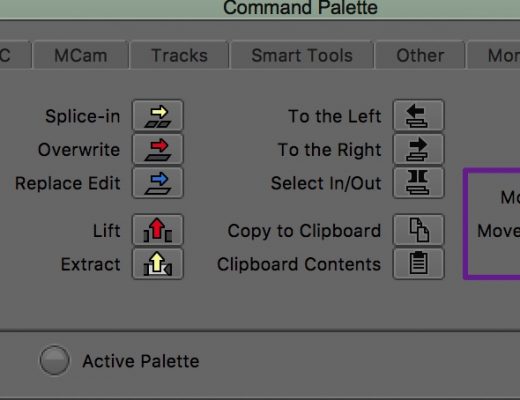
Avid Media Composer move clips up down

Day 4 #28daysofQuickTips 2018 – Move Up Move Down in Media Composer

Written by Scott Simmons
February 4, 2018
Premiere Pro (and okay maybe Final Cut Pro 7 Classic editors if there are any really still out there) editors...
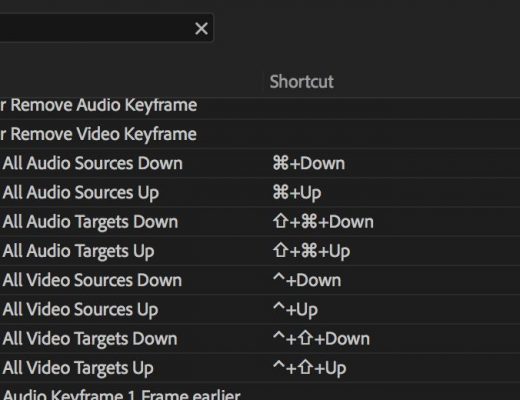
Adobe Premiere Pro move track patching

Day 3 #28daysofquicktips 2018 – Track patching with the keyboard in Premiere Pro

Written by Scott Simmons
February 3, 2018
Adobe Premiere Pro has an unbelievably advanced set of keyboard shortcuts but many of those are unassigned. One of...
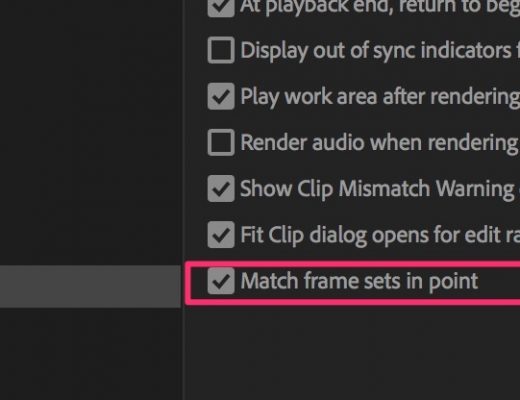
Adobe Premiere Pro match frame

Day 2 #28daysofquicktips 2018 – Mark IN for Match Frame in Premiere

Written by Scott Simmons
February 2, 2018
For a few of our tips this month we’re going to look at some newly added features in recent...

Hues on first - easy and fast colour correction 17

Hues on first – easy and fast colour correction

Written by Chris Zwar
June 4, 2015
Colour correction is one of the most important aspects of compositing and visual fx.  This quick tip will show...
All the 2015 #28daysofquicktips in One Handy Link 18

All the 2015 #28daysofquicktips in One Handy Link

Written by Scott Simmons
March 8, 2015
February 2015 was another edition of #28daysofquicktips. This year’s edition followed up 28 Days of Quicktips from 2009 and...

Posts navigation

  • 1
  • 2
  • »

PVC Favorites

3 weeks ago

Adobe Premiere is adding a Generative Media Tool

Adobe Premiere is adding a Generative Media Tool 29
Review: Insta360 Luna Ultra 30
Production

Review: Insta360 Luna Ultra

KSUN ZL35
Business

Review: KSUN ZL35 network walkie talkie radio with wifi/4G & Zello

Pentacon lens with zebra-striped barrel on a desk next to a drinking glass.
Production

Finding more classic stills lenses

Latest

3 days ago

After Effects Portal July 2026

After Effects Portal July 2026 31
GoPro Mission 1 Pro Update: Slow Motion, Time-Lapse & Wireless Mic Tests 32
Post Production

GoPro Mission 1 Pro Update: Slow Motion, Time-Lapse & Wireless Mic Tests

Laowa Aksen series: first ever commercial 5-10x macro
Pro Photo

Laowa Aksen series: first ever commercial 5-10x macro

Brompton Technology powers VP workflow for ITV’s Believe Me
Post Production

Brompton Technology powers VP workflow for ITV’s Believe Me

ProVideo Coalition

Contact

  • +1-747-444-1870
  • [email protected]

Useful Links

  • Advertise With Us
  • Mobile App
  • Topics
  • Meet the Experts
  • Webinars
  • Contact Us

Our Websites

  • Filmtools
  • PacRad
  • Tour Supply
  • Moviola.com
  • Moviola Digital

Sign up for the ProVideo Coalition weekly e-newsletter and get the most popular articles, blogs, and reviews right to your inbox.

By entering your email, you agree to our Terms & Conditions and Privacy Policy

© 2026 ProVideo Coalition, a Filmtools Company. All Rights Reserved.
Terms of Service Privacy Policy Cookie Policy Sitemap
Manage Cookie Consent
We use cookies to optimize our website and our service.
Functional Always active
The technical storage or access is strictly necessary for the legitimate purpose of enabling the use of a specific service explicitly requested by the subscriber or user, or for the sole purpose of carrying out the transmission of a communication over an electronic communications network.
Preferences
The technical storage or access is necessary for the legitimate purpose of storing preferences that are not requested by the subscriber or user.
Statistics
The technical storage or access that is used exclusively for statistical purposes. The technical storage or access that is used exclusively for anonymous statistical purposes. Without a subpoena, voluntary compliance on the part of your Internet Service Provider, or additional records from a third party, information stored or retrieved for this purpose alone cannot usually be used to identify you.
Marketing
The technical storage or access is required to create user profiles to send advertising, or to track the user on a website or across several websites for similar marketing purposes.
Manage options Manage services Manage vendors Read more about these purposes
View Preferences
{title} {title} {title}
Manage Cookie Consent
We use cookies to optimize our website and our service.
Functional Always active
The technical storage or access is strictly necessary for the legitimate purpose of enabling the use of a specific service explicitly requested by the subscriber or user, or for the sole purpose of carrying out the transmission of a communication over an electronic communications network.
Preferences
The technical storage or access is necessary for the legitimate purpose of storing preferences that are not requested by the subscriber or user.
Statistics
The technical storage or access that is used exclusively for statistical purposes. The technical storage or access that is used exclusively for anonymous statistical purposes. Without a subpoena, voluntary compliance on the part of your Internet Service Provider, or additional records from a third party, information stored or retrieved for this purpose alone cannot usually be used to identify you.
Marketing
The technical storage or access is required to create user profiles to send advertising, or to track the user on a website or across several websites for similar marketing purposes.
Manage options Manage services Manage vendors Read more about these purposes
View Preferences
{title} {title} {title}

Newsletter Sign Up

Sign up for the ProVideo Coalition weekly e-newsletter and get the most popular articles, blogs, and reviews right to your inbox.

×

