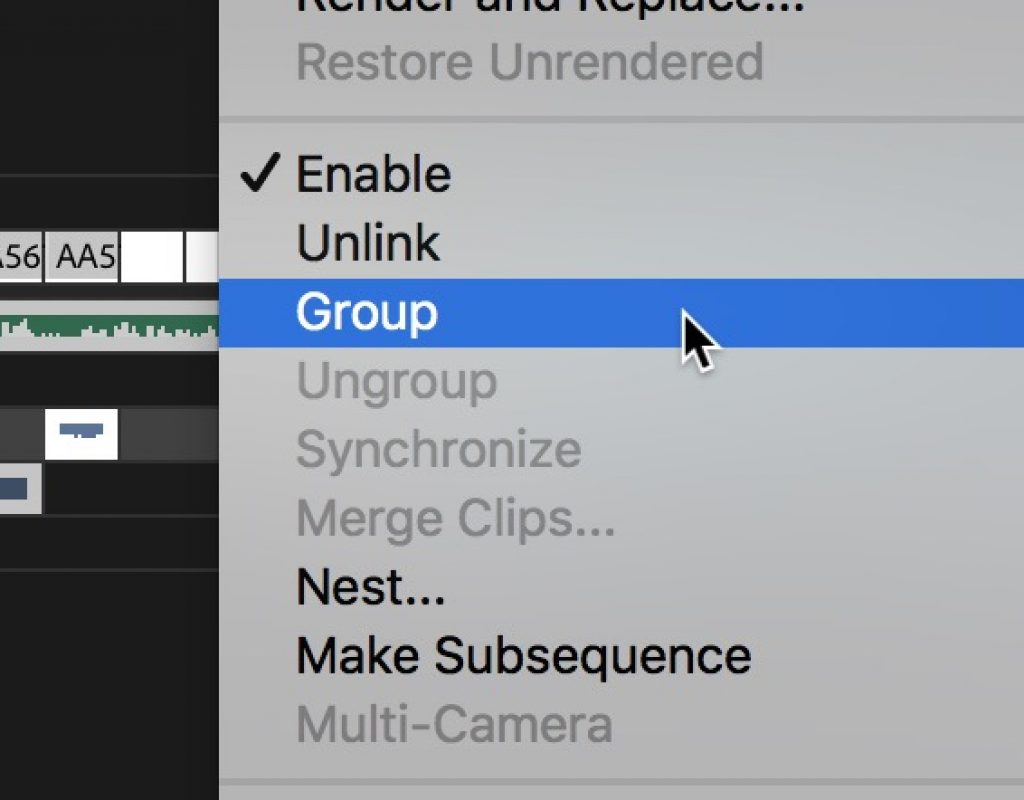
Day 22 #28daysofQuickTips 2018 – Group and Ungroup in Adobe Premiere Pro
Day 22 is another reader QuickTip that comes to us all the way from Jamaica. Twain Richardson is an...

Day 21 #28daysofQuickTips 2018 – Use DaVinci Resolve free to test your XMLs and conforms
If you’re an editor who has to send out your projects to a colorist (besides being one of the...
Day 20 #28daysofQuickTips 2018 – an extra 12db in the Avid Media Composer timeline
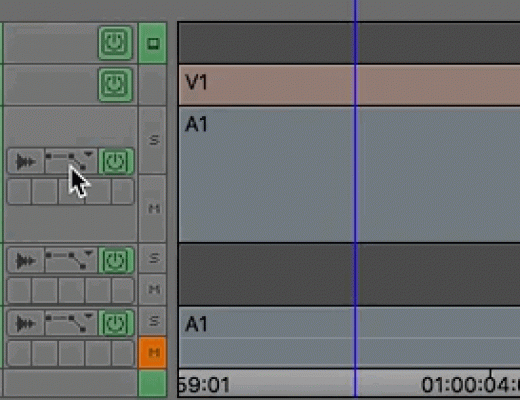
This is kind of two Avid Media Composer audio tips in one. When you raise the audio level on a...
Day 19 #28daysofQuickTips 2018 – Map audio waveforms and keyframes in Avid Media Composer
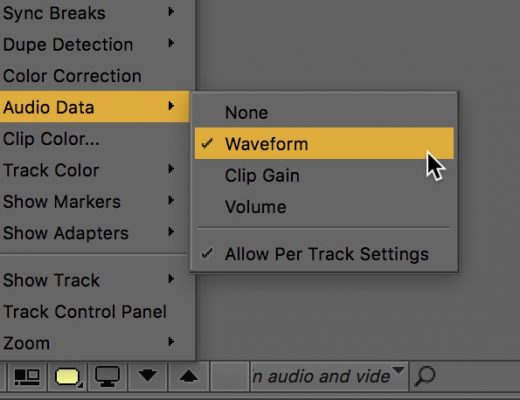
A number of versions ago Avid added the very handy per track toggle option for audio waveforms where you...
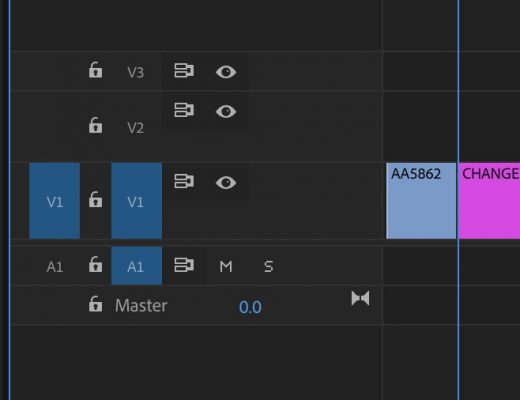
Day 17 #28daysofQuickTips 2018 – See original clip names in Premiere Pro timeline
First off, this QuickTip mainly applies to those who use the Display the project item name and label color...
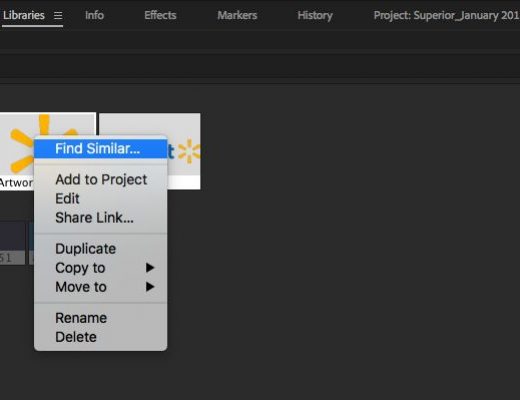
Day 16 #28daysofQuickTips 2018 – 3 reader Adobe Premiere Pro QuickTips
Today we have three reader QuickTips for Adobe Premiere Pro that take us from the relatively new Library panel to...
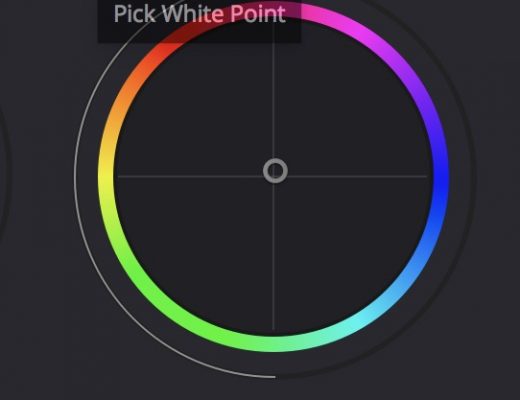
Day 14 #28daysofQuickTips 2018 – Pick Black and White Point in DaVinci Resolve
As an editor I don’t do a lot of extensive color grading in DaVinci Resolve but every now and...

Day 13 #28daysofQuickTips 2018 – Reversing Sunset to make Sunrise
This is the first of our reader QuickTips which comes to us courtesy of Clark Morris, Senior Editor of...

Day 12 #28daysofQuickTips 2018 – Your library might have access to Lynda.com
At some point last year I learned that my local library had access to Lynda.com. It wasn’t well publicized...
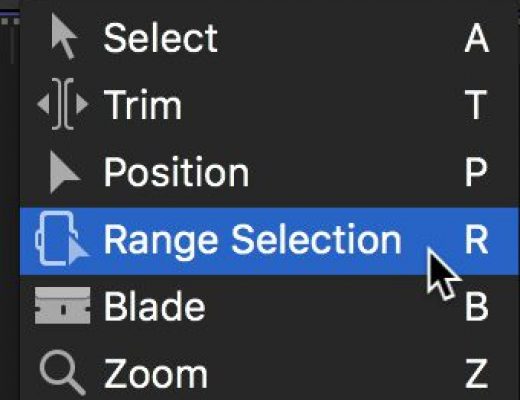
Day 8 #28daysofQuickTips 2018 – Temporarily enable a tool in Final Cut Pro X
This is a simple little thing that makes the already fast Final Cut Pro X even faster: if you hold...






