NAB: Global UHD Conference
One of the session tracks at NAB is the Global UHD Conference, devoted to a discussion of progress in...
NAB panel: The Future of HDR in Cinema
Saturday saw a panel session on “The Future in High Dynamic Range – Are You Ready?” as part of...
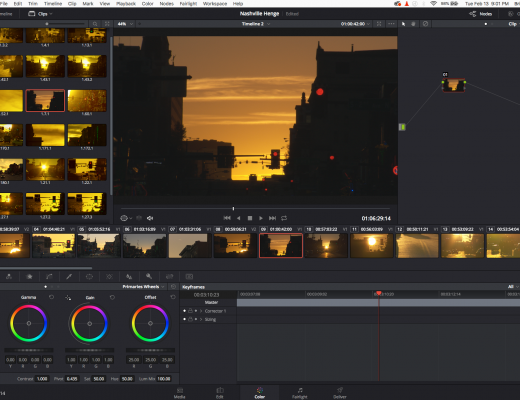
DaVinci Resolve 14 With A Mini Micro Panel Review
What Blackmagic Design has created under the hood of DaVinci Resolve is akin to Pandora’s box, and let me...
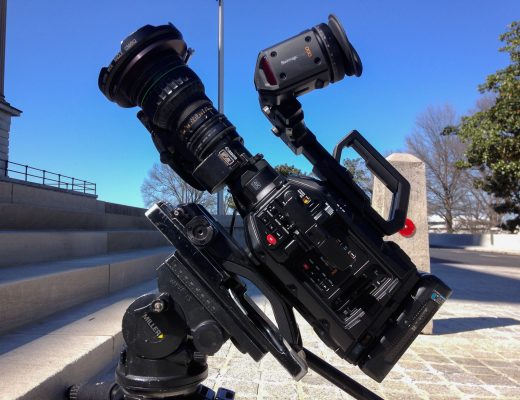
A Look At The Blackmagic Design URSA Broadcast | A Camera Review
When every other manufacturer went with a larger Full-Frame sensor in their flagship cameras Blackmagic decided to go in...
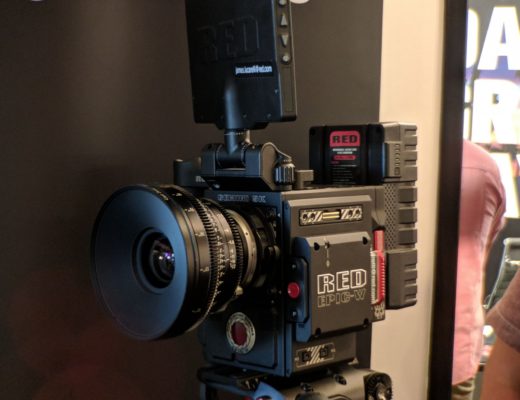
RED, G-Tech, and Manfrotto Come Out for Gear+Beers in Orange County
You asked, and Filmtools listened: Gear + Beers came to Orange County at the end of March to host...
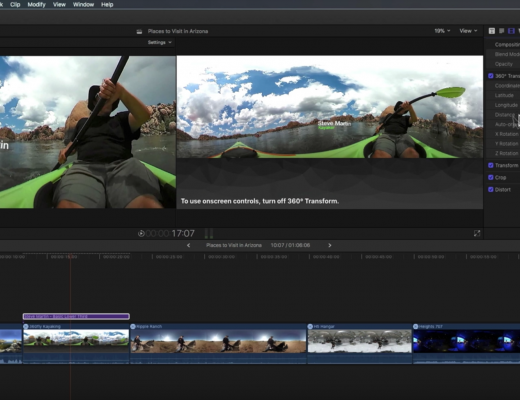
Placing 2D Text in 360 Video with Final Cut Pro X
This week on MacBreak Studio, Steve Martin from Ripple Training shows us how to add text to a 360...
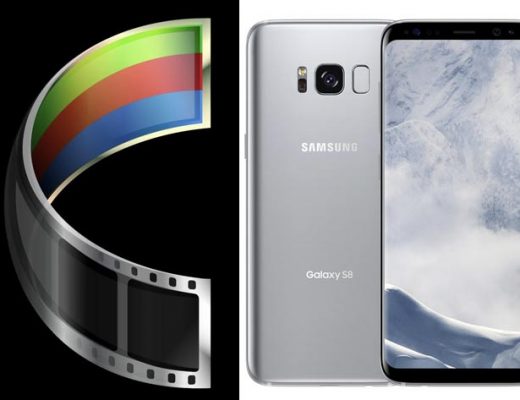
FilmConvert’s camera profiles for smartphones: for Galaxy S8 now, iPhone X is next
A profile for the Samsung Galaxy S8 was the most recent launch from FilmConvert, in a period when the...
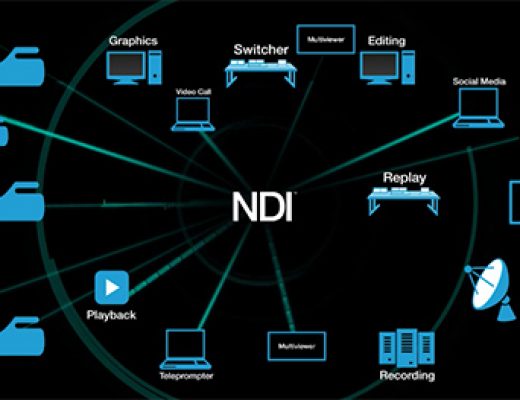
NewTek, Vizrt & Cisco show virtualized products at NAB 2018
NewTek, Vizrt and Cisco will conduct a joint demonstration of virtualized live IP video production and control room automation...
ProRes RAW, FCPX, and Atomos recorders
As Scott Simmons mentions in Apple prepares a new Final Cut Pro X update for NAB 2018, Apple has developed...
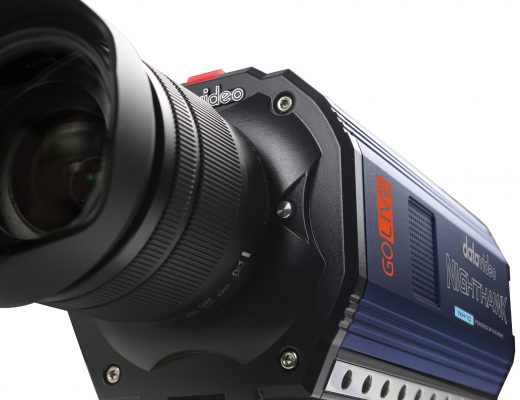
Datavideo NightHawk low-light camera & more at NAB 2018
At NAB 2018, Datavideo is introducing its NH-100 NightHawk low-light camera, which uses your Android or iPhone/iPad/iPod Touch as...