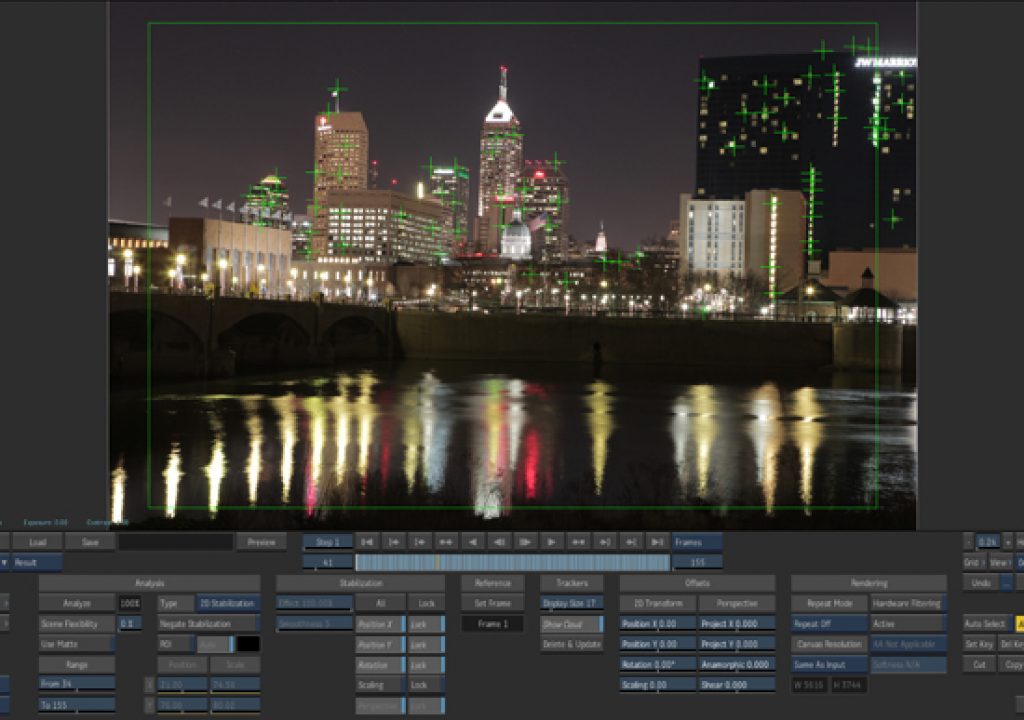
AutoStabilize In Autodesk Smoke
We recently purchased a Canon 5D MarkII at WTHR-TV. Our photographer wanted to do some cool timelapes of the...
Editing on Smoke for Mac
Smoke is known as a finishing system, but it’s a great editor in it’s own right. Many people are...
Autodesk Offers All-In-One Solution with NLE Suites Part II
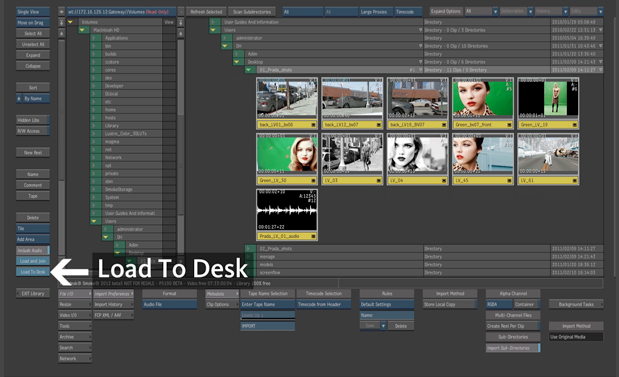
Basic TrainingNow that I steeled myself to learn Smoke, I was ready and determined to get down to business....
Autodesk Offers All-In-One Solution with NLE Suites Part I
Recently I’ve had a chance to visit with some of the brightest minds in post production today. These gentlemen...

GEEK OUT: The Non-Technical Technical Guide to Sony OLED Monitors
The first time I laid eyes on a professional Sony OLED monitor I knew my professional life had changed....
Autodesk Smoke: Under the Hood Part II
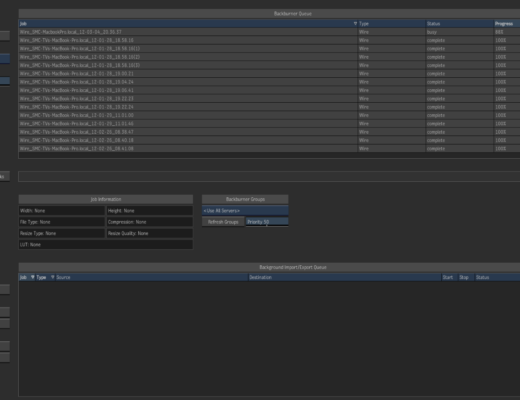
Backburner: Backburner handles all of the background processing of clips. These processes include creating frames on the framestore via...
Autodesk Smoke: Under the Hood Part I
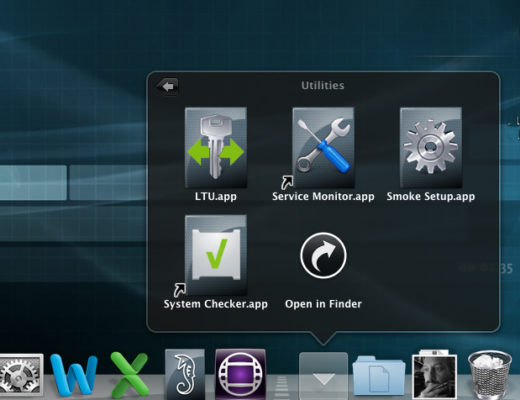
When you install Smoke either from the 30-Day Trial, the Educational version or even the retail, there is a...
Customizing Lens Flares Inside Smoke Part II
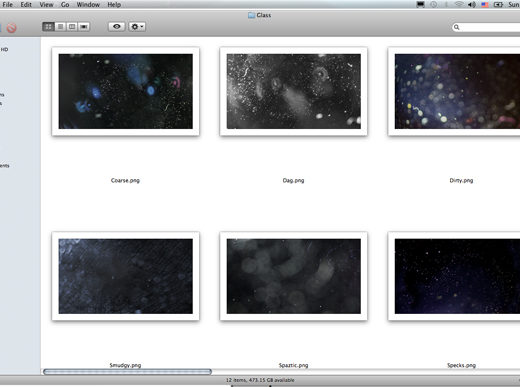
What’s a lens flare without the lens? The other texture you can add to the lens flare object, is...
Customizing Lens Flares Inside Smoke Part I
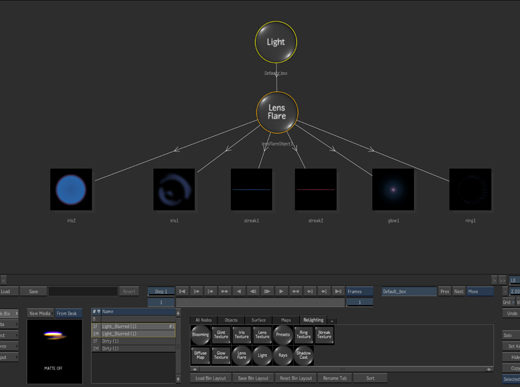
Lens flares are the new lens flares. Lens flares have made a comeback of late, largely due to recent...
The Metadata Magic of Smoke’s Clip History Part I
History is a feature in Smoke that keeps track of the operations that you perform on a clip, so...