

Filmtools
Filmmakers go-to destination for pre-production, production & post production equipment!
Shop NowSmallHD announced a major update to its PageOS software, introducing Fleet Control, Portrait Mode, expanded Camera Control features, and Downstream LUT support on 4K production monitors.

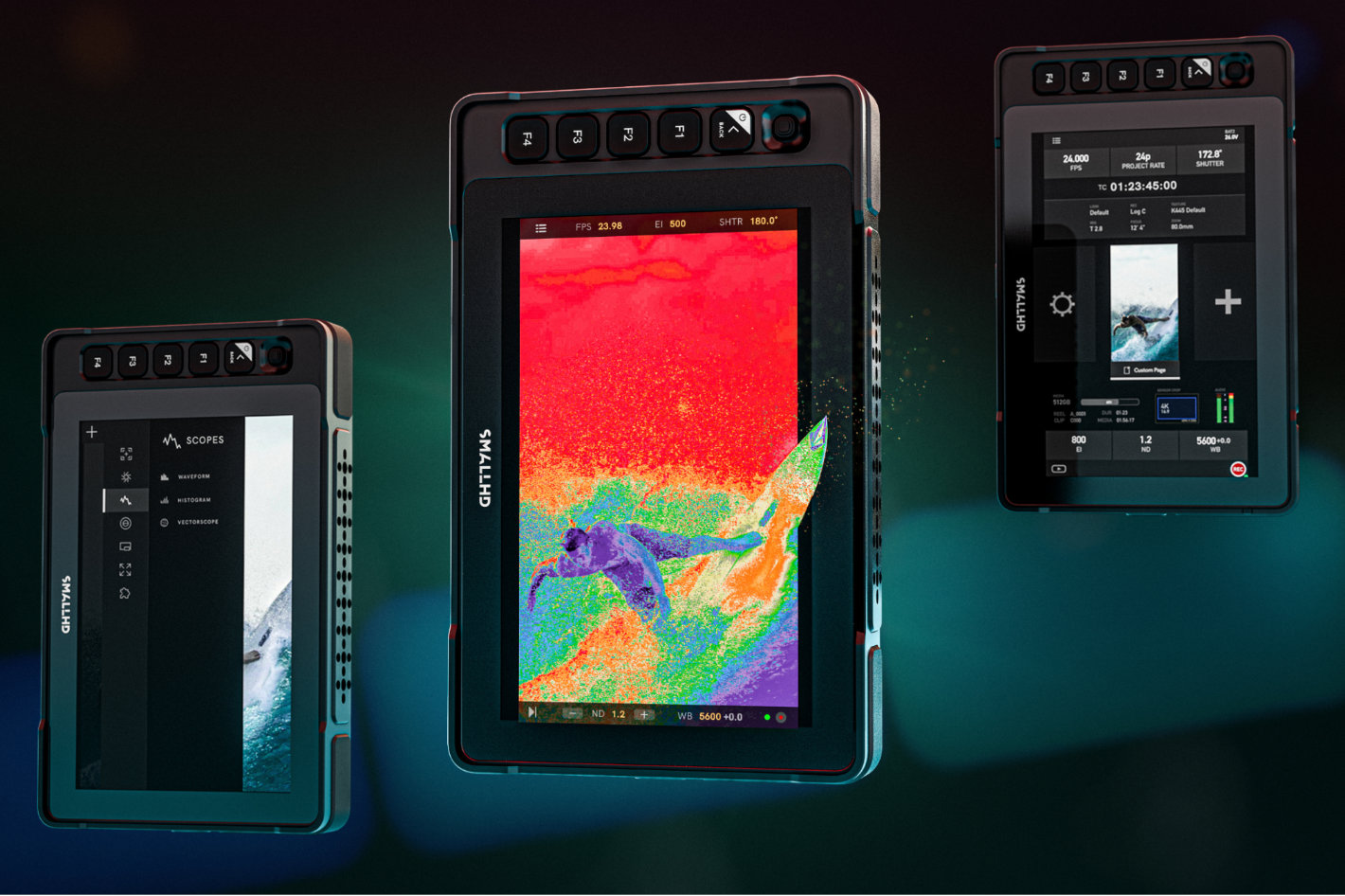 Designed to reduce setup time and improve consistency on set, this PageOS update helps crews manage complex monitoring workflows more efficiently across a wide range of productions.
SmallHD released a major update to its award-winning PageOS software. PageOS 6 brought new features and a more streamlined interface to a one-of-a-kind software user experience, giving you powerful tools, a more streamlined workflow, and unprecedented creative control over your SmallHD monitors. According to the company, the latest firmware update – version 6.3 – makes PageOS more flexible and production-ready than ever, with the addition of Fleet Control, Portrait UI and LUT Downstream giving you an unexpected level of control never before achieved with SmallHD monitors.
“Our customers are working faster than ever, often across multiple cameras, monitors, and formats on the same set,” said Matt Eidenbock, Product Manager at SmallHD. “This PageOS update is about removing friction, from managing an entire fleet of monitors to supporting vertical content and camera control in one place. Crews can now spend less time configuring gear and more time focusing on the shot.”
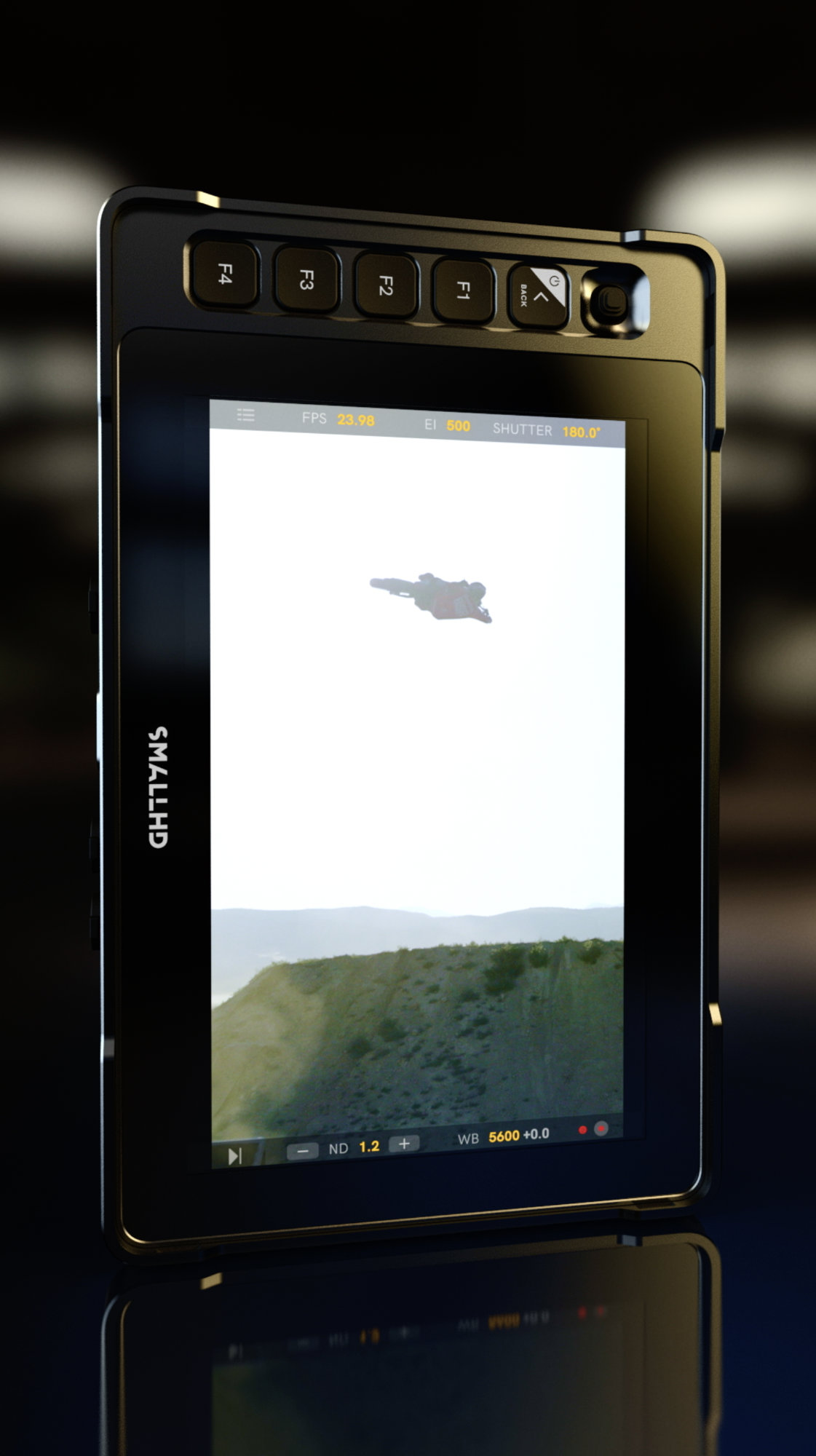 Key features of the new update:
Fleet Control – The release of PageOS 6.3 unlocks compatibility with the Fleet Control app. This powerful desktop app lets you manage all your monitors simultaneously over a network. With Fleet Control, you get features that bring real efficiency to your workflow:
- Update firmware & settings across all monitors at once
- Push pages, tools, and LUTs to multiple monitors in seconds
- Organize monitors into groups for fast setup
- Maintain consistent color & configuration across your fleet
Whether you have two monitors or twenty, Fleet Control keeps your setup fast, consistent, and ready before the shoot starts.
Portrait Mode UI – Vertical content production is booming and PageOS is ready for it. Our new Portrait Mode delivers optimized menu layouts for vertical shooting—no more awkward, landscape-locked workarounds. It’s a cleaner, faster way to monitor mixed-format productions.
New Camera Control Features
Canon Camera Control is now available – View your shot, control your settings, and dive into camera menus from our award-winning PageOS software platform. Save time and effort by adjusting your Canon camera settings right from your SmallHD monitor. Now available for Canon C70, C80, C300mkIII, C400, and C500mkII
Camera Control on Dials – On Quantum and Ultra 10 series monitors you can now assign specific settings to each dial. The dials offer precise, tactile tools for you to change settings like:
- ISO
- Shutter Speed/Angle
- White Balance
- Internal ND
- and more!
Downstream LUTs on 4K Production Monitors – Share graded looks from your 4K Production Monitor to every village monitor, so the whole crew stays aligned on the creative intent without the hassle of additional gear.
“At the end of the day, monitoring is about trust,” echoes Matt Eidenbock. “This update is about giving crews the confidence that their monitors are set up correctly, staying consistent across the set, and ready to adapt no matter how the production evolves.”
Download the free update at SmallHD.