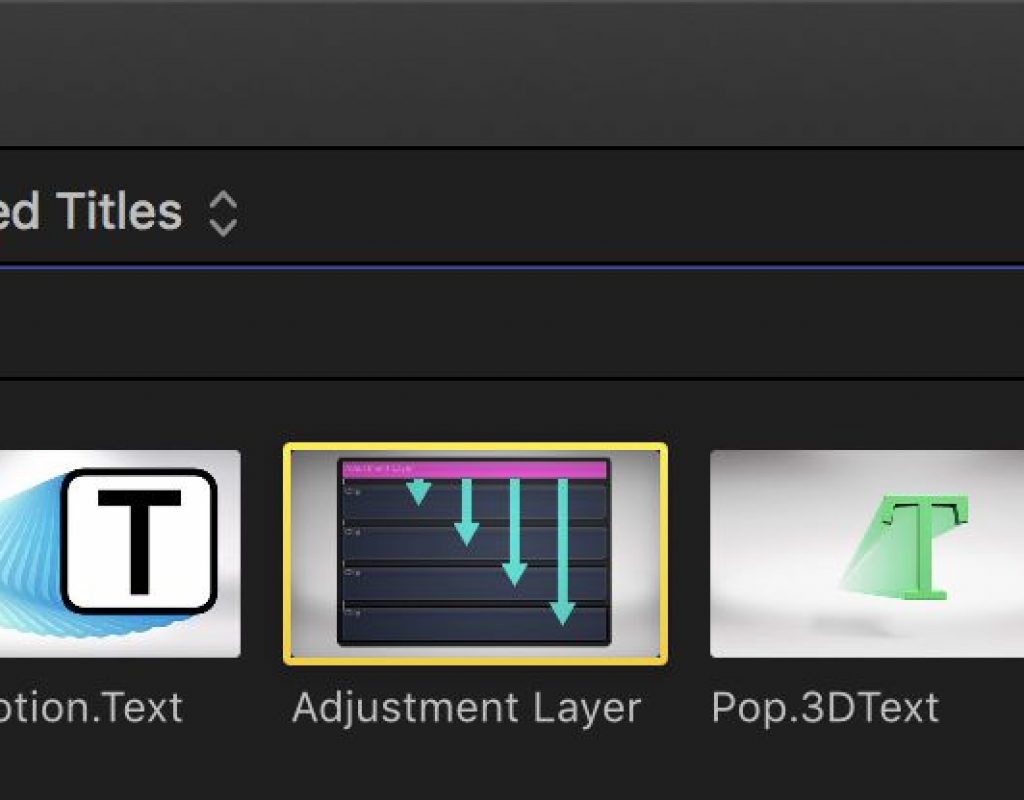
Day 27 #28daysofQuickTips 2018 – Audition Adjustment Layers as Effect Collections in Final Cut Pro X
Years ago before the release of Final Cut Pro X but after the first announcement many editors, myself included, were...

Day 23 #28daysofQuickTips 2018 – Drag in media for a quick import into your NLE
While all the three major NLEs have a tool made for importing media into a project both Final Cut Pro...
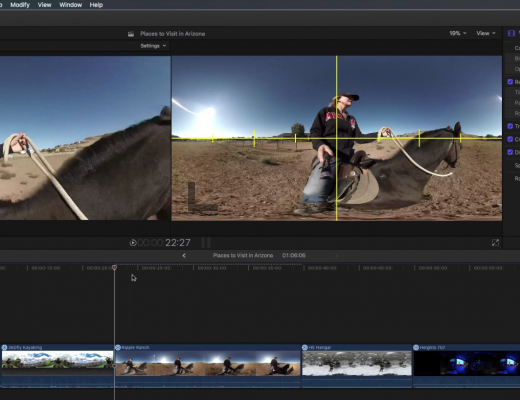
Editor as Director in 360 Video with Final Cut Pro X
This week on MacBreak Studio, Ripple Training’s Steve Martin shows us how the editor can be the director when...
Day 15 #28daysofQuickTips 2018 – Reader Final Cut Pro X QuickTips
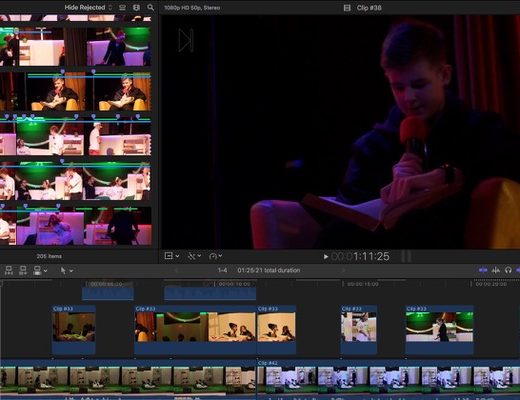
As you may have heard we are looking for reader QuickTips for this 2018 edition of #28daysofQuickTips including Final Cut...
Day 10 #28daysofQuickTips 2018 – Using Final Cut Pro X as the ultimate sound effects and music browser
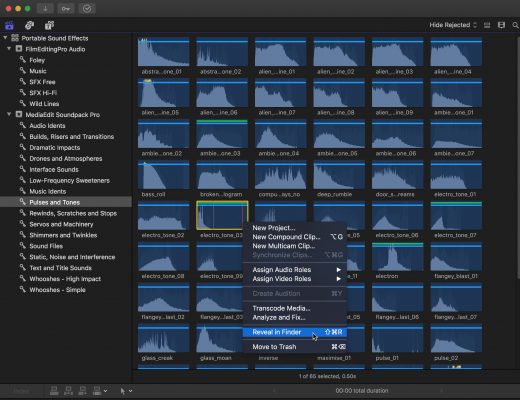
There was a Facebook post in an Avid editing group the other day that reminded me of one of...
Creating Custom Black & White Effects in Final Cut Pro X
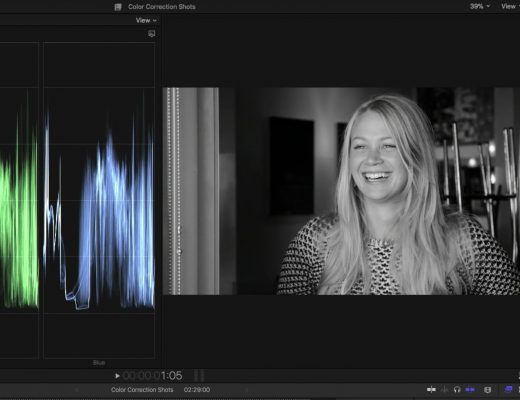
This week on MacBreak Studio, I show Ripple Training’s Steve Martin how you can use the new color tools...
Day 8 #28daysofQuickTips 2018 – Temporarily enable a tool in Final Cut Pro X
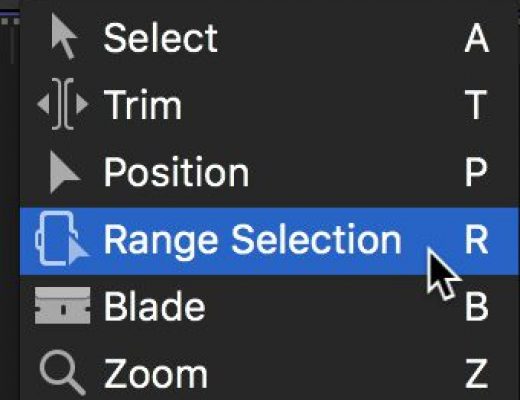
This is a simple little thing that makes the already fast Final Cut Pro X even faster: if you hold...

Day 7 #28daysofQuickTips 2018 – Apply and Toggle audio fades in Final Cut Pro X
I’m still quite perplexed that nearly 7 years after its release Final Cut Pro X still doesn’t have an audio-only...
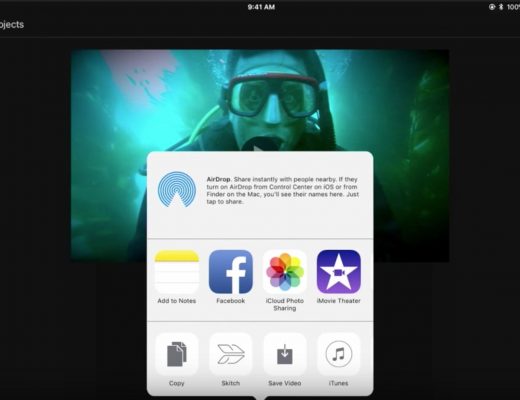
From the Field to Final Cut
This week on MacBreak Studio, Steve Martin from Ripple Training explains how he uses his iPad Pro to start...
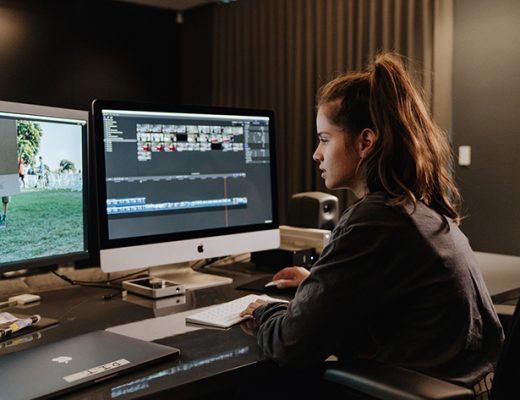
Three shorts to show the potential of FCPX
RED cameras, iMacs and MacBook Pros for editing, three female filmmakers, industry pros as mentors, and Final Cut Pro...



Latest

Post Production