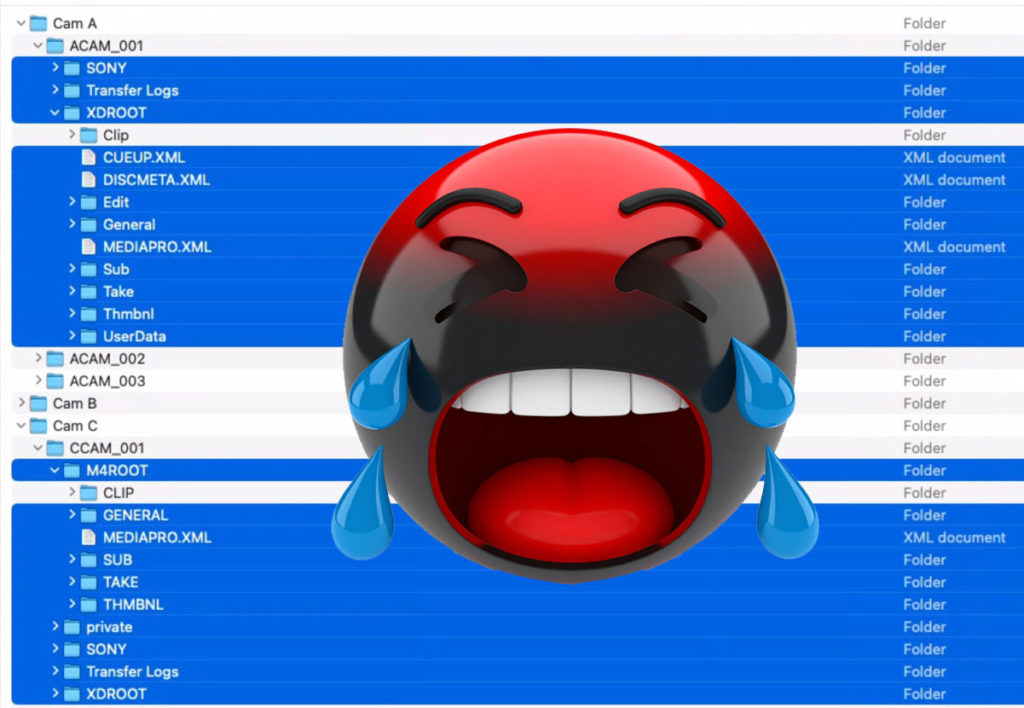

Who can fix the folder shuffle?
I challenge one of the major video editing application developers to fix the “folder shuffle”. What is the “folder...

Tool Tip Tuesday for Adobe Premiere Pro: Have I used this frame? (Reverse Match Frame)
Welcome to Tool Tip Tuesday for Adobe Premiere Pro on ProVideo Coalition I was reviewing a long-form doc for...

Tool Tip Tuesday for Adobe Premiere Pro: Go Back for faster bin navigation
Welcome to Tool Tip Tuesday for Adobe Premiere Pro on ProVideo Coalition. Every week, we will share a new...

Tool Tip Tuesday for Adobe Premiere Pro: Export Markers as an HTML file
Welcome to Tool Tip Tuesday for Adobe Premiere Pro on ProVideo Coalition. Every week, we will share a new...

Tool Tip Tuesday for Adobe Premiere Pro: Proxies That Build Themselves
Welcome to Tool Tip Tuesday for Adobe Premiere Pro on ProVideo Coalition 99% of performance issues on hardware are...

Tool Tip Tuesday for Adobe Premiere Pro: Stop Fighting with Audio Channels on the timeline
Welcome to Tool Tip Tuesday for Adobe Premiere Pro on ProVideo Coalition I was working with a skilled editor...

Tool Tip Tuesday for Adobe Premiere Pro: Shift to the Panel you want
Welcome to Tool Tip Tuesday for Adobe Premiere Pro on ProVideo Coalition Recently, Scott mentioned mapping a keyboard choice...

Tool Tip Tuesday for Adobe Premiere Pro: Map the Production panel shortcut
Welcome to Tool Tip Tuesday for Adobe Premiere Pro on ProVideo Coalition. Adobe Premiere Pro has very useful keyboard...

AI Tools: Video & Animation Come to Midjourney
Midjourney was my first real text-to-image AI tool experience starting back in 2022. I’ve watched it evolve as the...

Tool Tip Tuesday for Adobe Premiere Pro: The Search button in the Link Media dialog box
Welcome to Tool Tip Tuesday for Adobe Premiere Pro on ProVideo Coalition If you’re having to dig around to reconnect clips,...



Latest

Post Production