

Filmtools
Filmmakers go-to destination for pre-production, production & post production equipment!
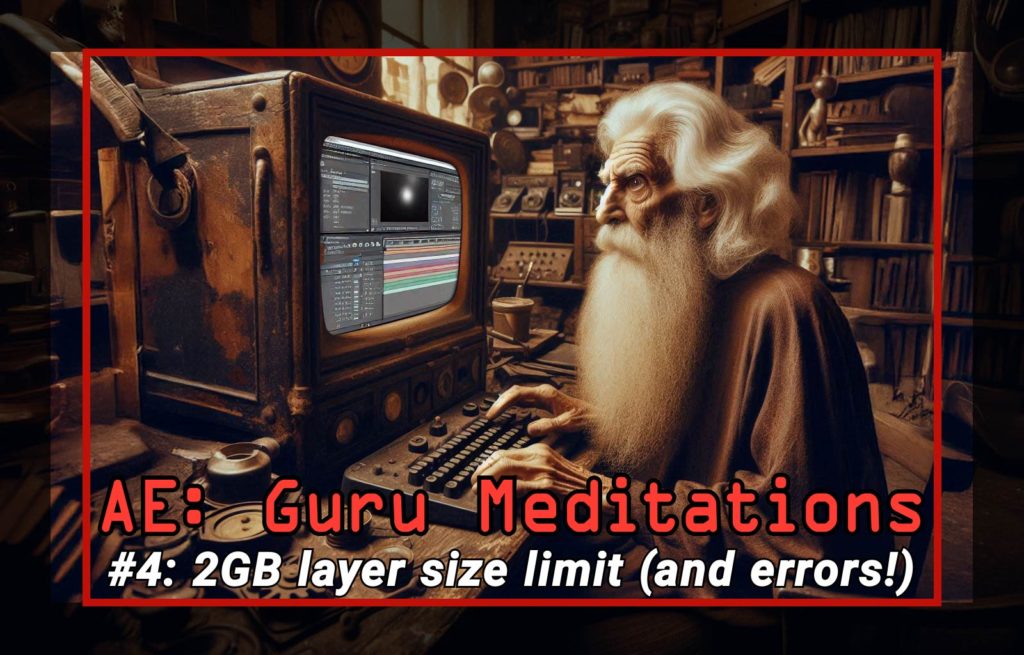
Shop NowNo that error doesn’t mean you need more RAM, it’s a built-in limit from 1993

There was a poster on the wall at my high school which said “To err is human, but to really screw things up takes a computer.” After Effects has its fair share of error messages, and sometimes it can be pretty hard to figure out what they mean.
It’s been less than a year since I started browsing the After Effects channel over at Reddit, and at the start I saw the same error being posted several times, often with wrong answers about a solution. Fair enough, it can easily be misunderstood:
“Memory Allocation of 2.x GB exceeds internal limits. Decrease the memory requirements for the rendering of this frame.”
In this video, I look at the error – what it means, where it comes from, and probable causes. There’s a long history behind those words, and they aren’t a reflection of the memory in your computer. Rushing out and buying more RAM won’t fix it, but adjusting the settings of Motion Tile / CC Repetile just might.
As I write this, After Effects version 26 is being released. It’s amazing to think that we’re still using an application that was first written 33 years ago. It’s even more impressive to think that After Effects version 1 ran on machines that had about 1 megabyte of RAM. Megabyte – with an M!
The underlying 2GB limit has been there since the start, but with the release of the Blackmagic Ursa Cine 17, we have a commercially available camera that records with such high resolution that After Effects can’t work with its footage – in 32 bit mode. As we need 32 bit mode for High Dynamic Range and ACES VFX, this is worrying. While I don’t think we’ll all be working with 17K footage any time soon – I haven’t had to work with 12K yet – it’s at least a sign of the future.
While 17K footage (or even 12K footage) may not be mainstream, High Dynamic Range video certainly is – and if you didn’t know already, then it simply looks better!

As I say in the video, updating After Effects isn’t nearly as simple as you might think. If you’re genuinely interested in this topic, then I’ve got several other articles which look at this in more depth. To begin with, there’s a reaction video I made about re-writing after effects from scratch.
But if you want even more details, then check out my interviews with software developers, and also Adobe’s own Sean Jenkin to hear from a senior After Effects engineer.
If you’ve found this useful, please check out my other articles.