Day 14 #28daysofquicktips – The Find in Timeline command in Adobe Premiere Pro
Adobe Premiere Pro CC recently added a very handy option to the Find command. That option is Find In...
Day 13 #28daysofquicktips – Full Screen Playback Options in Adobe Premiere Pro CC
Everyone knows the Premiere Pro shortcut that will take a panel full screen when you hit the tilde (`)...
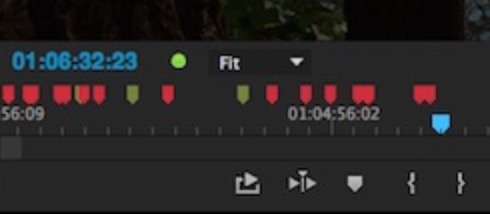
Day 12 #28daysofquicktips – Clean up the Adobe Premiere Pro Viewing Monitors
If you remember the early days of Premiere Pro you probably remember what a cluttered interface the application had....
Day 11 #28daysofquicktips – Select a Specific Layer in the Premiere Pro Source Monitor
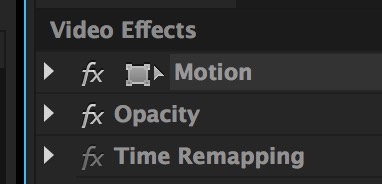
Have you ever had a stack of video layers in an Adobe Premiere Pro CC timeline and you couldn’t...

Blackmagic At Sundance Film Festival
Everyone loves a camera that makes a show at the Sundance Film Festival, and Blackmagic embraces that rebellious, independent...
Premiere Pro News Notes #12
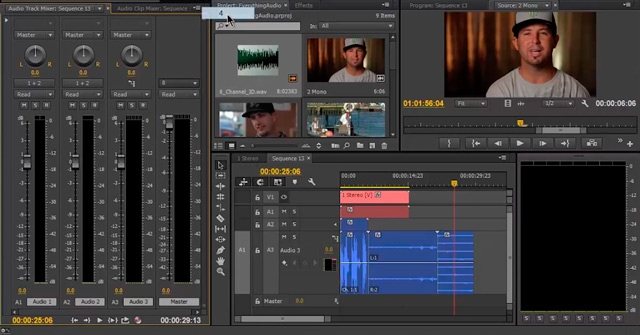
Here’s another collection of news on tutorials, tips, and related tools assorted with Adobe Premiere Pro. There’s a bit...
Interweaving in 3D space in Motion
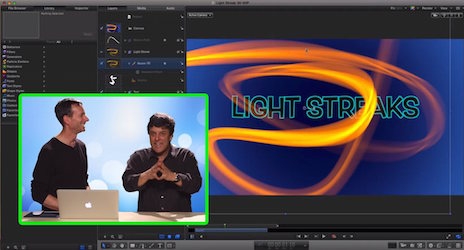
Can you wrap a light streak around text in Motion? That’s the question on this week’s MacBreak Studio with...
Day 9 #28daysofquicktips – Trim to Playhead in Adobe Premiere Pro
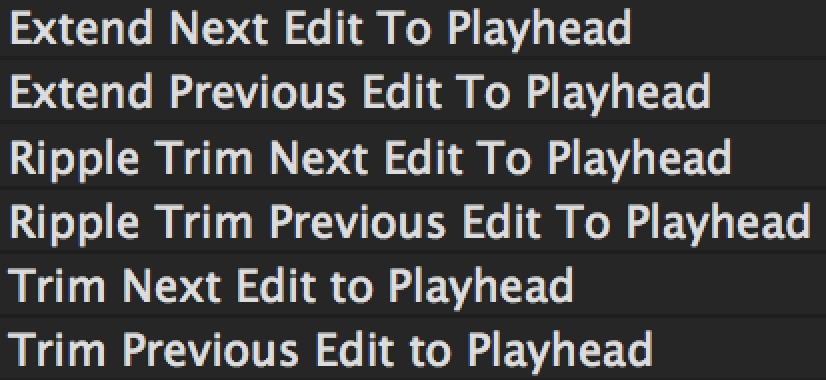
There’s a batch of keyboard commands that kind of all work together in Adobe Premiere Pro CC to improve...
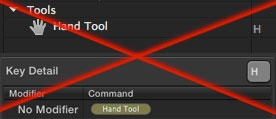
Day 7 #28daysofquicktips – Remap the H key away from the HAND tool
Going back to keyboard discussions for today’s Quicktip I always remap the H key on most NLEs (that’d be...
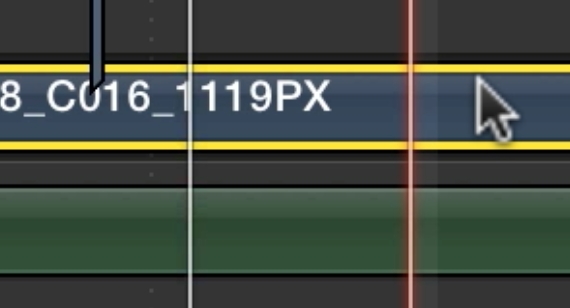
Day 6 #28daysofquicktips – Option click to move the Final Cut Pro X playhead
The Final Cut Pro X Skimmer is an awesome thing. But you still have a traditional playhead when working...






