

Filmtools
Filmmakers go-to destination for pre-production, production & post production equipment!
Shop NowMavis has launched Mavis Camera 8.2, the latest release of its professional camera app for the iPhone and iPad, introducing ProRes RAW, professional HDMI output and a new API for custom workflows.

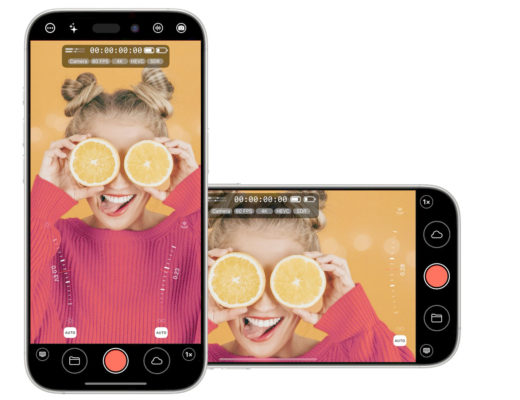
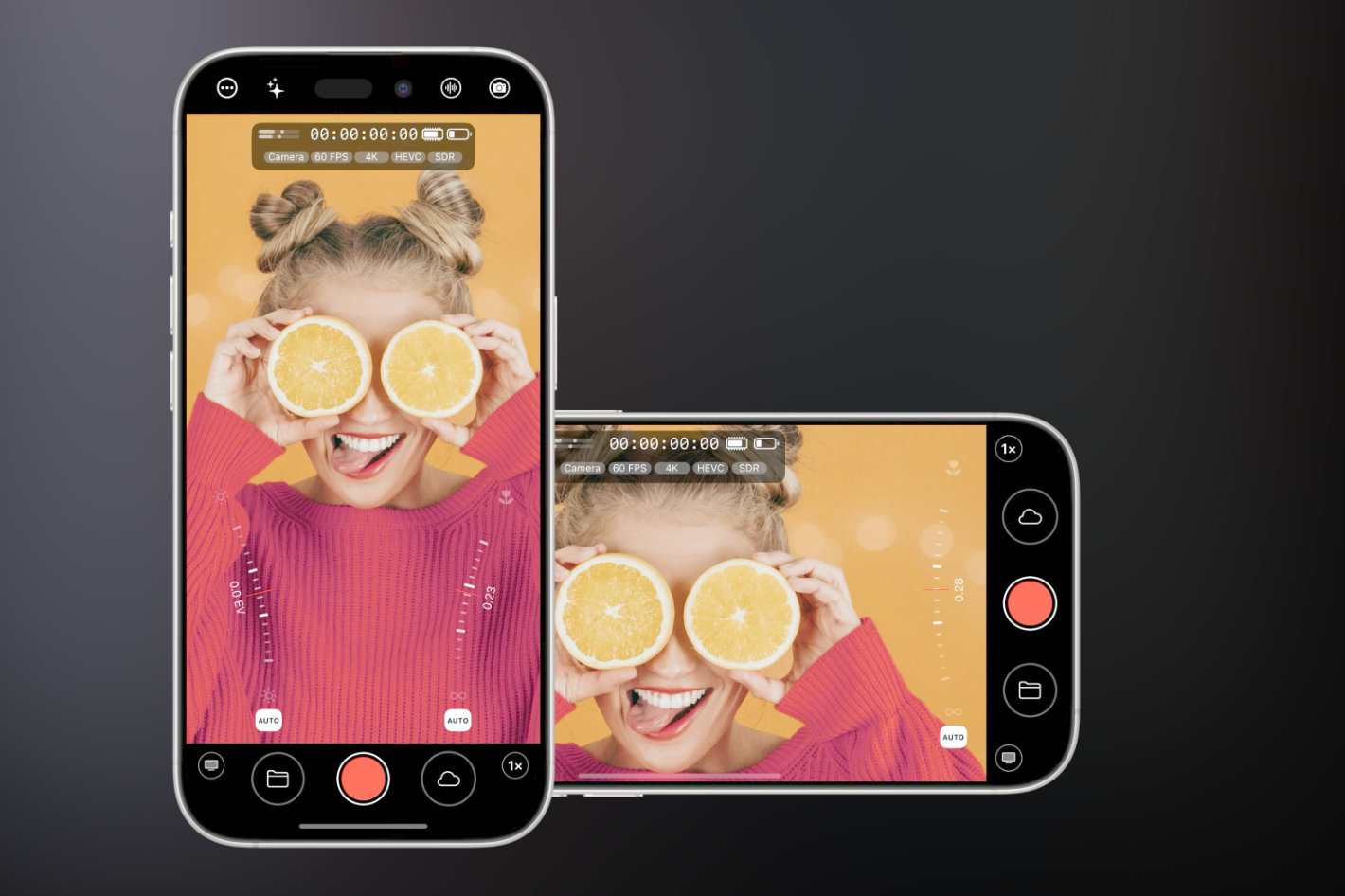 With this update, Mavis Camera 8.2 includes control of the new variable aperture on iPhone 18 Pro and Pro Max through its Camera Control Wheel or onscreen thumb rails.
The aperture control is, probably, what most attention captures, as every owner of the new model will want to play with the – few- aperture options available. On iPhone 18 Pro and Pro Max, Mavis Camera gives users direct access to the variable aperture through its Camera Control Wheel or onscreen thumb rails. The aperture can be adjusted while recording and works as part of both manual and automatic exposure, giving filmmakers and production teams another practical way to manage exposure and depth of field directly within the Mavis interface.
There is more to the update though, and once the joy of the discovery of aperture control fades, users will explore the other new features: ProRes RAW recording, professional HDMI output and a new API for integrating Mavis Camera into custom workflows.
Mavis Camera 8.2 introduces ProRes RAW recording for all supported iPhone models. Users can capture ProRes RAW in 4K or Open Gate to an external SSD, retaining greater flexibility to adjust exposure, white balance and other image parameters in post-production.
For external monitoring, Mavis Camera provides a low-latency HDMI feed with a choice of clean video or a professional info display. The info display brings key camera, recording and output details to a connected monitor, including exposure settings, focal length, recording state, timecode, capture format, audio levels and device status. Users can also carry monitoring tools and overlays such as tallies, guides, aspect-ratio masks, focus peaking, zebras and false colour onto the HDMI display.
Mavis Camera can also match the HDMI output refresh rate to the camera’s capture frame rate, helping the output fit predictably into professional monitoring and production workflows. In Mavis testing, HDMI latency measured two frames at 29.97 fps. Pro HDMI Output works through a compatible HDMI adapter.
The new Mavis Camera API lets external applications, devices and production systems connect to the camera over a local network. Through a WebSocket connection, they can control recording, exposure, focus, white balance, zoom, lens selection, tally and colour shading, while receiving live updates when camera settings or status change. A built-in, browser-based API Playground lets users explore these controls without writing code.
This two-way communication makes it possible for developers, broadcasters and production technology companies to build Mavis Camera into custom remote controllers, hardware control surfaces, multi-camera systems, studio automation, bespoke applications and wider production infrastructure.
Mavis Camera remains a free download. A new annual subscription costs USD $29.99 per year and unlocks all features included in Pro Pack, Film Kit, NDI and the API. It is offered alongside the existing one-time in-app purchases, which remain valid for customers who have already bought them.
Variable aperture control, ProRes RAW recording and and professional HDMI output are included free of charge. API access is available as a USD $19.99 one-time in-app purchase and is also included in the new Mavis Camera annual subscription. Local pricing and currency conversions apply.
Mavis Camera 8.2 is available now as a free download from the App Store.