Support ProVideo Coalition
Shop with


Filmtools
Filmmakers go-to destination for pre-production, production & post production equipment!
Shop NowMissed this one in the 28 Days of QuickTips

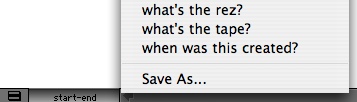
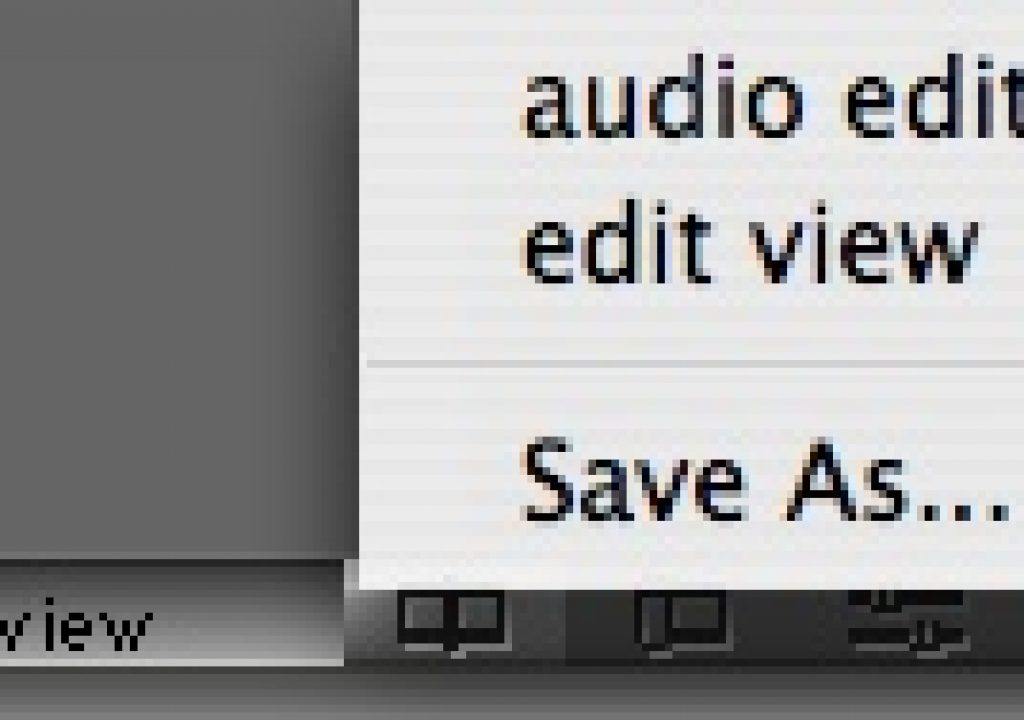
The View Menu is located at the bottom of the Avid timeline to save different track height configurations:
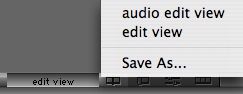
If you make a change to the tracks in the timeline then Avid lets you know by italicizing the current setting title and adding a suffix:

You can then save that view with that new name or change it to your own.
The same is true for the bin view menu at the bottom of a bin: