

Filmtools
Filmmakers go-to destination for pre-production, production & post production equipment!
Shop NowTL;DR Export fast without going through the Export tab

Welcome to Tool Tip Tuesday for Adobe Premiere on ProVideo Coalition
We’ve talked a lot about exporting from Adobe Premiere here during our Tool Tip Tuesday series. Everything from faster exports to using presets – any tip to make exporting faster is a good tip.
The Export tab (or perhaps Export Mode, as it might be called since we have Color Mode in the beta) is a very powerful interface for exporting in many different shapes, forms and fashions. If you need to get a quick export done right out of your timeline, there’s a button in the upper right-hand corner of the interface called Quick Export.
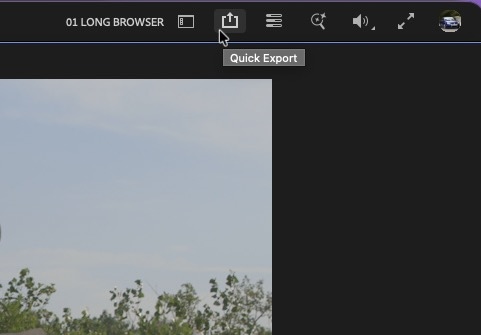
It is just what the title says. A quick way to export right from the timeline. Click it, and you can choose a destination and any number of presets.
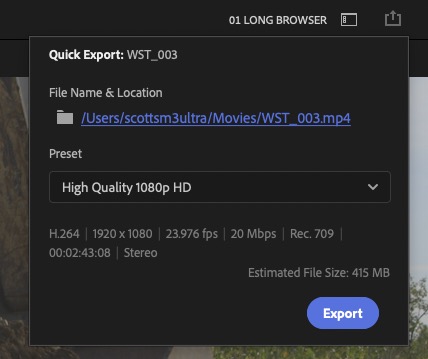
To dig into more detail on the different presets, hit the preset pop-up and choose More presets… at the bottom. This will bring up the Preset Manager where you can browse presets, favorite ones you use often, as well as import and export custom presets.
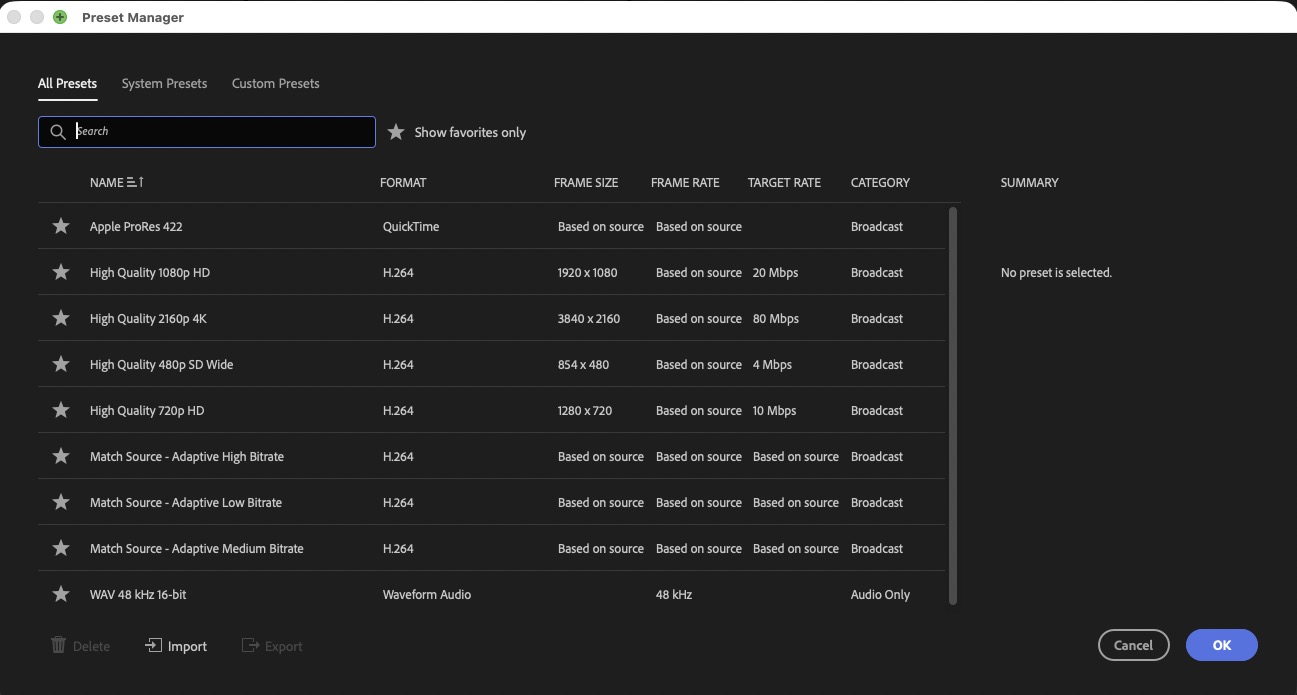
While not as powerful as the Export tab, spending some time in the Preset Manager can make the Quick Export button a fast, useful way to export a timeline.
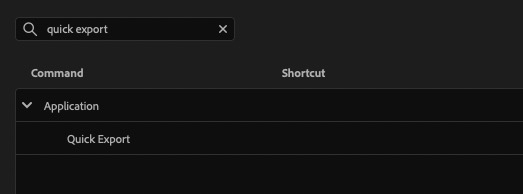
And as is often the case, there is an unmapped keyboard shortcut to make exporting even faster.
This series is courtesy of Adobe.