Tool Tip Tuesday for Adobe Premiere: Never See Red Again: The Hard Limiter on Your Master Output
Welcome to Tool Tip Tuesday for Adobe Premiere on ProVideo Coalition When your audio hits the red, the top...

Color Mode in Premiere (beta): Color and Contrast Controls — Zones, Not Lift/Gamma/Gain
If you’re used to lift, gamma, and gain, you’re used to thinking in three parts: shadows, midtones, and highlights....
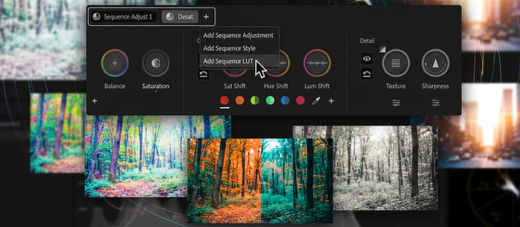
Color Mode in Premiere (beta): The Divide and Conquer Grading Workflow
Most editors approach color as a clip-by-clip task. That model works for simple timelines, but it does not scale....
Tool Tip Tuesday for Adobe Premiere: Quick Finding of Similar Shots using Media Intelligence
Welcome to Tool Tip Tuesday for Adobe Premiere on ProVideo Coalition The dreaded question: “Where are clips just like that...

Drive a Thousand Elements From One Control: Procedural Cinema 4D for After Effects Artists
You have ninety layers in a composition. They all need to move, but they can’t all move at once....
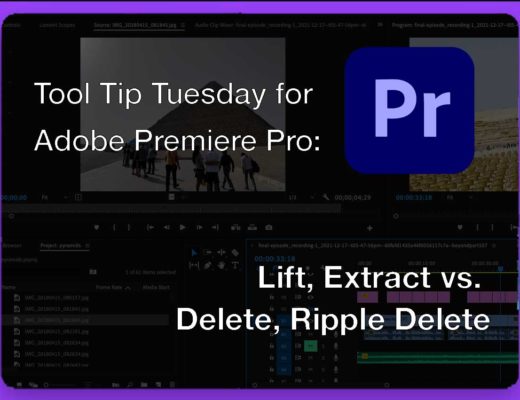
Tool Tip Tuesday for Adobe Premiere: Lift, Extract vs. Delete, Ripple Delete
Welcome to Tool Tip Tuesday for Adobe Premiere Pro on ProVideo Coalition. Every editor has to delete and ripple delete clips...

Tool Tip Tuesday for Adobe Premiere Pro: Track Meters Without the Mixer
Welcome to Tool Tip Tuesday for Adobe Premiere on ProVideo Coalition I love the audio meters. I don’t always...
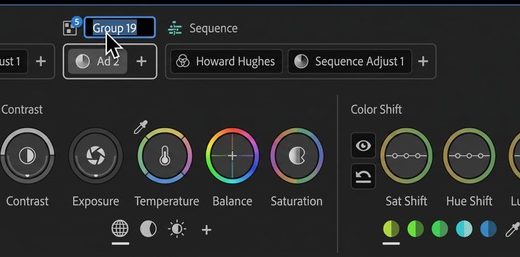
Premiere Color Mode (Beta): Understanding the Operations System — Adjust vs. Style
Color Mode is not built on effects, layers, or nodes. It is built on Operations—named reusable image decisions that...
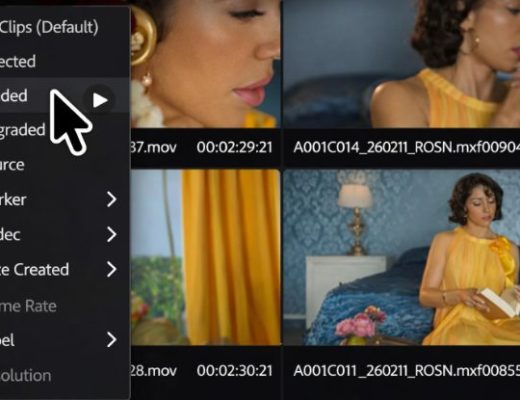
The Clip Grid — A Different Way to Work
One of the first reactions editors have when entering Color Mode in Adobe Premiere is confusion. The timeline—the structure...
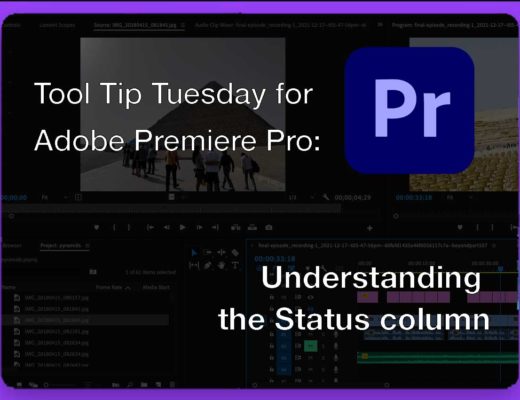
Tool Tip Tuesday for Adobe Premiere Pro: Understanding the Status column
Welcome to Tool Tip Tuesday for Adobe Premiere Pro on ProVideo Coalition. Offline media can be a big frustration when working...






