
Uncategorised
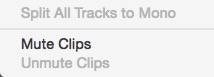
Day 17 #28daysofquicktips – Mute a Video Clip in Avid Media Composer 8
This Quicktip is a version specific Quicktip and our first for Avid Media Composer. It’s a small change but...
Uncategorised
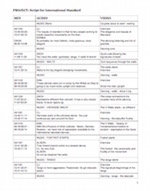
Day 16 #28daysofquicktips – Talk with your producer about that script
Today’s Quicktip is a user quicktip that comes to us from Jay Doyle. It’s not a tech tip but...
Uncategorised
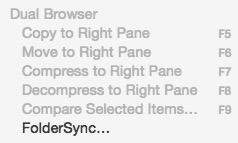
Day 15 #28daysofquicktips – Sync Folders on a Mac
If there’s one thing that any seasoned post-production professional has on their editing system it’s a lot folders full...
Uncategorised
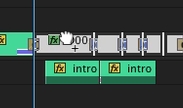
Day 14 #28daysofquicktips – The Find in Timeline command in Adobe Premiere Pro
Adobe Premiere Pro CC recently added a very handy option to the Find command. That option is Find In...
Uncategorised
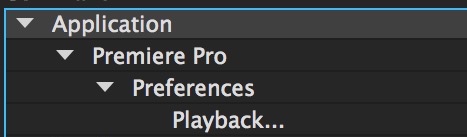
Day 13 #28daysofquicktips – Full Screen Playback Options in Adobe Premiere Pro CC
Everyone knows the Premiere Pro shortcut that will take a panel full screen when you hit the tilde (`)...
Uncategorised
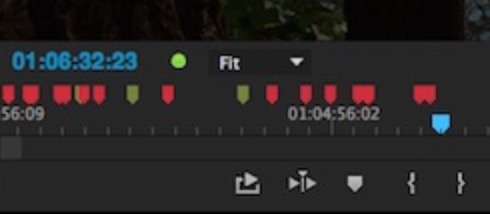
Day 12 #28daysofquicktips – Clean up the Adobe Premiere Pro Viewing Monitors
If you remember the early days of Premiere Pro you probably remember what a cluttered interface the application had....
Uncategorised
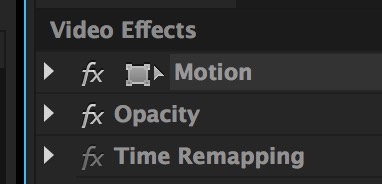
Day 11 #28daysofquicktips – Select a Specific Layer in the Premiere Pro Source Monitor
Have you ever had a stack of video layers in an Adobe Premiere Pro CC timeline and you couldn’t...
Post Production
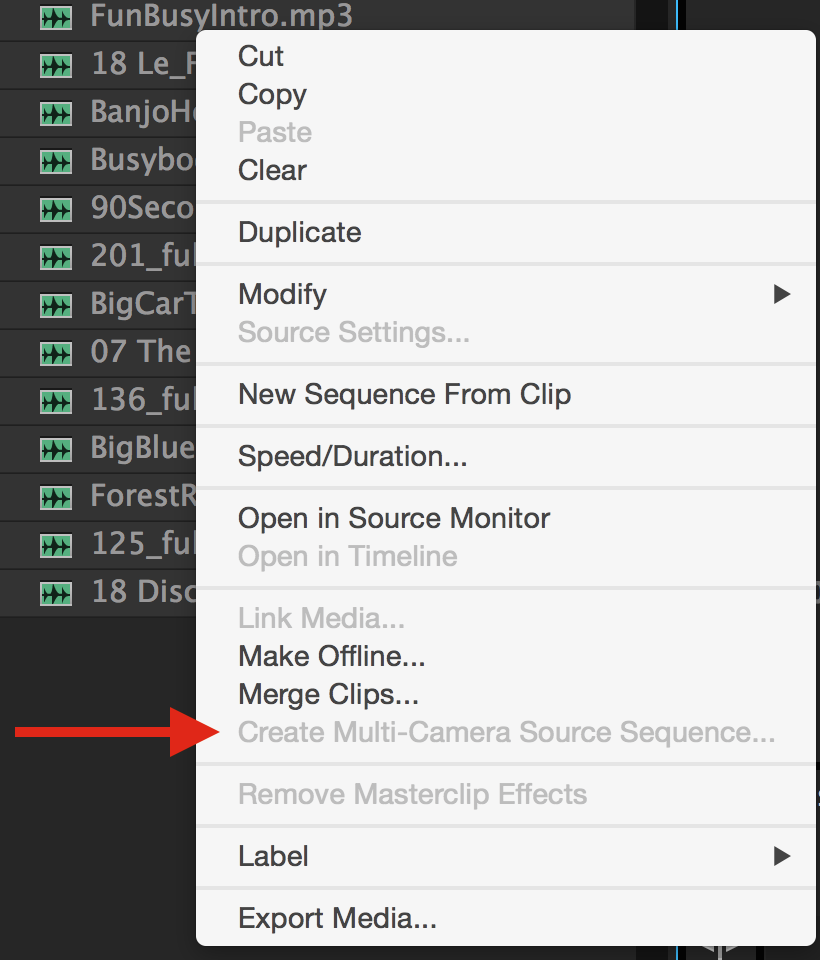
Day 10 #28daysofquicktips – Create an Audio-only Multicam Clip in Premiere Pro
For some reason Adobe Premiere Pro CC doesn’t seem to let you create a Multi-camera sequence from a batch...
Uncategorised
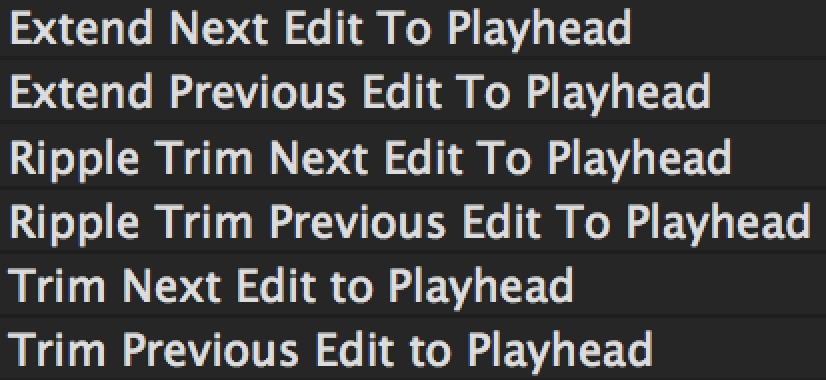
Day 9 #28daysofquicktips – Trim to Playhead in Adobe Premiere Pro
There’s a batch of keyboard commands that kind of all work together in Adobe Premiere Pro CC to improve...

Uncategorised
Day 8 #28daysofquicktips – Use a Trackpad for Better Navigation
Continuing in yesterday’s vein of using an external input device today’s Quicktip comes to us from Alex Gollner (that’s...