Post Production
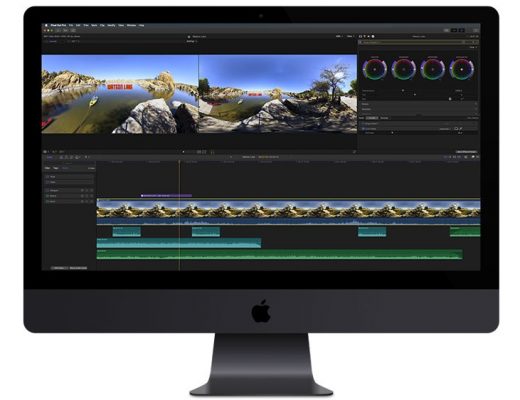
Final Cut Pro 10.4 is out and it is awesome
Here are some videos that explain the key features. First up, before you update, watch this: Now, here are...
Post Production
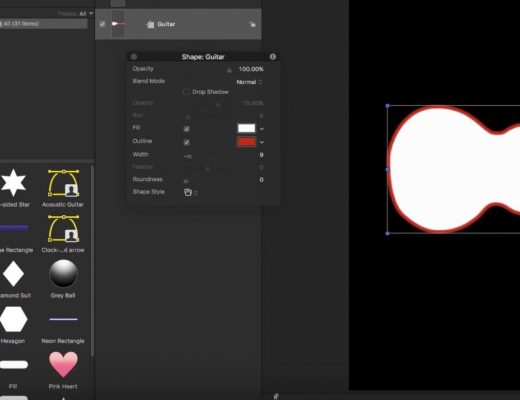
Creating Custom Shape Icons in Motion
This week on MacBreak Studio, I show Steve Martin from Ripple Training how to create custom shape icons in...

Post Production
Creating 3D Text Reveals in Motion
This week on MacBreak Studio, I show Steve Martin from Ripple Training how to create 3D text reveals in...

Post Production
Creating a Tilt-Shift Effect in Final Cut Pro X
This week on MacBreak Studio, Steve Martin from Ripple Training shows us how to create a tilt-shift effect on...
Post Production
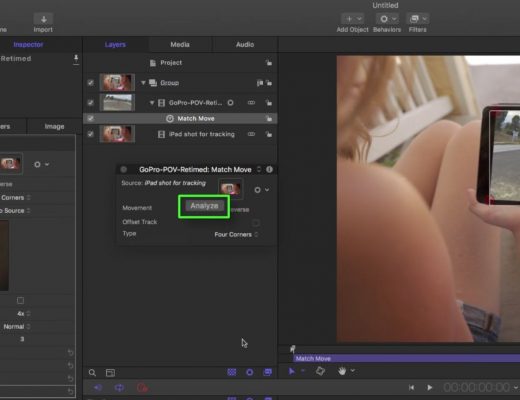
Generic Screen Replacements in Motion and Final Cut Pro X
This week on MacBreak Studio, I show Steve Martin from Ripple Training how you can use Motion’s tracking and...
Post Production
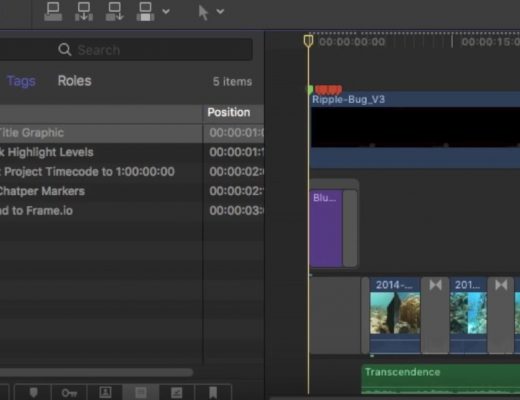
Making To-Do Lists in Final Cut Pro X
Do you have a set of common, repeating editing tasks that you need to remember for every Final Cut...

Post Production
Creating a Pleasantville Effect in Final Cut Pro X
This week on MacBreak Studio, I show Steve Martin from Ripple Training how to use Final Cut Pro X’s...
Post Production
Creating Moveable Markers in Final Cut Pro X
This week on MacBreak Studio, Steve Martin from Ripple Training continues he discussion about markers in Final Cut Pro...

Post Production
Creating Chapter Markers in Final Cut Pro X with Frame.io
This week on MacBreak Studio, Steve Martin from Ripple Training shows us how you can use frame.io to add...
Post Production
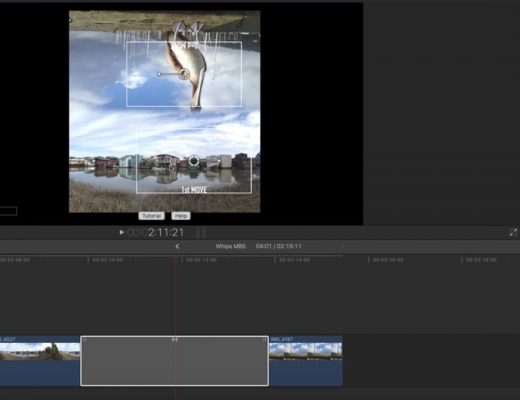
Ripple Whips & Ken Burns in Final Cut Pro X
This week on MacBreak Studio, I show Steve Martin from Ripple Training a specific use case for our Ripple...