

Filmtools
Filmmakers go-to destination for pre-production, production & post production equipment!
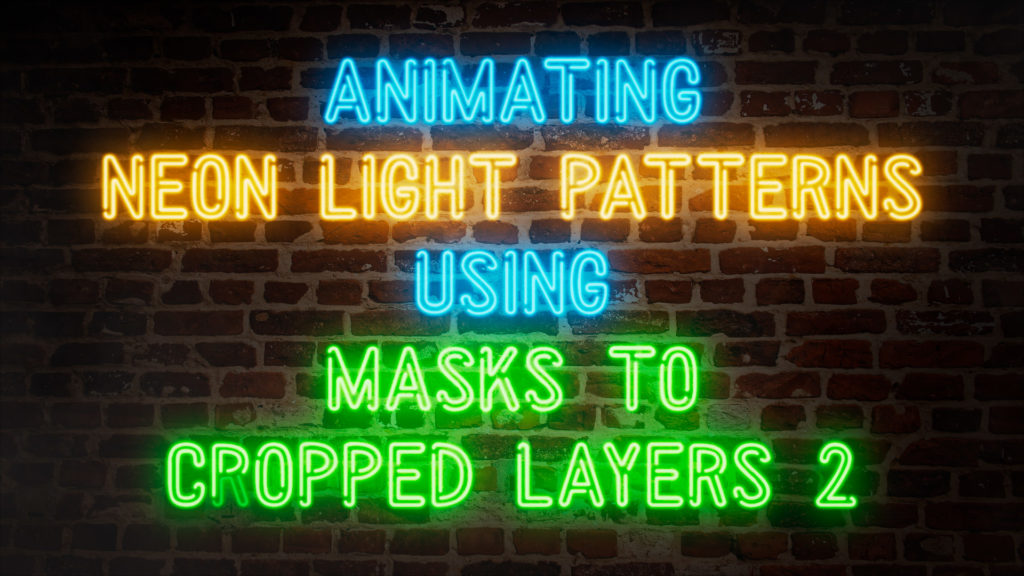
Shop NowUsing the Masks to Cropped Layers 2 script to automatically animate thousands of elements

We all have to-do lists, and sometimes working through them takes longer than we expect. Roughly 15 years ago, I was working on a lot of large-scale building projections and featured some of them in my articles from that time. Some of those earlier videos looked at a New Years Eve countdown I worked on in 2010, and a few looked at work I did for the Sydney Vivid Festival in 2013. But although the Vivid articles look at the overall process I worked through to create the final animations, they weren’t exactly a step-by-step tutorial.
As I worked on many projects that involved animating neon light patterns, I wrote, re-wrote, and re-wrote again an After Effects script that was crucial to making these projects possible. I made the script available for sale on the aescripts&plugins website, where you can purchase it today.
Full disclosure: The script is not free, and I can’t offer any discounts for PVC readers.
But ever since I released the script for sale, about 10 years ago, I have been meaning to compile my earlier articles together to make a more traditional step-by-step tutorial, and that’s what we have here. Finally!
The tutorial spells it all out pretty clearly, but here are a few things to note:
Firstly, the script and the process demonstrated use masks, not shape layers.
Secondly, the process is designed for large resolutions and long durations. This setup is for an automated animation process, but for smaller projects conventional keyframe animation may be fine.
Finally, the critical aspect of this process is understanding that After Effects can cope with lots of layers if they’re small. It’s the size of each layer in a composition, not the resolution of the final composition, that determines overall rendering times.
If you find this interesting, then an earlier article looks specifically at render times and layer sizes: