

Filmtools
Filmmakers go-to destination for pre-production, production & post production equipment!
Shop NowMany of us thought Kyno was dead but a new version 1.9 shows there is life left in Kyno

It’s happening! Everybody’s favorite post-production tool, Kyno, gets an update!
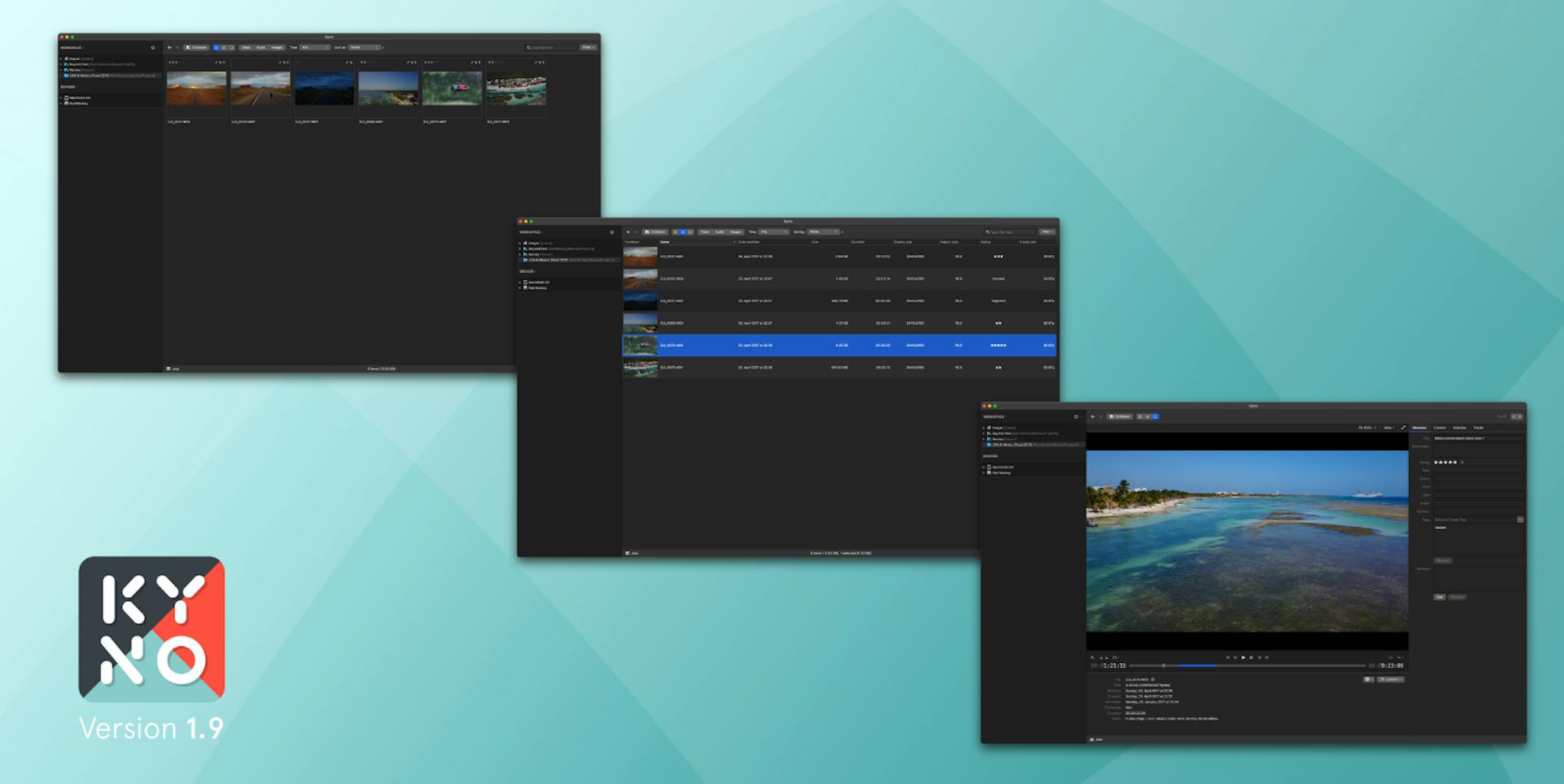
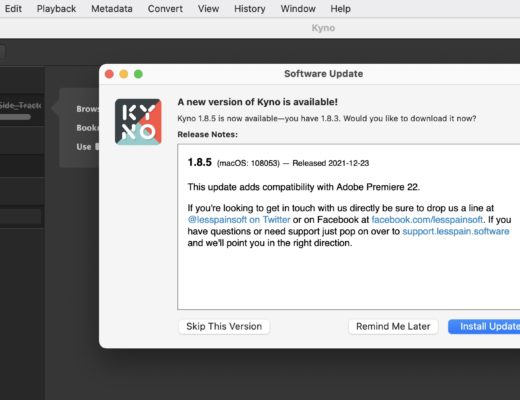
I was quite happy when I dropped by the Signiant booth at NAB and was told that an update to Kyno was imminent. It wasn’t going to be a huge feature update, that’s probably not going to happen anymore now that the tool is an integral part of Signiant. But the update is significant nonetheless. Partly because it adds some new formats, and partly because it adds native support for Apple Silicon. More than anything, this update means that the retail tool is still alive. It will hopefully continue to get maintenance updates like this for years to come.
It’s still a truly useful tool – one of the most useful tools in all of post-production.
And while other software vendors have tried and are trying to build something similar (as of this writing), there’s still nothing quite like Kyno.
I hate that the Kyno forums were taken offline. I can only guess that’s because a lot of the discussion over the last couple of years has been less about how to use the tool and more questioning whether Kyno had a life after the Signiant purchase. There were some really useful stuff in those forums, but looking at the site now, they are gone. The Knowledge Base is still there which is incredibly useful and should be the first stop for anyone who is new to Kyno.
Here are the release notes:
What’s New:
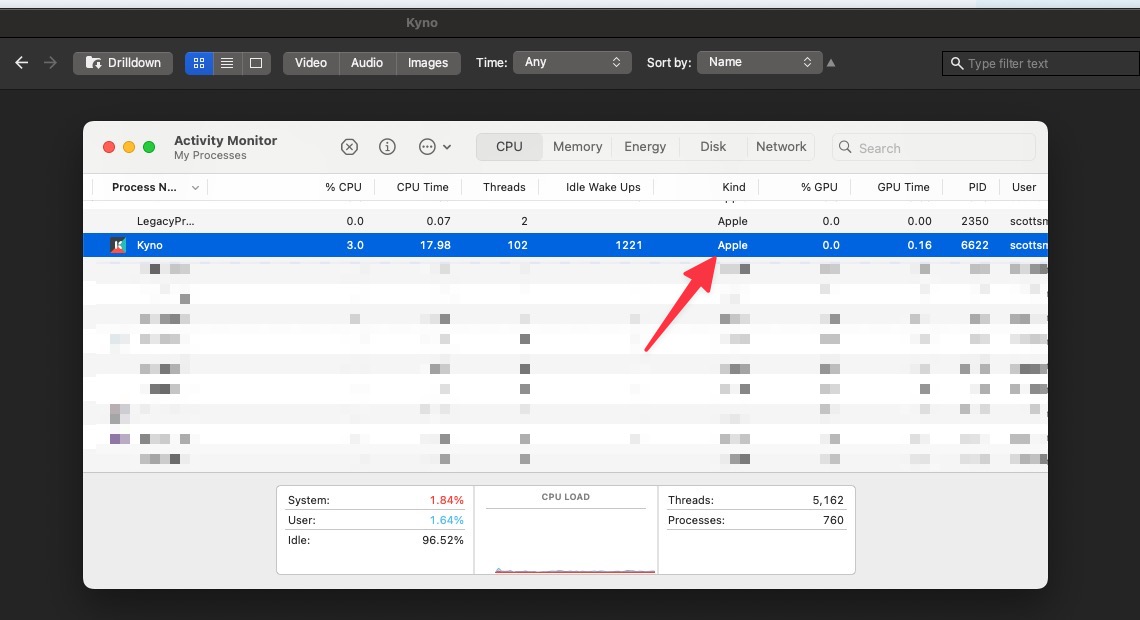
- Native Apple Silicon support on macOS
- ℹ️ For Apple Silicon Mac users: Kyno’s auto-update will keep you on the Intel version. To switch to the Apple Silicon version, please download it directly from: https://lesspain.software/kyno/download/.
- New look & feel:
- More modern, darker appearance
- Improved contrast of selection color
- Improved readability with a larger font
- Drilldown button moved to general toolbar
- Activity view is now linked from the status bar, where progress is displayed
- System font on macOS
- Improved scrolling performance on macOS
- Updated the BRAW SDK and RED RAW SDK to support latest cameras and firmware versions
- Removed integrations with Frame.io and Archiware P5
- New volume settings that allow you to store technical metadata and thumbnails in a shared file system and allow you to optimize indexing on shared storage environments (see here for details)
- The behavior of the refresh button in the lower right corner of the application has been improved, hold SHIFT while clicking it for a hard refresh should you run into inconsistencies
- There’s a new context action for files “Show in Enclosing Folder”, which shows the enclosing folder of an item – very useful in drilldown mode!
- Preanalyze now runs in the background and no longer blocks the user interface
- Smart proxy presets to allow creating batches of proxies with automatic scaling
Fixes:
- Security updates and some minor bugfixes
- Fixed copy/paste keyboard shortcuts and enabled pasting while in browse panel
- macOS: Send To Premiere Pro now works with Adobe Premiere Pro 2025
- macOS: Fixed an issue that caused folders being displayed as removed/offline in the Workspace after a macOS update
- macOS: Fixed an issue that caused keyboard shortcuts not working on MacOS
- Windows: Fixed an issue that sometimes caused the update-installer to fail