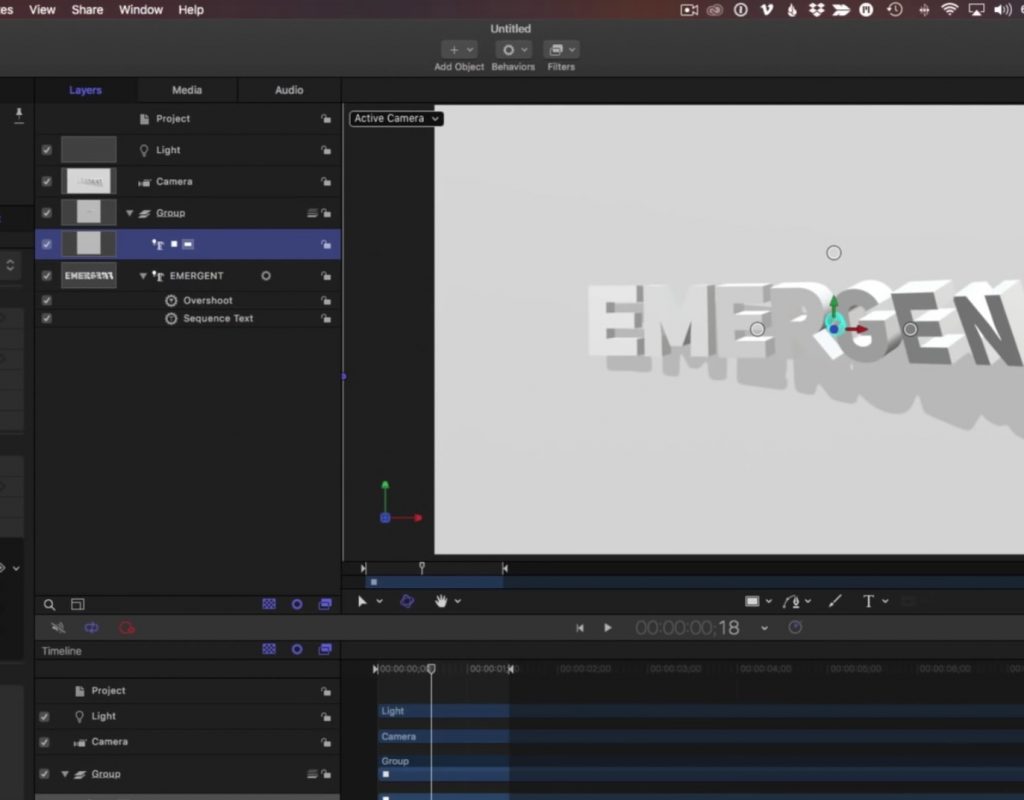
Creating a Netflix-Inspired 3D Title Animation with Motion
This week on MacBreak Studio, I show Steve Martin from Ripple Training how to build a Netflix-inspired 3D title...
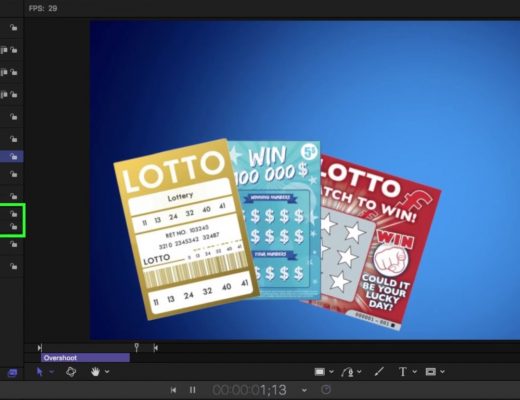
Other New Features in Motion
This week on MacBreak Studio, I show Steve Martin from Ripple Training something new in Motion. When Final Cut...
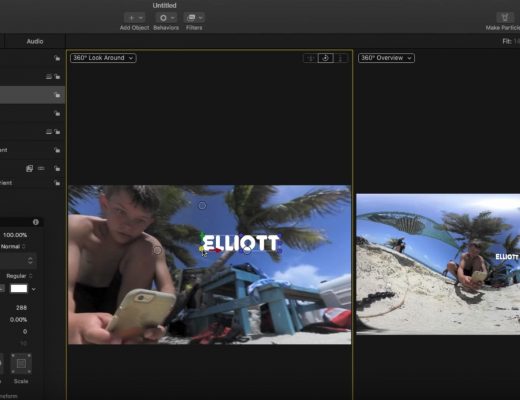
Working with 360 Videos in Motion
This week on MacBreak Studio, I talk with Ripple Training’s Steve Martin about the 360 toolset in Motion. For...
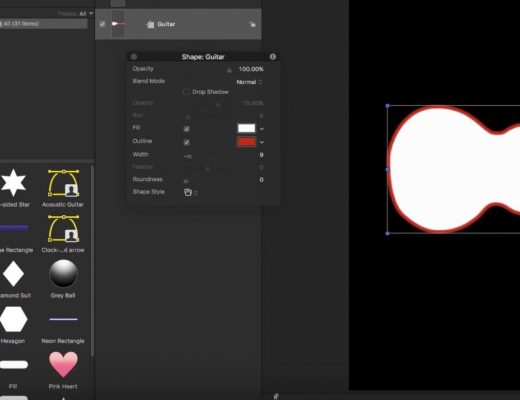
Creating Custom Shape Icons in Motion
This week on MacBreak Studio, I show Steve Martin from Ripple Training how to create custom shape icons in...

Creating 3D Text Reveals in Motion
This week on MacBreak Studio, I show Steve Martin from Ripple Training how to create 3D text reveals in...
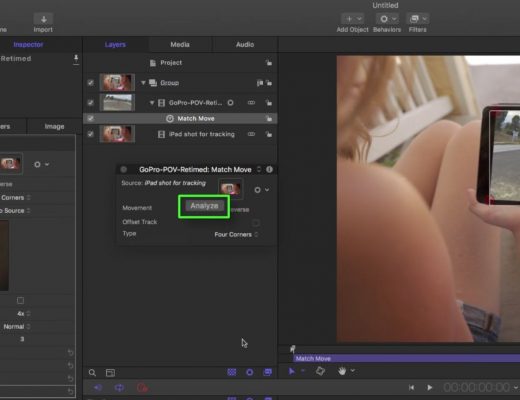
Generic Screen Replacements in Motion and Final Cut Pro X
This week on MacBreak Studio, I show Steve Martin from Ripple Training how you can use Motion’s tracking and...

Creating an animated Pac-Man in Motion
This week on MacBreak Studio, I show Steve Martin from Ripple Training how I used Motion to create a...
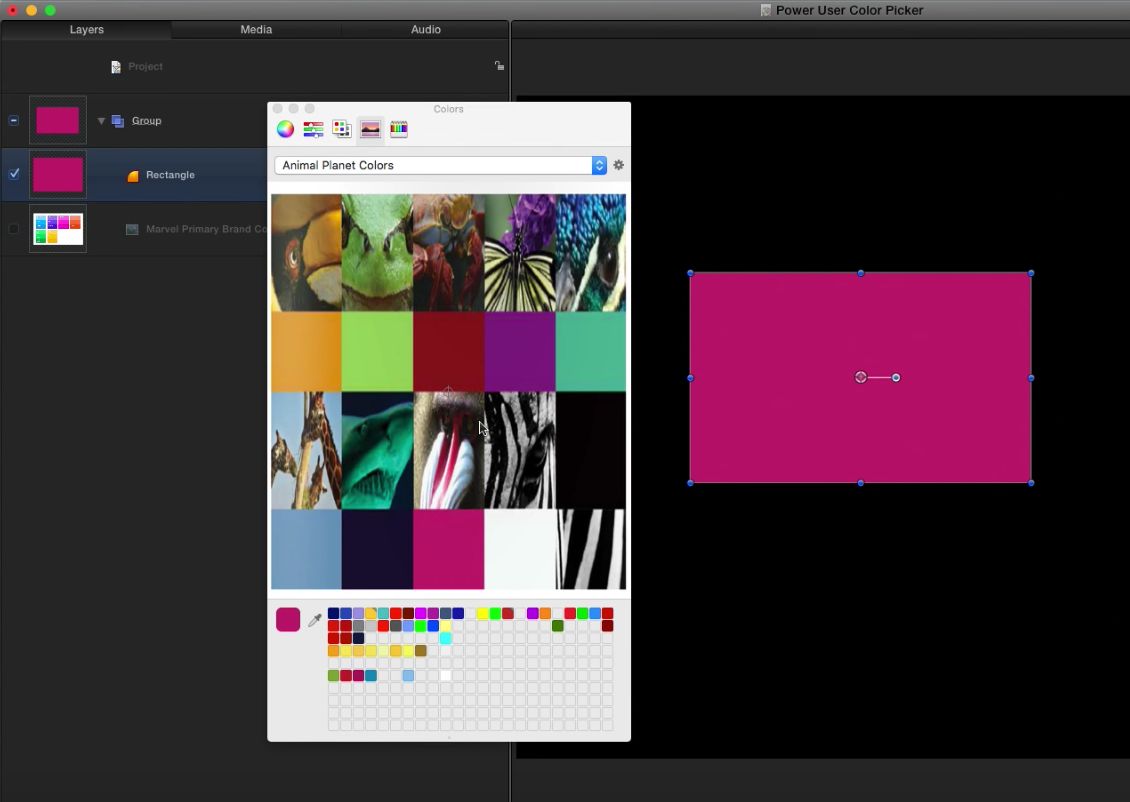
Creating custom color palettes
This week on MacBreak Studio, I show Steve Martin from Ripple Training some power-user tips for using the OS...
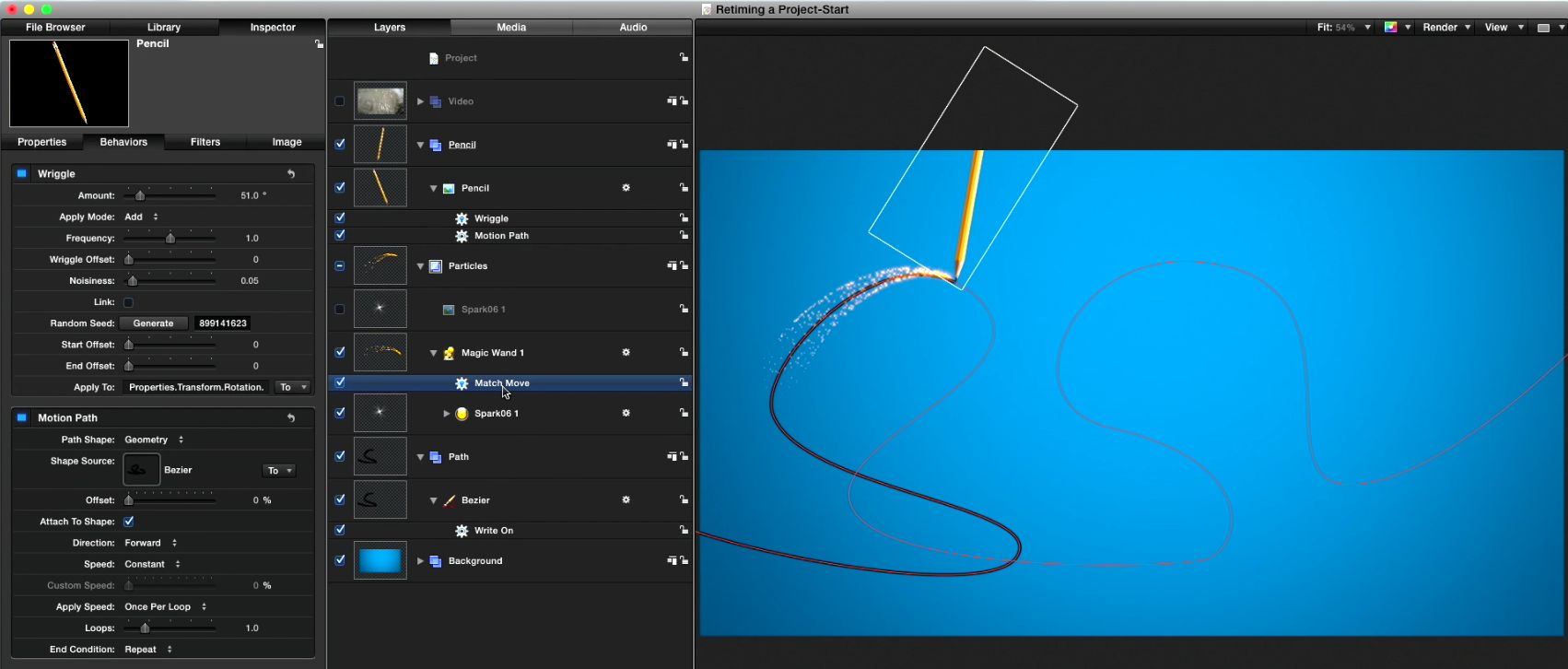
Retiming animations in Motion
This week on MacBreak Studio, I show Steve Martin from Ripple Training some tips for retiming animations in Motion....
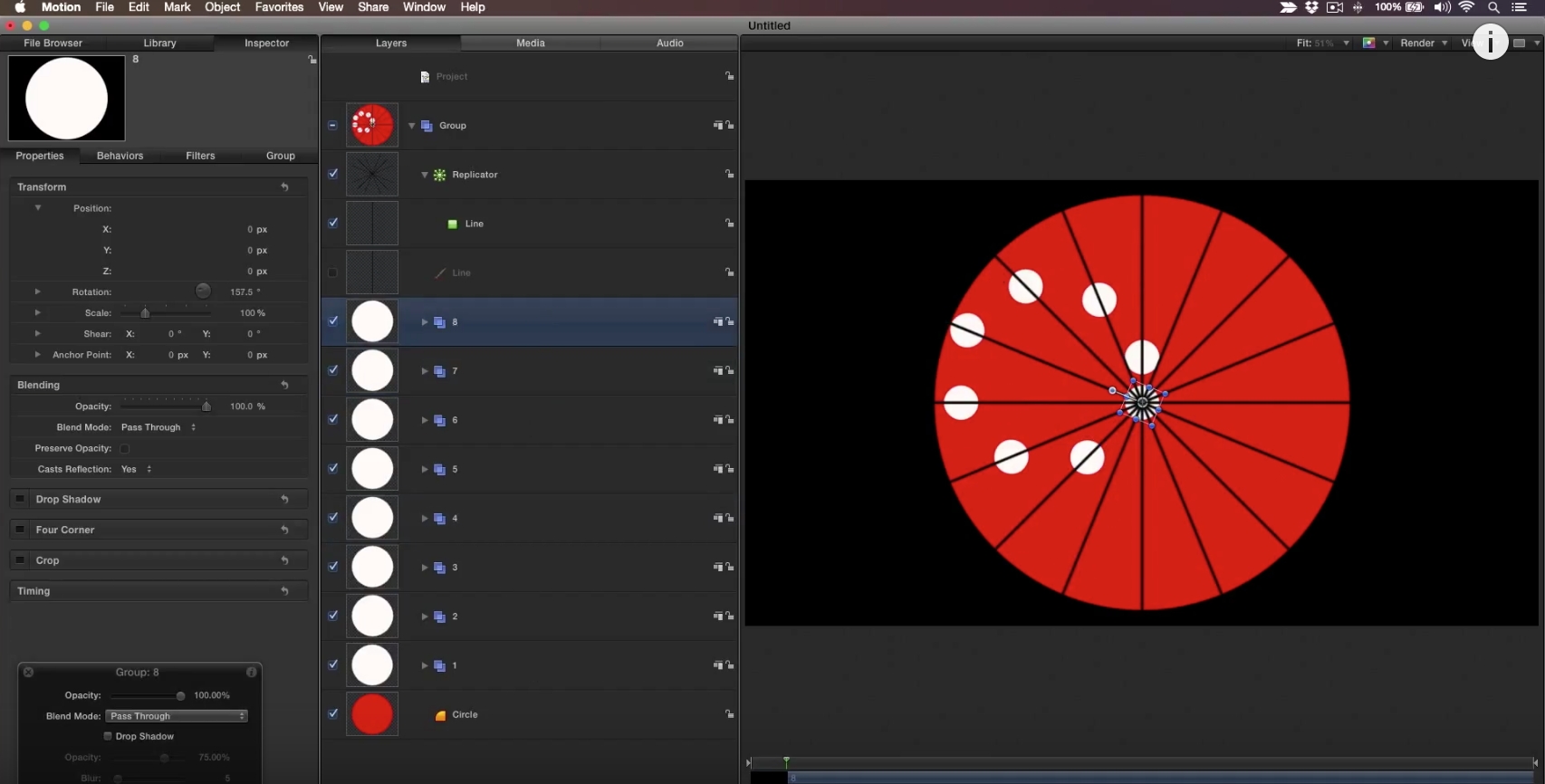
Creating an optical illusion in Motion
Learn how to create the “Crazy Circle Illusion” in Motion using shapes, replicators, and behaviors. Download the free project...