

Filmtools
Filmmakers go-to destination for pre-production, production & post production equipment!
Shop NowVariable aperture, performance, battery and charging improvements

Here we are again: it’s September, and there’s a new iPhone. I’m here in Brisbane, Australia, and I’ve stood in line to make sure I can write this iPhone 18 Pro Max review before most of you wake up.
If you’ve been watching YouTube recently, you’ll have seen a ton of reviews from the lucky few who’ve had early access, but here, I’ll dig into the details.
Variable aperture
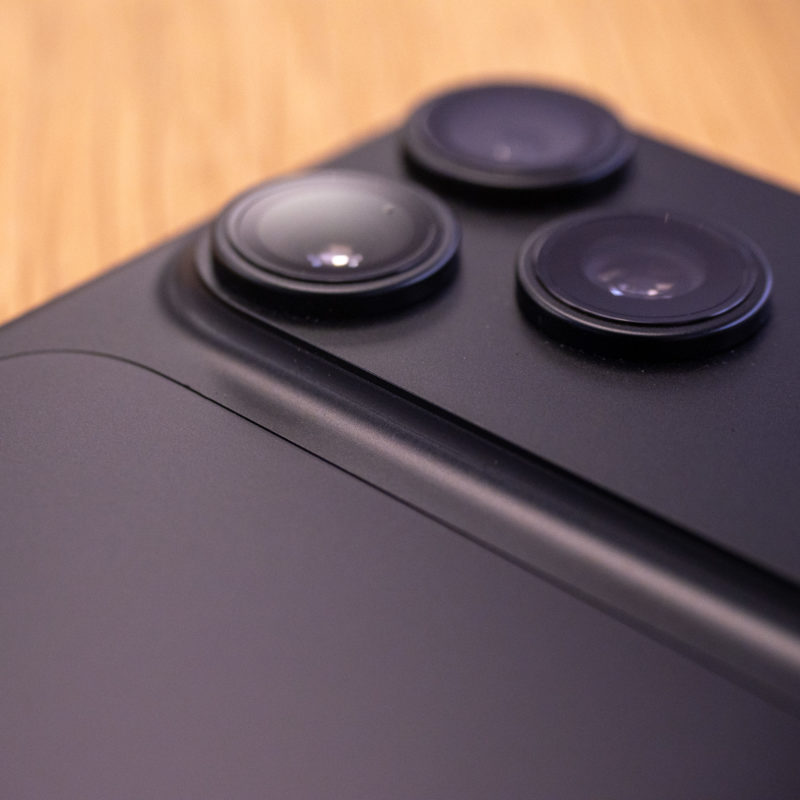
The biggest difference between this iPhone and any other iPhone is that it includes a variable aperture on the 1x lens. The selfie, ultra wide and tele lenses haven’t changed from the 17 Pro, but they’re still very good. If you’re coming from an older iPhone, there’s plenty to explore here.
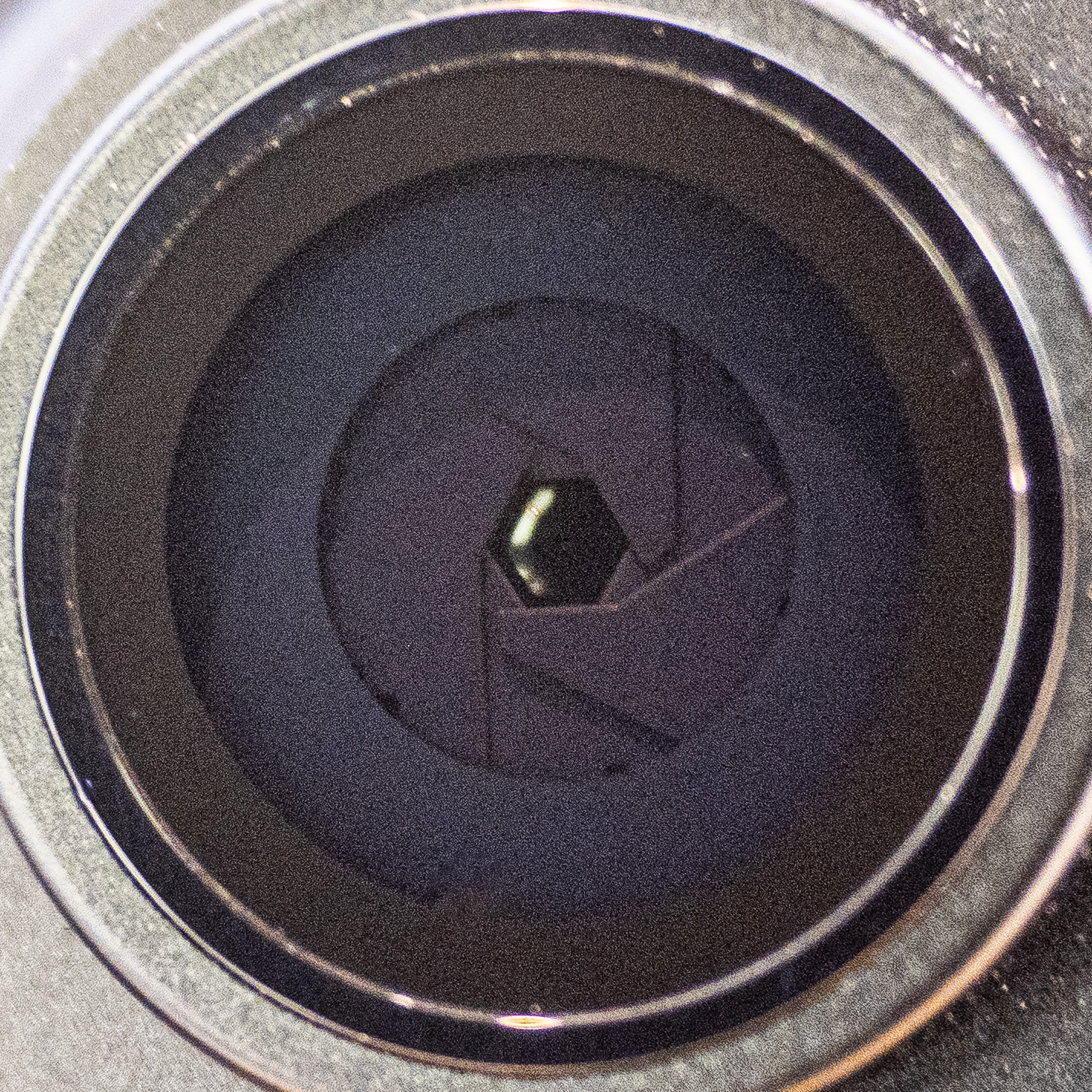
On the 1x lens, there are physical blades which can stop down the wide open aperture of f/1.48 all the way to f/4.0. Last year’s iPhone 17 Pro (and Pro Max) had f/1.78 on the 1x lens, making this half a stop brighter at its widest.
Given how small the sensor is on a phone, you may be wondering why they bothered. After all, other manufacturers have tried a variable aperture and then removed it in the next revision.
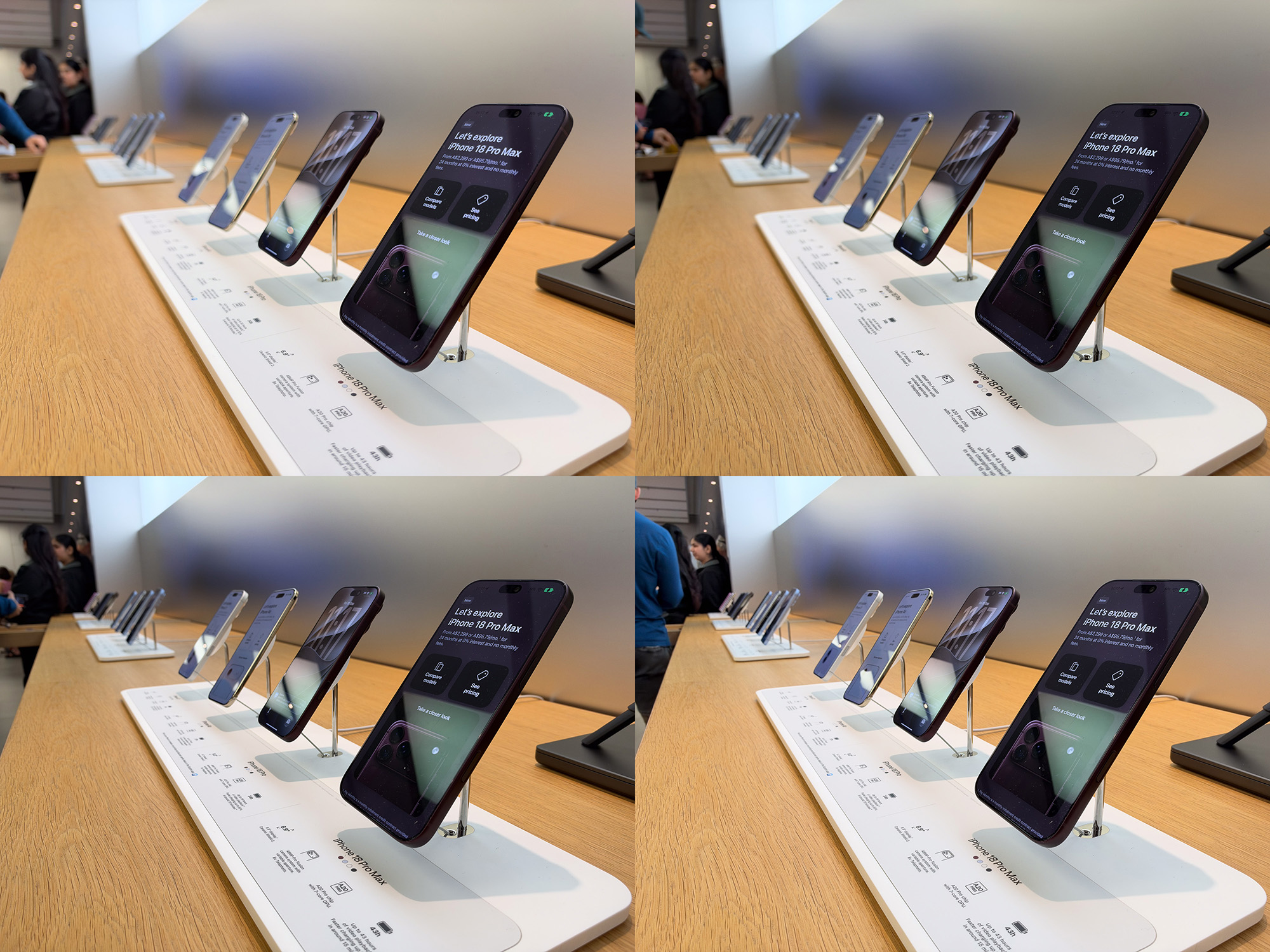
While it is true that the difference between f1.48 and f1.8 isn’t massive, in terms of background blur, it’s still roughly the difference between f5.2 and f6.3 on a full frame camera. That’s not nothing, and if the foreground object is relatively close to the camera, you can certainly achieve some pleasing blur.
This video from F-stoppers has plenty of info if you’d like to dive deeper.
I suspect a big reason for a variable aperture is that it allows Apple to make the lens open wider than they otherwise could. If they had simply increased the aperture to f/1.48 and not made it variable, there would be many situations in which one subject was in focus and a person slightly further away was not. Stopping down also increases picture quality, especially at the edges of the image.
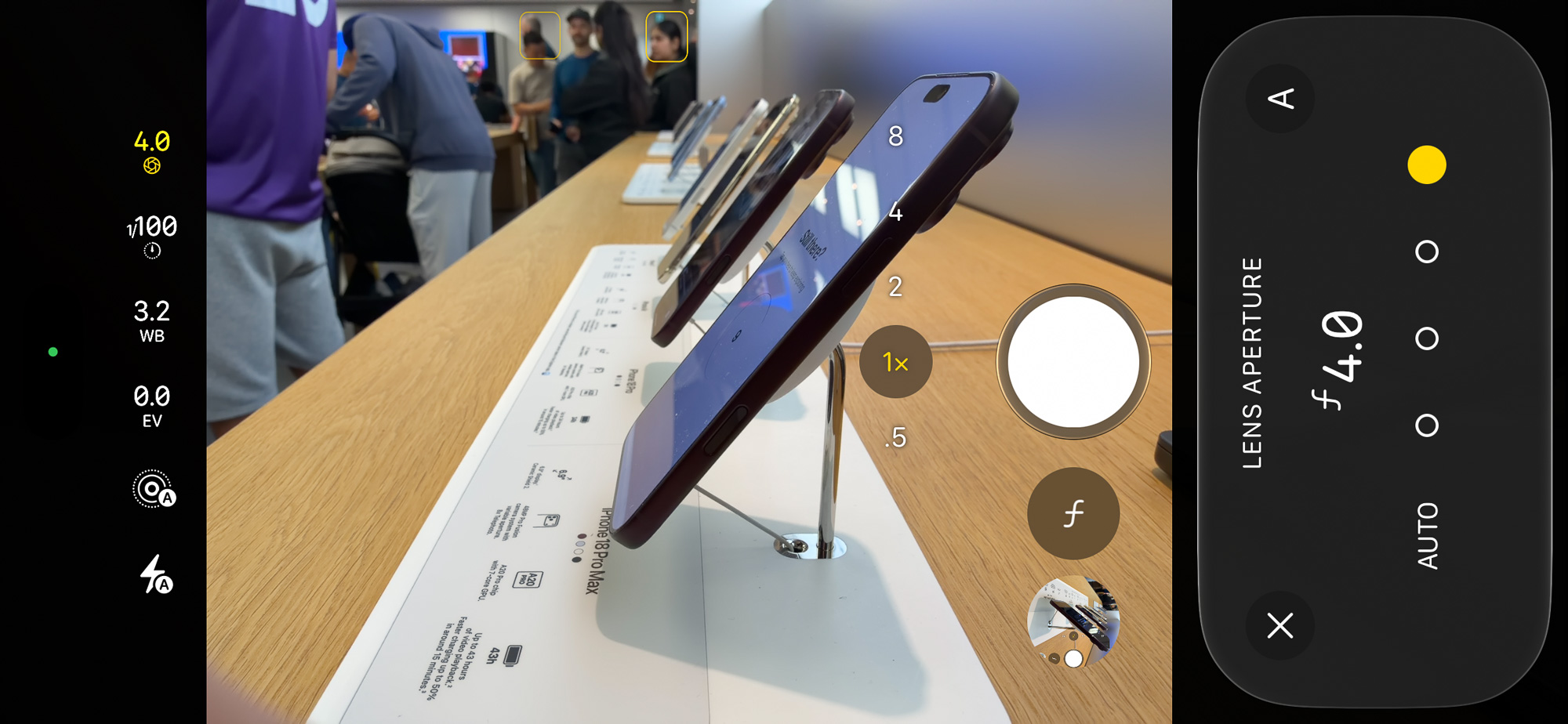
The variable aperture here will sometimes be a helpful creative tool. However, to hit 1/50 or so, you’ll still probably need an ND filter, even if you’re willing to stop down (and deepen depth-of-field) to control exposure.
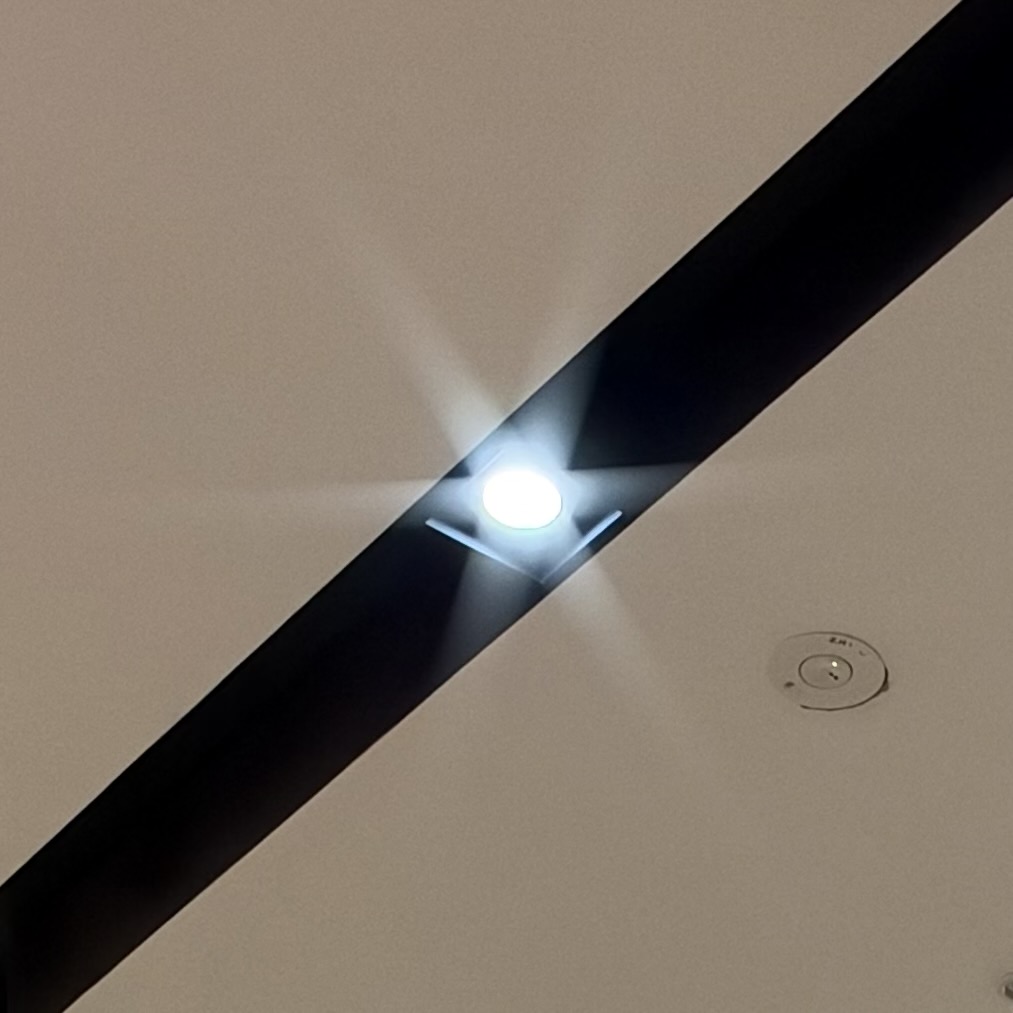
When stopped down to f/2.8 or f/4, light sources will display starbursts, which are quite attractive to my eyes. Diffraction doesn’t seem to be an issue, but I suspect if they’d gone much past f4, it may have been.
In the camera app, Apple allows for specific aperture settings to be chosen: f1.48, f1.8, f2.8, f4.0. Third-party apps will apparently allow full flexibility, including smooth aperture pulls, but these apps aren’t yet available.
Let’s see how the Camera app has changed to manage the new main lens.
The Camera app has better manual controls
If you don’t want to mess with aperture, you don’t have to. Apple’s camera app will make intelligent decisions based on the perceived positions of your subjects and the amount of light available. When it’s dark, it’ll go wide open. If you have two subjects at different distances, it’s more likely to do f4.
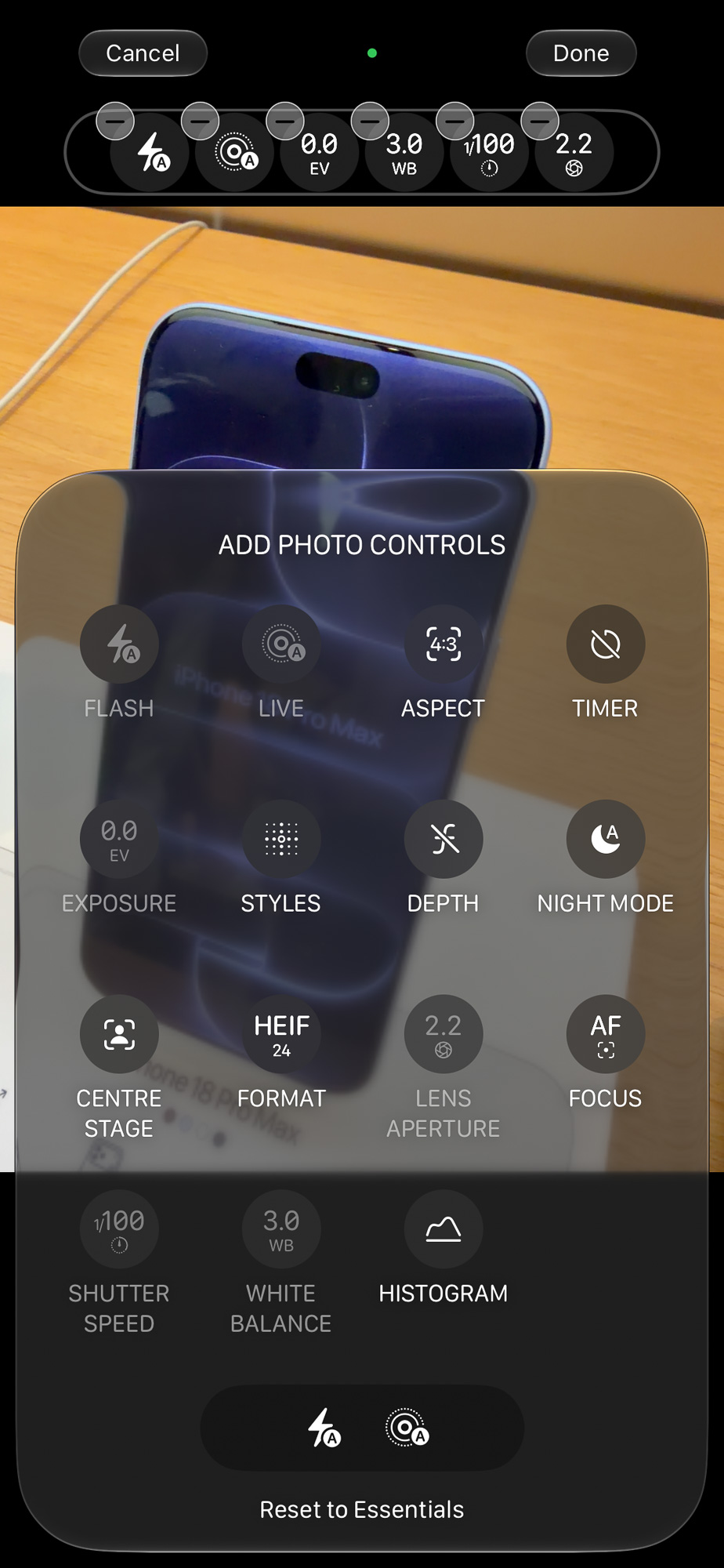
For those who do want to control manual settings, the camera app now finally includes this control, including aperture, white balance and more. These settings are off by default, but all recent pro iPhones can now add additional options at the top of the screen next to the old flash and live photo controls.
To do this, press the new icon to the right of the shutter button. the six small dots in a circle. At the top of the screen, tap edit. You can now drag controls from the bottom of the screen to the top, and remove any controls at the top that you don’t want.
As well as the new controls, you’ll find a histogram. It’s useful, though as a video-first person I prefer vectorscopes myself.
Focus can now be tracked to a person or any other object with a quick double-tap, and it’s smart enough not to immediately change focus when a person leaves the frame. Though focus has always been quick and effective, this is a help for fast moving subjects and for complex environments with many moving subjects. It’s also helpful when doing handheld macro — your subject won’t dip in and out of focus as you move the phone back and forth.
Styles have changed, moving the existing controls into “Palette” and adding “Texture”. This new section includes sliders for dialling in Soft Skin (hey, I just released a plug-in for Final Cut Pro to do that!) as well as Glow, a Film look, and a toggle for Grain. If you like the look of halation, you’ll enjoy these new options; overall, the results look pleasingly nostalgic.
Video features have changed a little too.
Video improvements
Though manual apps are probably still going to be where most professionals find themselves, the main camera app has seen a number of improvements alongside the new manual controls.
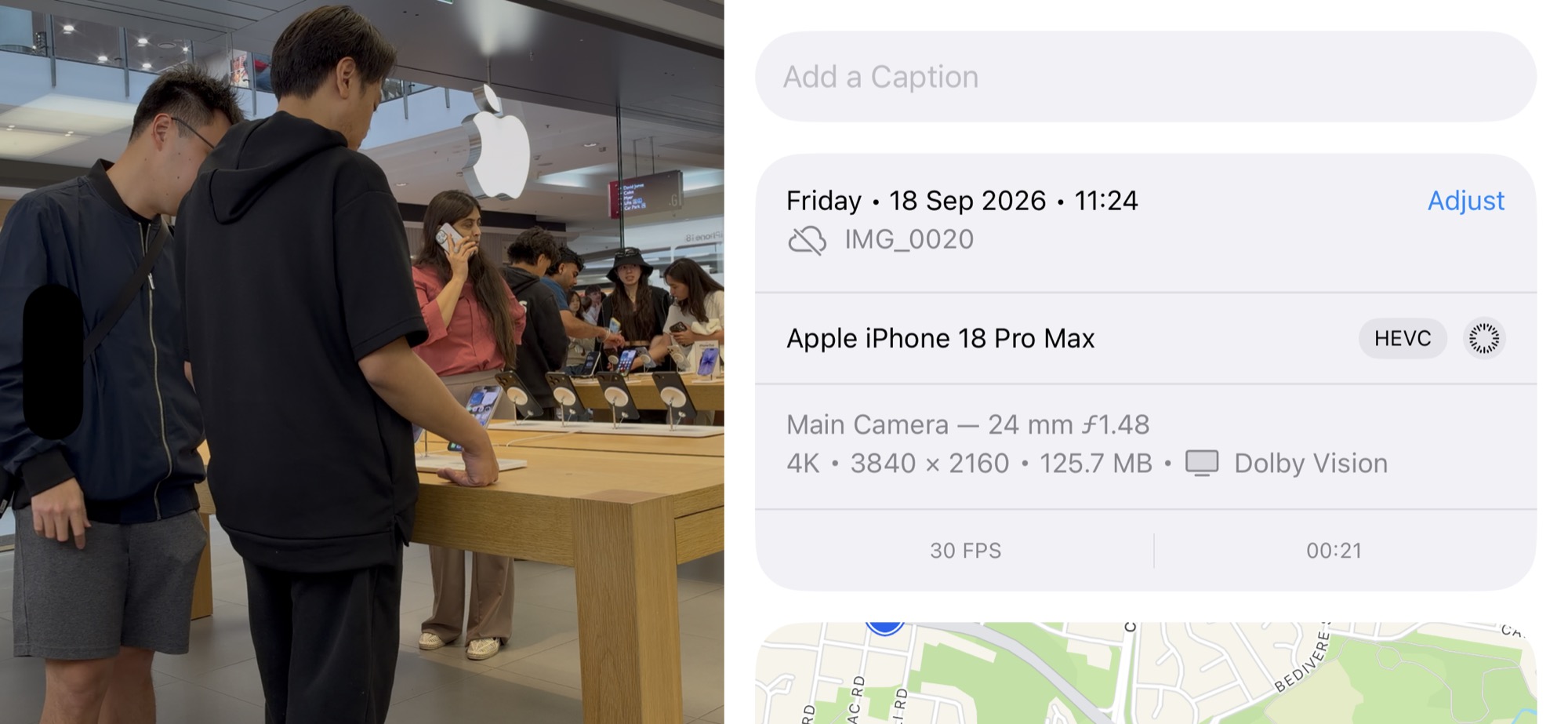
It’s now possible to record a timelapse in 4K HDR, a very welcome improvement given the competition from pocket cameras. It’s now also possible to add fake background blur with cinematic mode to any videos you’ve shot, all the way up to 60 frames per second. The audio mix feature now also recognises music. and can adjust it in the mix too.
Unfortunately, if you wish to record in Log, the only way to do that in the default camera app is to use ProRes HQ. On a phone, those file sizes can become unmanageable quickly, and I would love to see the camera app allow Log in HEVC like Blackmagic camera, Kino and Apple’s own Final Cut Camera do.
Faster, bigger battery, faster charging, better cooling
If you use your iPhone to capture photos or videos, these improvements are perhaps more of a headline feature than the variable aperture. Not only is the battery bigger, especially on the Pro Max, but it lasts longer on both models can be recharged much more quickly. Performance, which has improved year over year again, is less likely to drop under heavy use because of the improved cooling.
If you have an SSD connected because you want unlimited recording times in ProRes, the fast charging is a massive improvement. Now, you may not need a dock that allows you to connect power and an SSD simultaneously, but can instead just recharge quickly in a break.
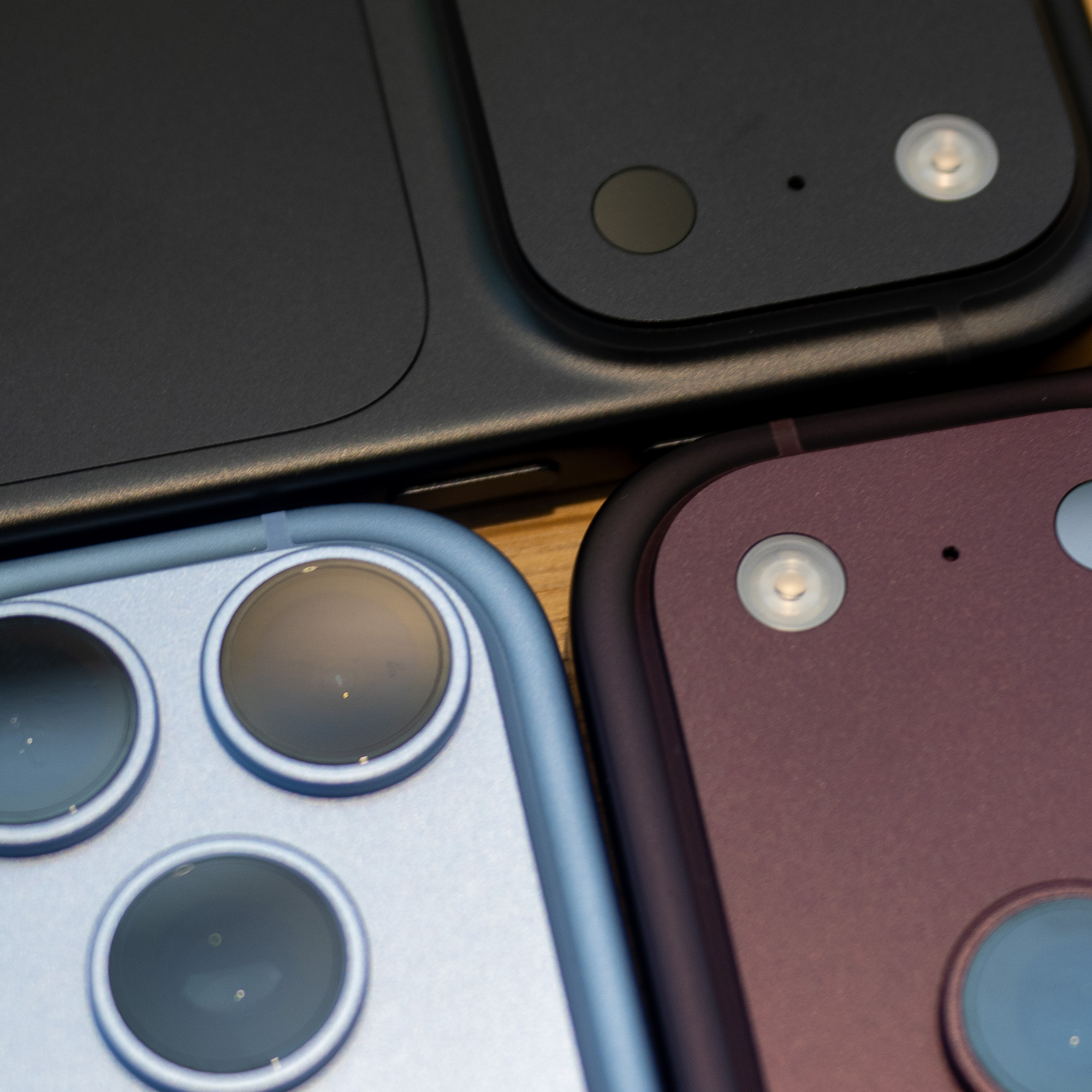
The only other visible hardware change on these phones is that the Face ID flood illuminator has moved to the left of the top centre and now sits invisibly under the display. You can’t see it there, but the Dynamic Island screen cutout is now smaller as a result.
Improvements for managing images in post
The new iOS 27 improves the existing Clean Up tool and add two new GenAI features, Reframe and Extend. These features are also available on current Pro iPhone models like the 17 Pro Max.
Extend lets you make an image bigger on one or more sides, then fills in the parts you couldn’t fit into your original shot. This is something we’ve been doing in Photoshop for decades and when you need to push just a little further, it’s very welcome.
Reframe is a whole extra level of wow, though, letting you virtually move your camera to a different position, and then generating a new image based on the old one. It’s still like the original image, but it’s no longer real. Again, welcome if a client asks for a perspective you didn’t capture, and I wouldn’t be surprised to see something like this turn up for video eventually.
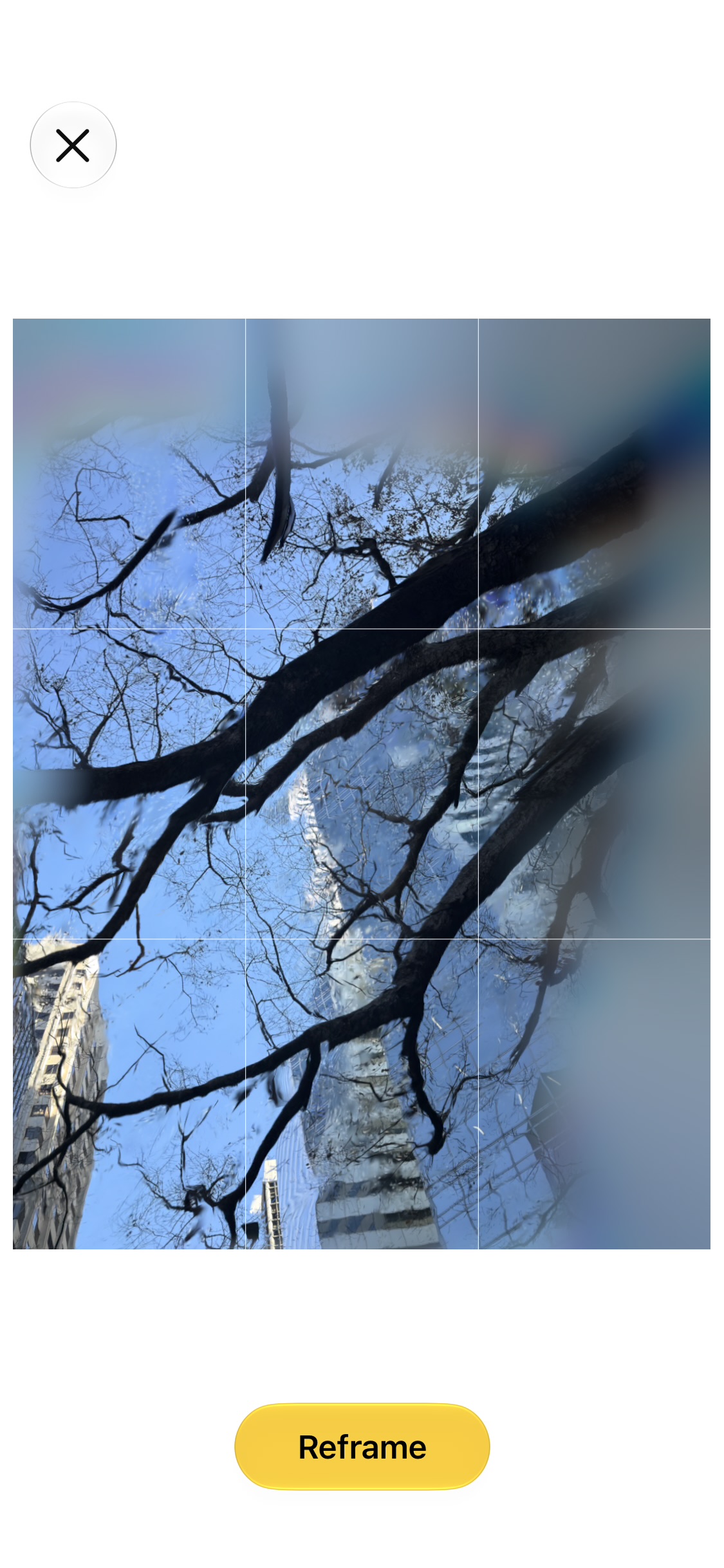
If you use either of these features, or the Clean Up tool we already had, SynthID (coming later this year) will tag the image as having been edited.
However, for journalists and anyone else who needs to guarantee that an image hasn’t been edited at all, there’s a brand new feature.
Apple Reference Image
When you activate the dedicated Reference mode (first in Settings, then in the Camera app) a new hardware feature in this year’s pro phones records some fancy cryptographic information at capture time, to verify that no adjustments have been made.
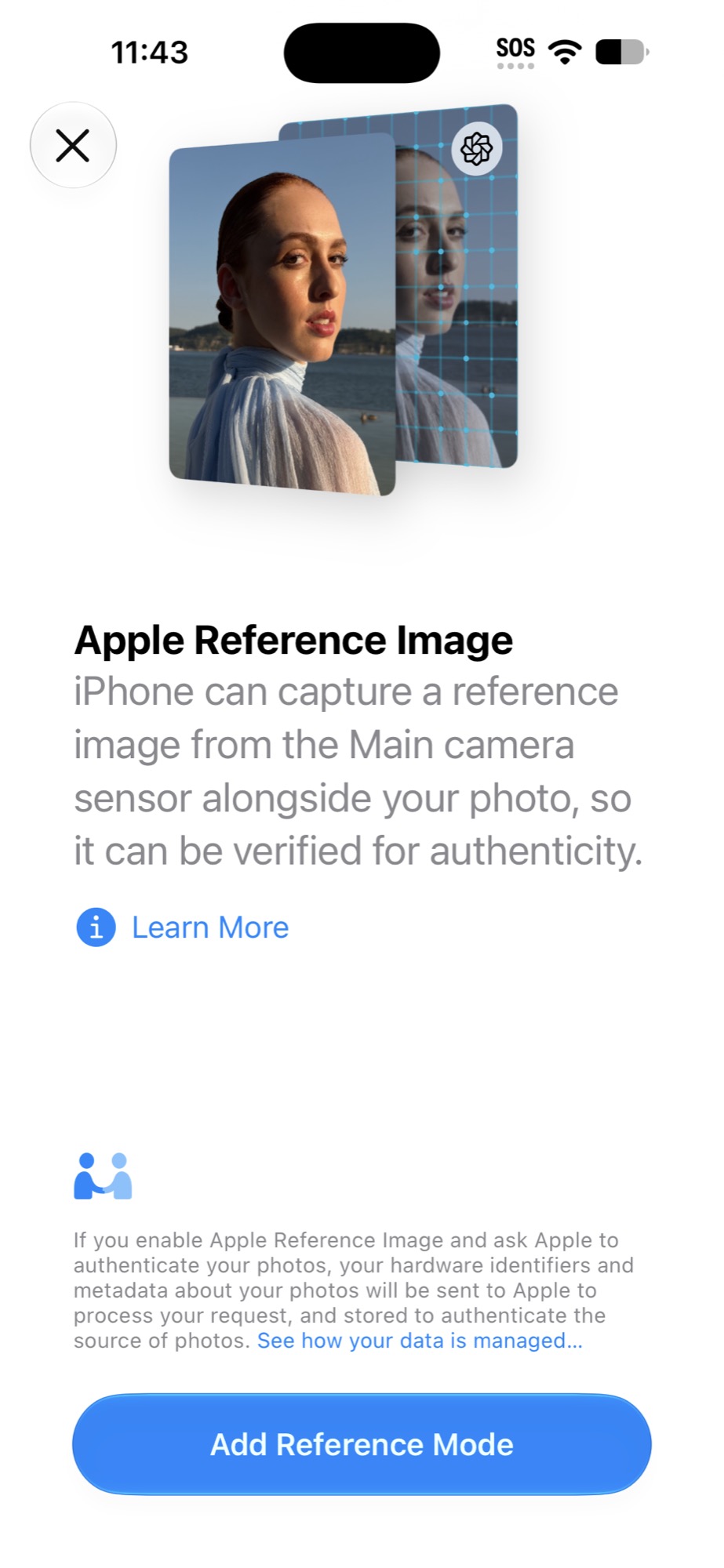
If you don’t turn it on (and I suspect most people won’t) then this won’t be important to you, but I suspect anyone working in news, or any other context where truth needs to be verified, will find this very valuable indeed.
Should you wait for the iPhone Duo?
Apple’s two-screen folding phone looks very impressive, but despite the price, it can’t do everything the Pro phones can. There’s no variable aperture, there’s no telephoto lens at all.
Worse, because it’s not a “Pro” iPhone, the Duo can’t shoot Apple ProRAW, and it can’t shoot Log in the Camera app. Third party apps can do a lot of this, but Pro iPhones do get extra perks.
So, it depends — do you need your iPhone to sometimes be usable in a pro context, or would you prefer to be able to see the image being captured on a screen right next to the lens?
Price can also be a factor, and not just because of the obvious sticker difference. First, because of RAM and storage price increases, if you jump up from the base model, you’ll really notice a price hike. International prices can also vary more than you’d expect.
Outside the US, local pricing often includes local sales taxes (10-20%) that don’t appear in the US sticker price, and often also a noticeable extra premium over the current international exchange rate. On average, across this year’s new phones, Canadians (using Ontario’s 13% HST) will pay 5.7% extra, the UK 12.1%, and Australia 13.9%.
Conclusion
While I still love dedicated cameras for pro work, the camera I always have with me is the one that gets used the most. The iPhone 18 Pro Max is a solid, iterative upgrade that I’d recommend to anyone who wants good photos and good videos in a reliable package.
Apple 18 Pro Max: US$1299 / CA$1899 / AU$2299