

Filmtools
Filmmakers go-to destination for pre-production, production & post production equipment!
Shop NowAputure announced the release of Sidus Link Pro 2.4, a major update to its professional lighting control app. Now you can “run the show from one simple view.”

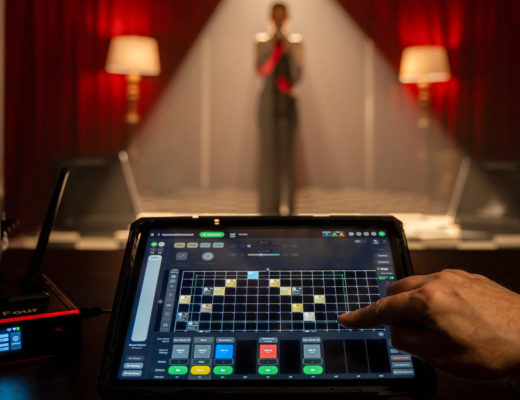
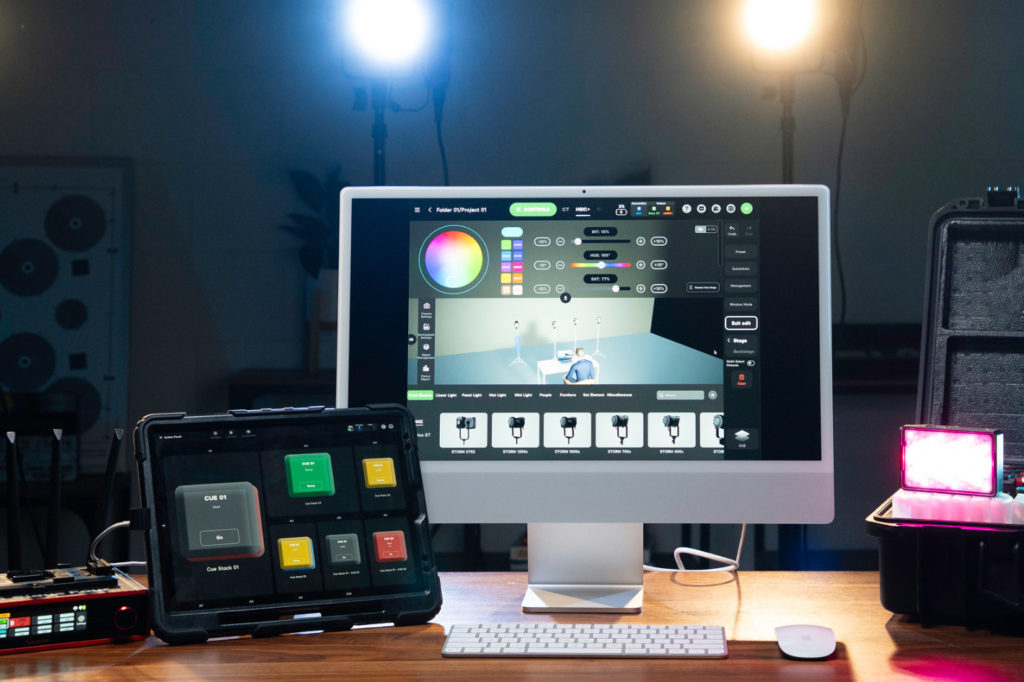
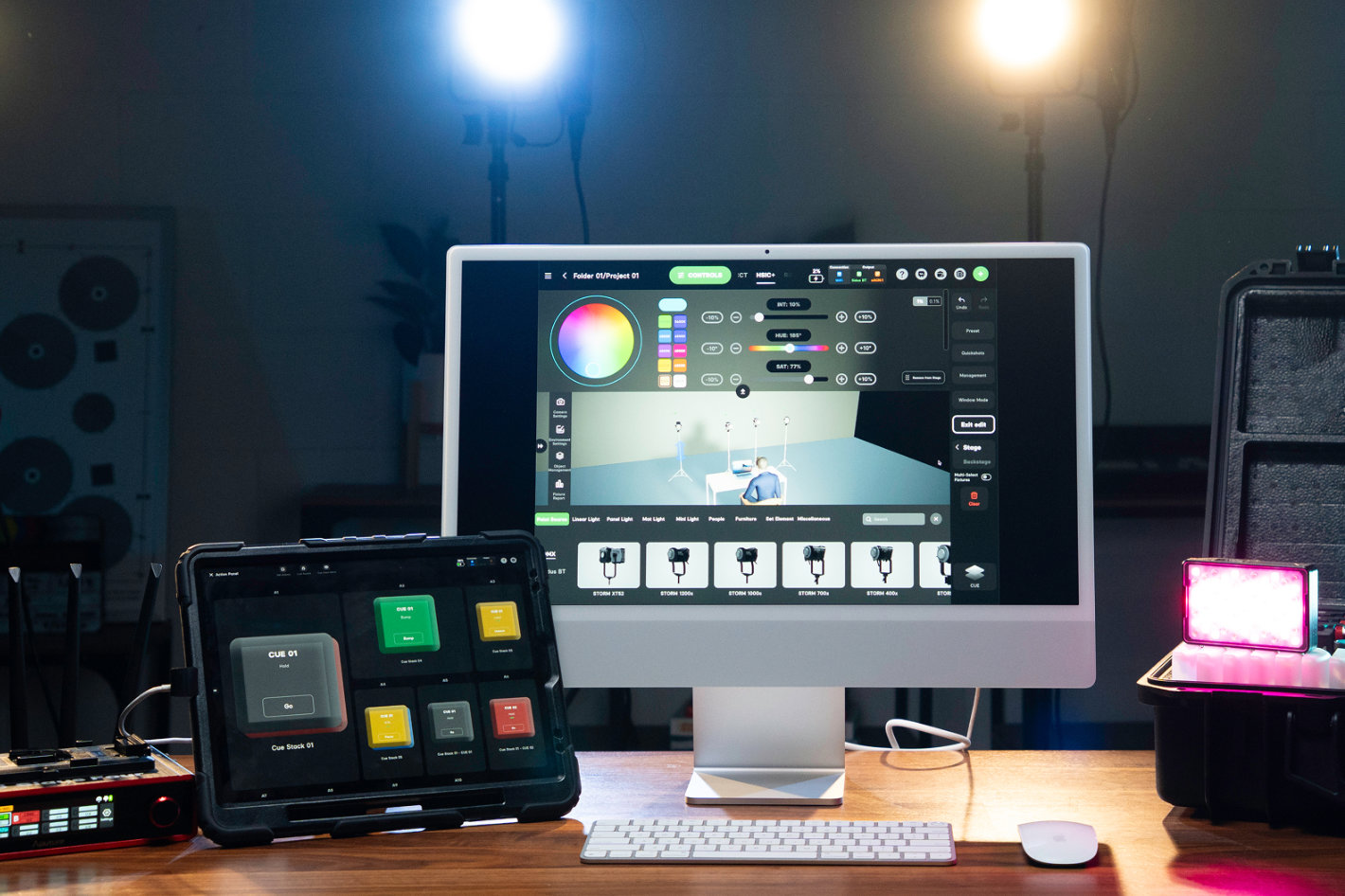 The release introduces Action Panel, a dedicated full-screen view that allows users to assign cues and Quickshots to large, customizable “Go” buttons for fast, reliable operation.
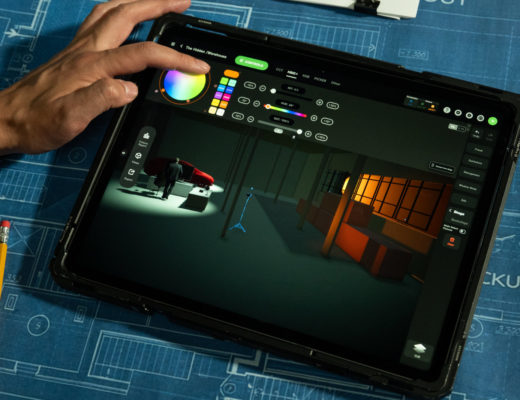
With Sidus Link Pro 2.3 Aputure introduced the 3D Visualizer, a new 3D environment for planning, previewing, and controlling lighting setups so, as the company says, you can “see it before you shoot it”. Now, with Sidus Link Pro 2.4 the company introduces Action Panel, for fast, reliable operation. The latst update to Aputure’s Sidus Link Pro also brings Sidus Link Pro to Mac, giving users more screen space, keyboard-and-mouse precision, and keyboard shortcuts.
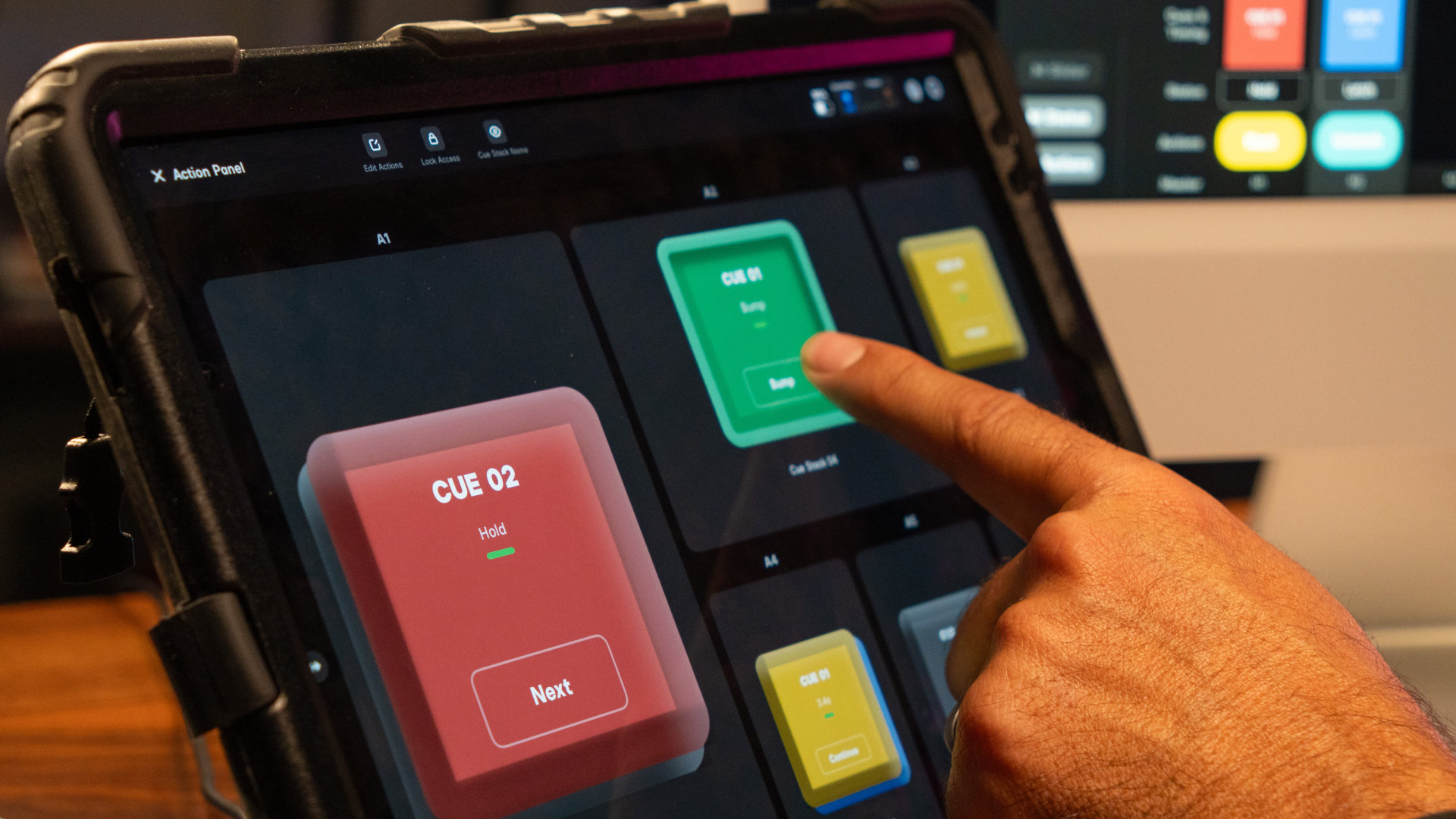 This update simplifies the execution and handoff of professional lighting setups. “Action Panel solves a real workflow problem in professional lighting control,” explained Ben Dynice, Director of Product (UI/UX) at Aputure. “The person who programs the system is not always the person running it. With Action Panel, you can build a full DMX setup in Sidus Link Pro, assign cues and Quickshots to a dedicated control surface, and optionally lock it with a passcode to prevent exposing the full programming interface. It keeps the system powerful for programmers and simple for operators. For integrators and studio owners, it means safe handoffs and a lighting control system that feels powerful, scalable, and easy to manage. For gaffers and crews, Action Panel provides an easier way to run lighting without constantly looking down or navigating the full interface.”
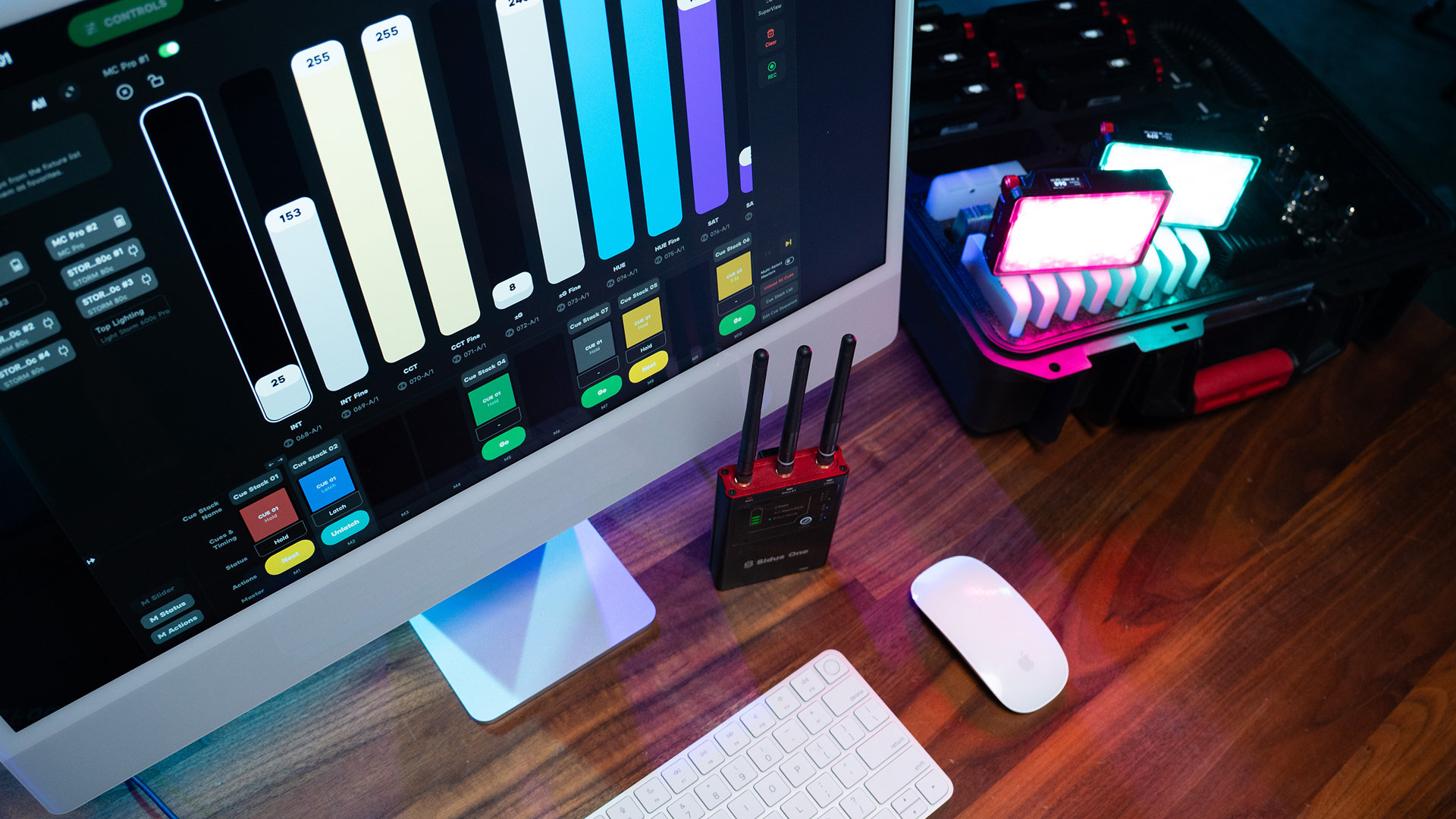 As noted above, Sidus Link Pro 2.4 also introduces Mac support, bringing the full lighting workflow into one connected app across Mac and iPad. Users can plan, design, and refine lighting systems on Mac using Diagram Master, 3D Visualizer, and Fixture View, then switch to iPad for on-set execution.
In addition, Sidus Link Pro 2.4 adds keyboard shortcuts for iPad and Mac, allowing users to jump between Stage, Cue Stacks, Layout View, and 3D Visualizer, then edit, label, and fire cues directly from the keys. The update also adds support for Quickshots on Cue Masters, allowing saved Bluetooth looks to be assigned to Cue Masters and triggered from Action Panel buttons alongside cues.
Sidus Link Pro 2.4 is available now for iPad and Mac. Action Panel is available in the Pro plan for $10/month, with MAX adding support for 4 universes of control. Follow the link for more information and full release notes.