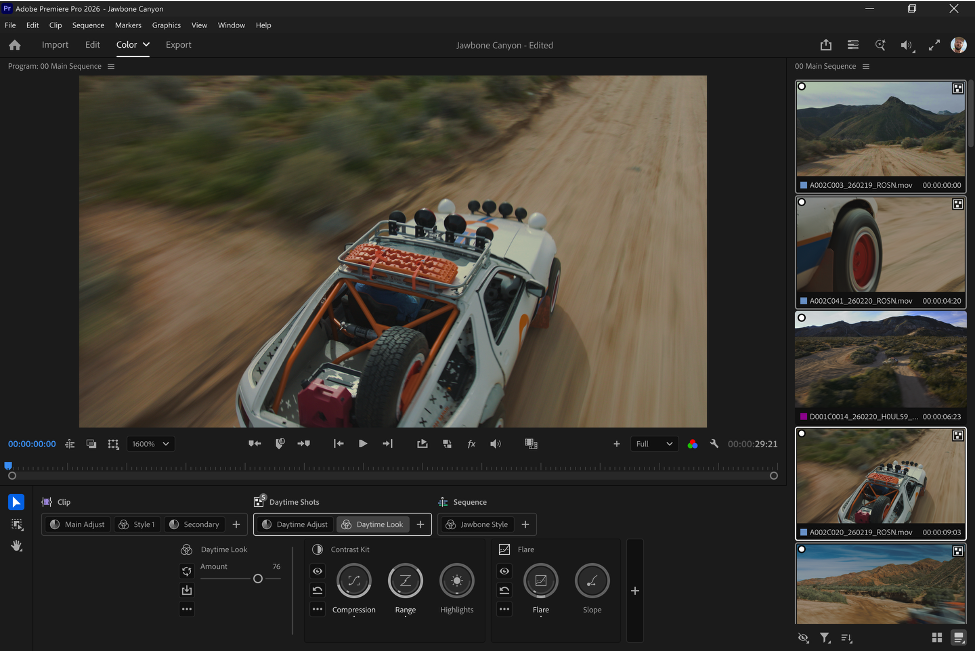
Premiere Pro’s Color Mode Adds More Control for Editors Finishing Their Own Work
Color work often arrives at the end of the editorial process, whether or not the editor has time for...
Tool Tip Tuesday for Adobe Premiere: Don’t Upgrade Premiere… Yet
Welcome to Tool Tip Tuesday for Adobe Premiere on ProVideo Coalition Look, I know Adobe is having a really...
Tool Tip Tuesday for Adobe Premiere: The Default Keys I Remove
Welcome to Tool Tip Tuesday for Adobe Premiere on ProVideo Coalition We’re in the week right before Adobe MAX....
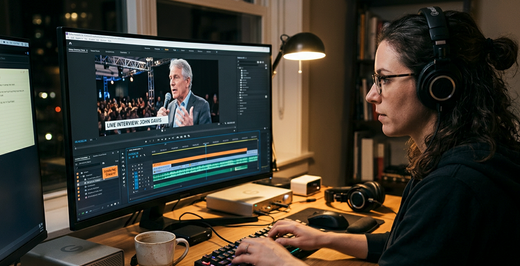
Rough Cuts on a Freelancer’s Clock – Understanding Adobe Premiere’s AI tools
It’s Tuesday, 9 a.m., and your client just sent three hours of conference footage and interviews, a shared drive...
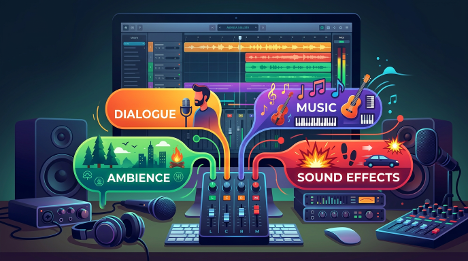
Stem Separation Moves Into the Edit: What Enhance Audio Changes for Dialogue Workflows in Premiere (Beta)
On a lot of projects, the audio arrives in uneven shape. Lavs and booms recorded in different rooms, ambience...
Tool Tip Tuesday for Adobe Premiere: Grab the best Moments in the Transcript Panel with Paper Edit
Welcome to Tool Tip Tuesday for Adobe Premiere on ProVideo Coalition Premiere 26.5 (September) added Paper Edit to the...
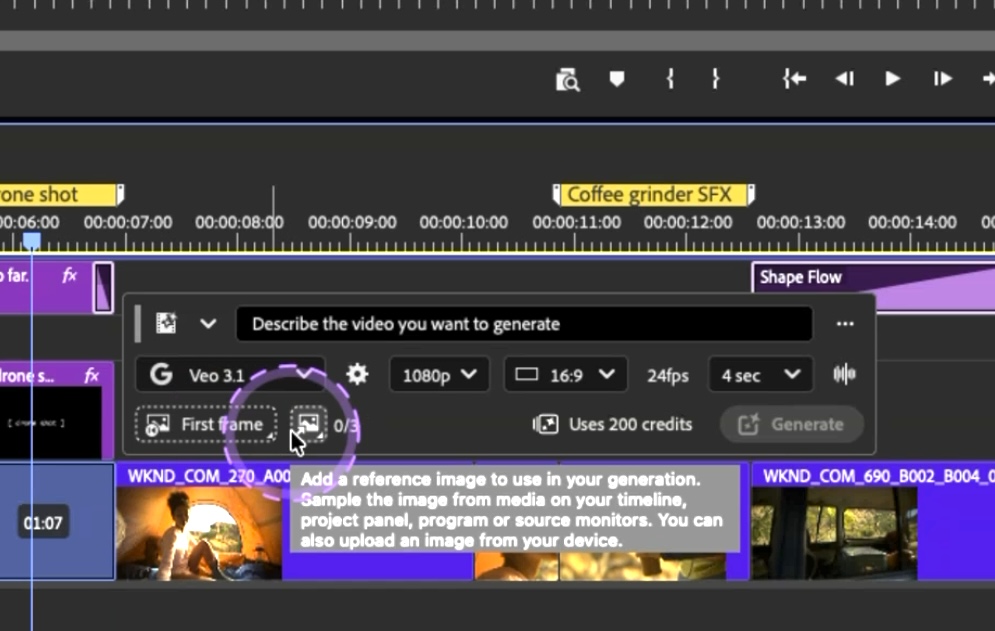
Adobe video IBC 2026 announcements
Adobe Video has some IBC 2026 announcements, features which you might have already heard about. Deepa Subramaniam outlined the...
Tool Tip Tuesday for Adobe Premiere: Hidden Audio Keyframes secrets
Welcome to Tool Tip Tuesday for Adobe Premiere on ProVideo Coalition Let’s talk about audio keyframes. Yes, I know...
Tool Tip Tuesday for Adobe Premiere: Move clips faster with Swap Edit
Welcome to Tool Tip Tuesday for Adobe Premiere on ProVideo Coalition There was a thread on Reddit recently about...
Tool Tip Tuesday for Adobe Premiere Pro: Getting your Mask/Key to look real
Welcome to Tool Tip Tuesday for Adobe Premiere on ProVideo Coalition. Between green screen, chroma keying and the new...