Other New Features in Motion
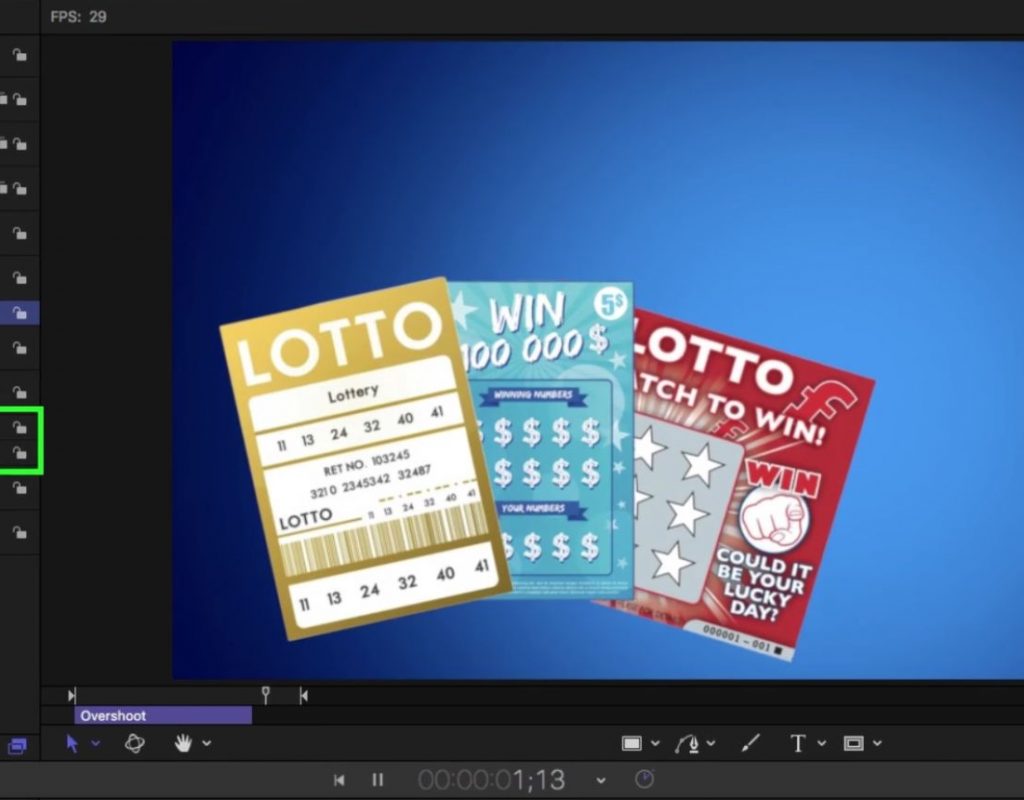
This week on MacBreak Studio, I show Steve Martin from Ripple Training something new in Motion. When Final Cut...
Placing 2D Text in 360 Video with Final Cut Pro X
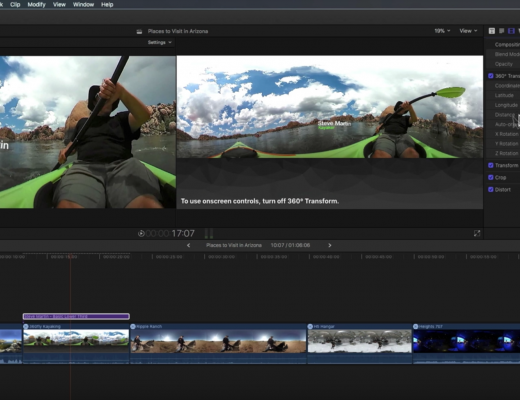
This week on MacBreak Studio, Steve Martin from Ripple Training shows us how to add text to a 360...
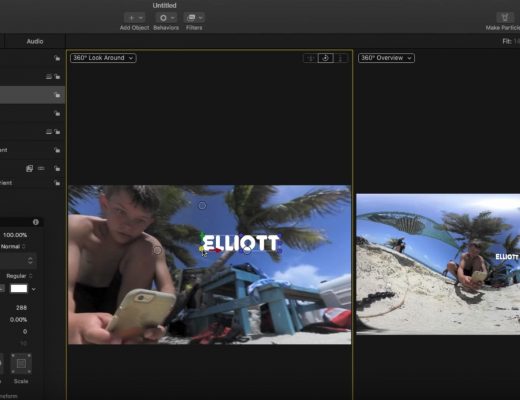
Working with 360 Videos in Motion
This week on MacBreak Studio, I talk with Ripple Training’s Steve Martin about the 360 toolset in Motion. For...
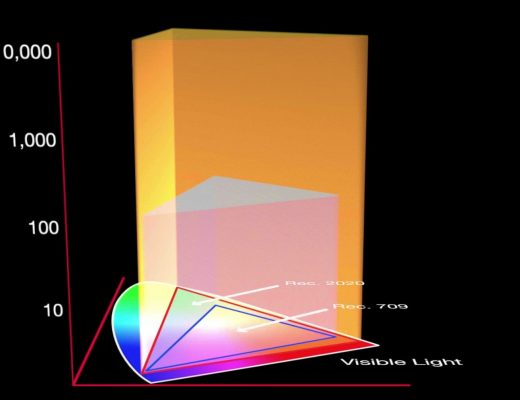
Working in HDR with Final Cut Pro X
This week on MacBreak Studio, I talk with Ripple Training’s Steve Martin about how to work with HDR video...
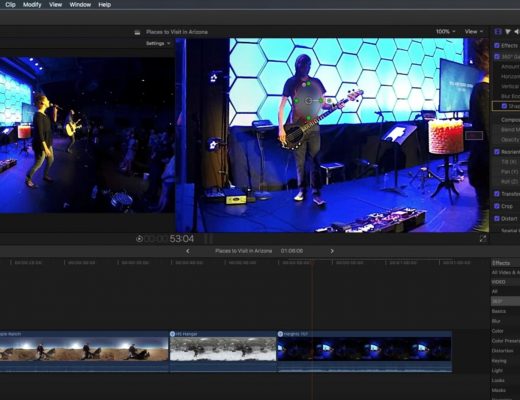
Working with 360 Effects in Final Cut Pro X
This week on MacBreak Studio, Ripple Training’s Steve Martin shows us how to apply effects to 360 videos in...
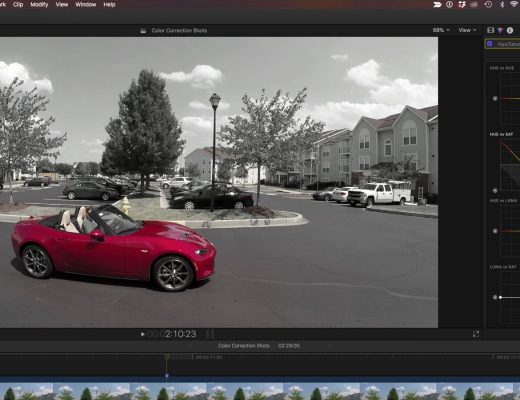
Creating the Pleasantville Look in Final Cut Pro X
This week on MacBreak Studio, I show Ripple Training’s Steve Martin how to create the “Pleasantville” or “Sin City”...
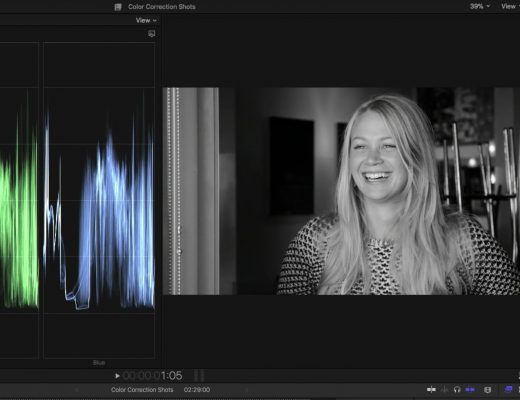
Creating Custom Black & White Effects in Final Cut Pro X
This week on MacBreak Studio, I show Ripple Training’s Steve Martin how you can use the new color tools...
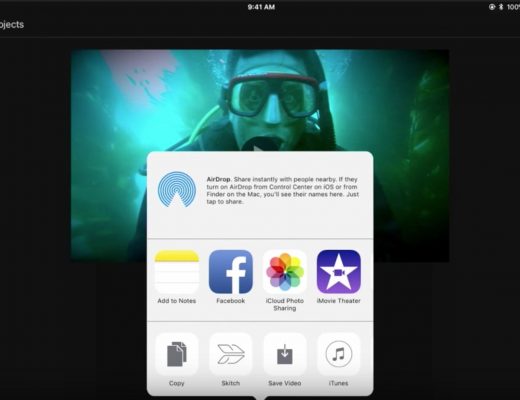
From the Field to Final Cut
This week on MacBreak Studio, Steve Martin from Ripple Training explains how he uses his iPad Pro to start...
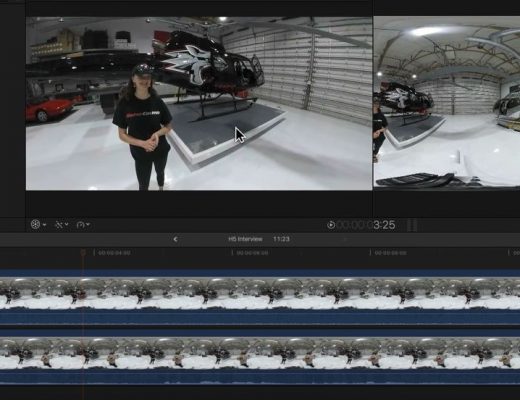
Removing People from 360 Videos in Final Cut Pro X
This week on MacBreak Studio, Steve Martin from Ripple Training shows us how to remove a person from a...
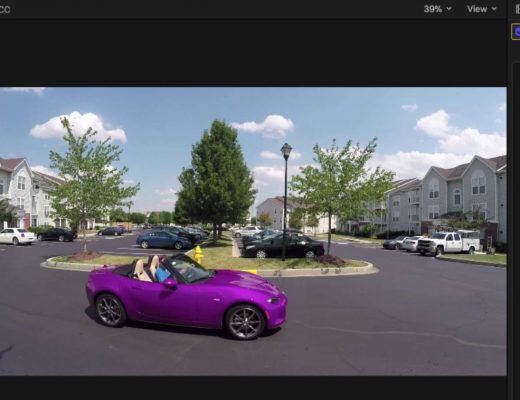
Awesome Hue Sampling in Final Cut Pro X
This week on MacBreak Studio, I show Steve Martin from Ripple Training the differences between color sampling with color...