


The Insta360 Luna Ultra has arrived. It’s Insta360’s answer to the DJI Osmo Pocket 3 and Pocket 4 (which isn’t legally available to buy in the US). But how does it fit into a pro video ecosystem?
I bought the Osmo Pocket 3 a little bit on a whim. I had heard good things about image quality and noise and how it was a vast improvement on versions 1 and 2.
Bottom line, the OP3 was one of the biggest bang for the buck in the small/action cam space. But it wasn’t great in low light and ate through batteries. The footage would break up if you pushed a grade too hard. The screen was on the verge of being too small. The digital zoom was not very good. And anything above 800 ISO was almost unusable.
Enter the Luna Ultra.

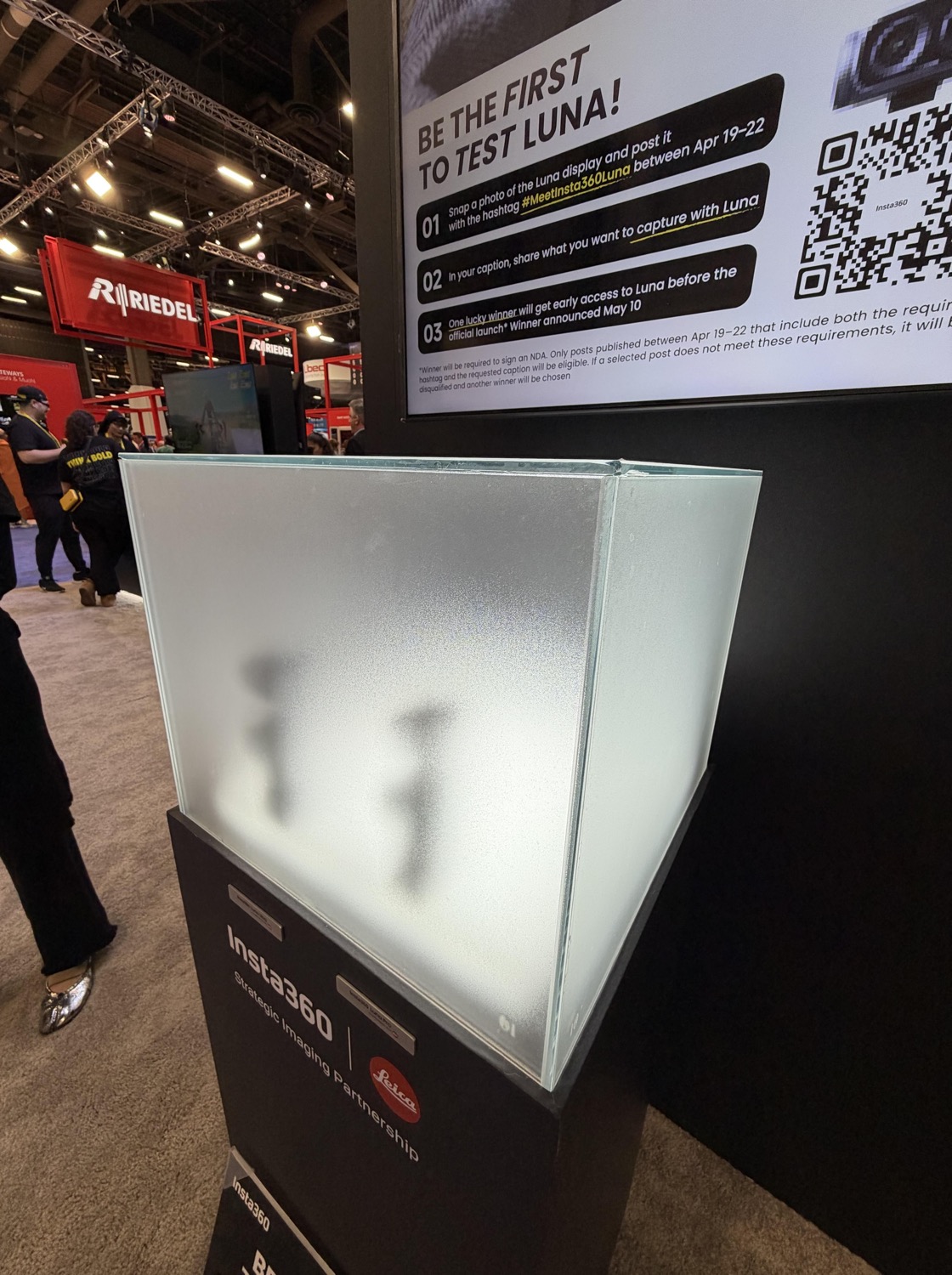
A select few were able to take a preproduction model into the surrounding area and shoot some footage for teaser videos. What leaked out looked pretty nice. Insta360 officially unveiled the Luna Ultra on June 10th and started to ship the next day. I managed to buy one from B&H Photo within the brief 30 minutes they had stock on June 9th. I bought the stock black model. The Creator Bundle was not available.
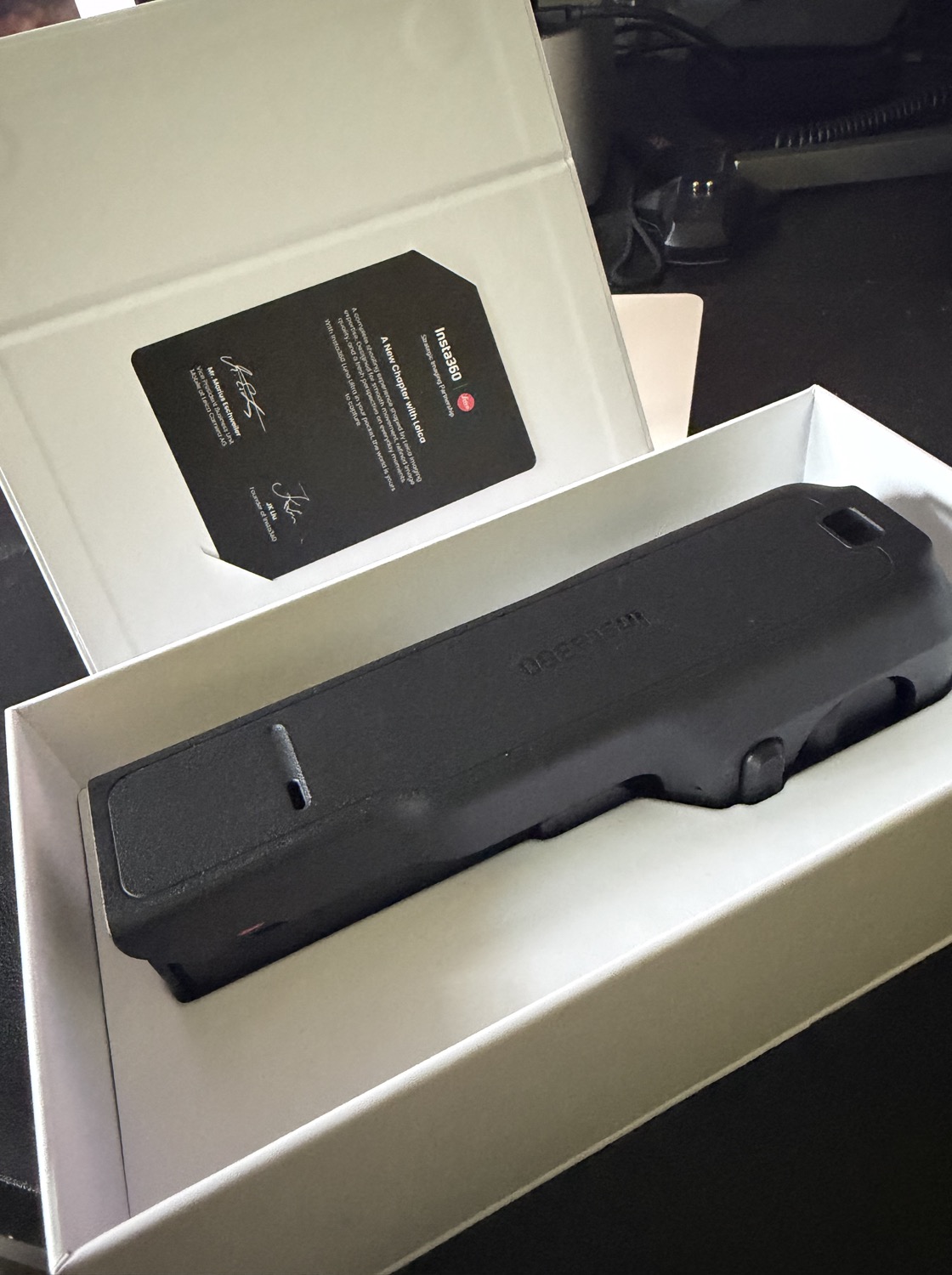
First impressions were good. For this review, I am basically ignoring still and panoramic photo features. I am concentrating on how the video side works in a professional environment as part of a kit of cameras.
Hardware and Ergonomics
The build of the camera is great. It is bigger than the OP3, but the heft feels nice. The screen is bigger and easier to grab focus with. The Luna comes with a clamshell that completely wraps the gimbal and covers the control side of the handle. It feels well protected to me. Much more secure than the half sheath that the OP3 came with.
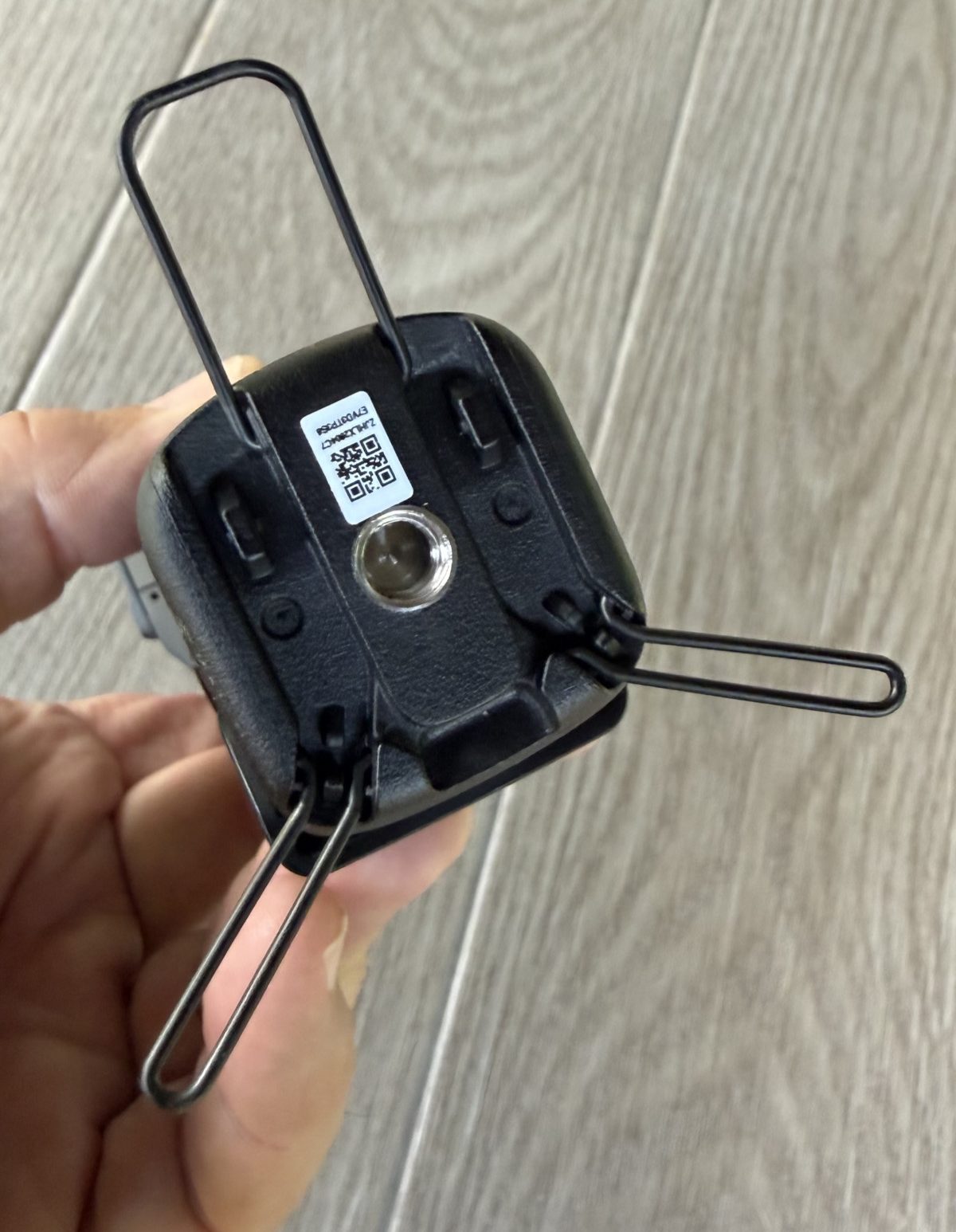

A nice touch is the cult in “kickstand” built in to the bottom of the included 1/4″-20 thread handle. The MicroSD card (not included) inserts on the right side of the handle. The opening has a recessed plastic cover that protects the card but is a little difficult to open.


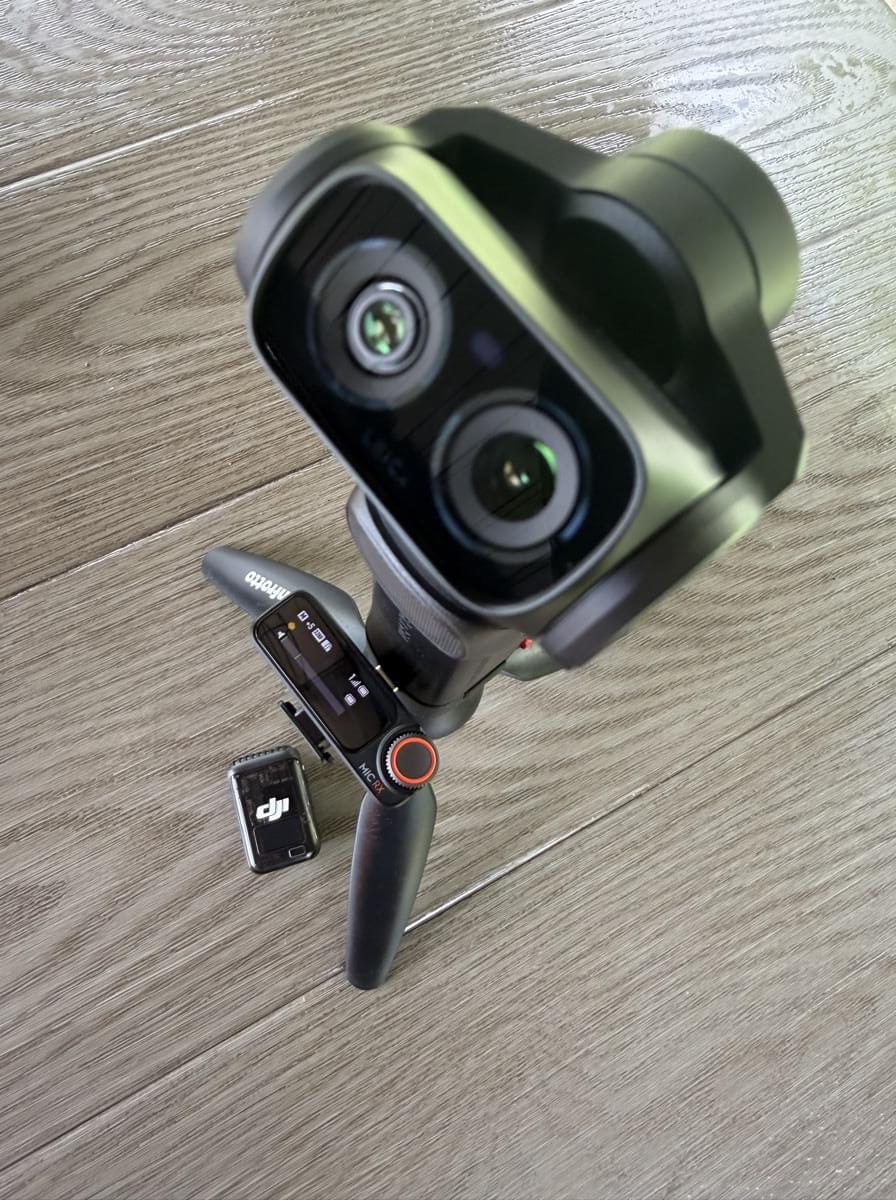
The Luna Ultra is a dual lens system with a 20mm f1.8 wide and a 60mm f2.0 “telephoto” lens. They are both Leica Summicron lenses, designed and co-engineered by Leica. The system has an innovative zoom system that switches between lenses to get you to a 6x “natural” zoom before the digital zoom kicks in. Up to 2x, the Luna uses the 20mm lens. At 3x, the camera switches to the 1/1.3 sensor for a true optical zoom. The next step up to 6x crops in on the 8K sensor. Beyond 6x, the camera starts to digitally blow up the image to mimic a higher zoom ratio.

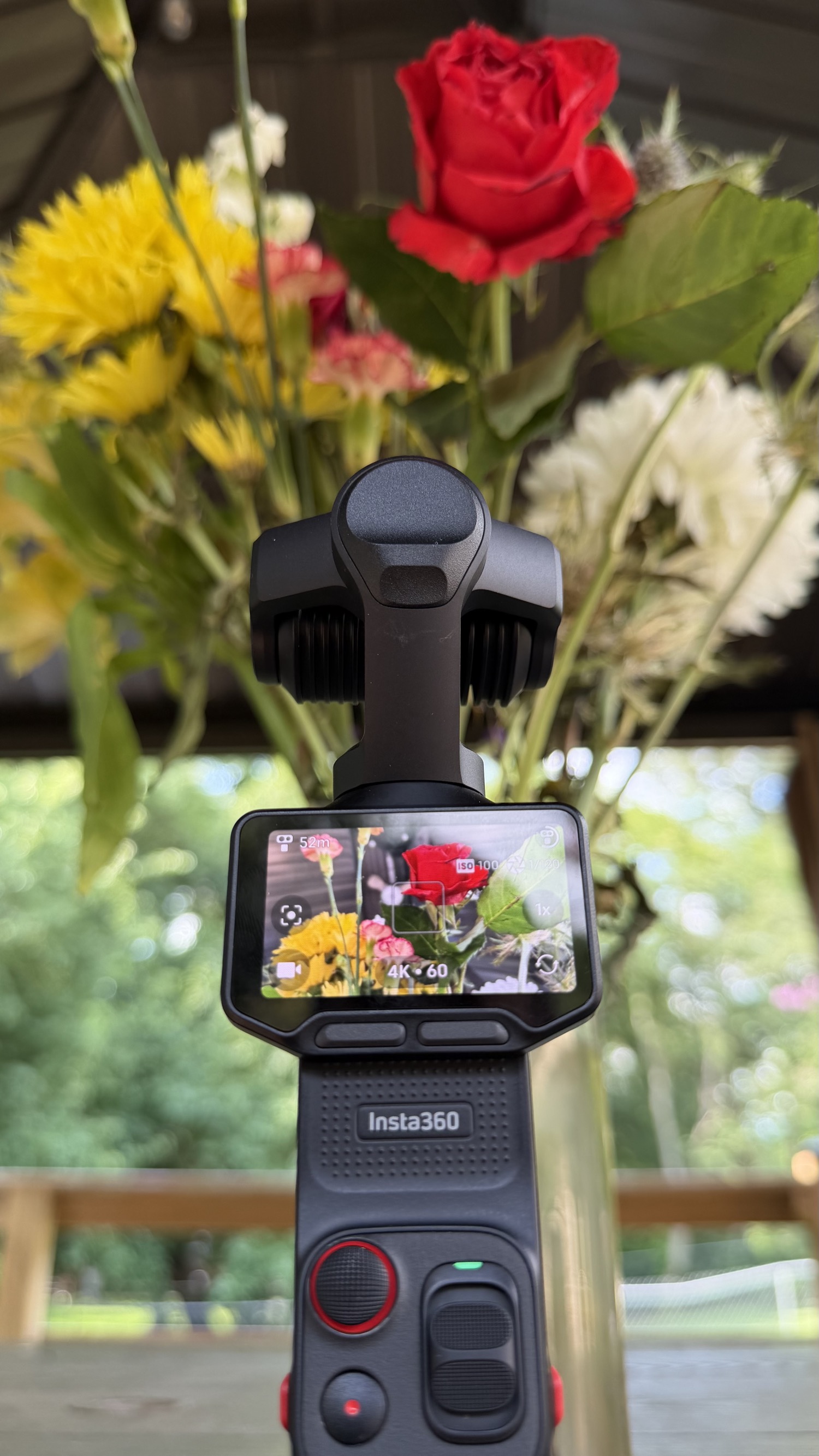
The Luna comes with 47GB of onboard storage, which comes in handy if you forget your microSD card. The microSD loads in on the right side and has a rubber cover that protects the card port. The unit comes with a bottom-mount USB-C connection, but the included grip extension reroutes that to the front.
The ooh/ahh feature is the detachable screen. It works well and I can see a use case for it. I’ll leave it to other reviews to walk through that feature. But keep in mind, it has a separate battery that is in the charge sequence for the camera. You aren’t just waiting for the camera battery to top off.
I also worry that taking the screen and off may lead to premature wear or breakage. I would be very careful using this feature. I would also make sure that I was inserting it the way Insta360 recommends.

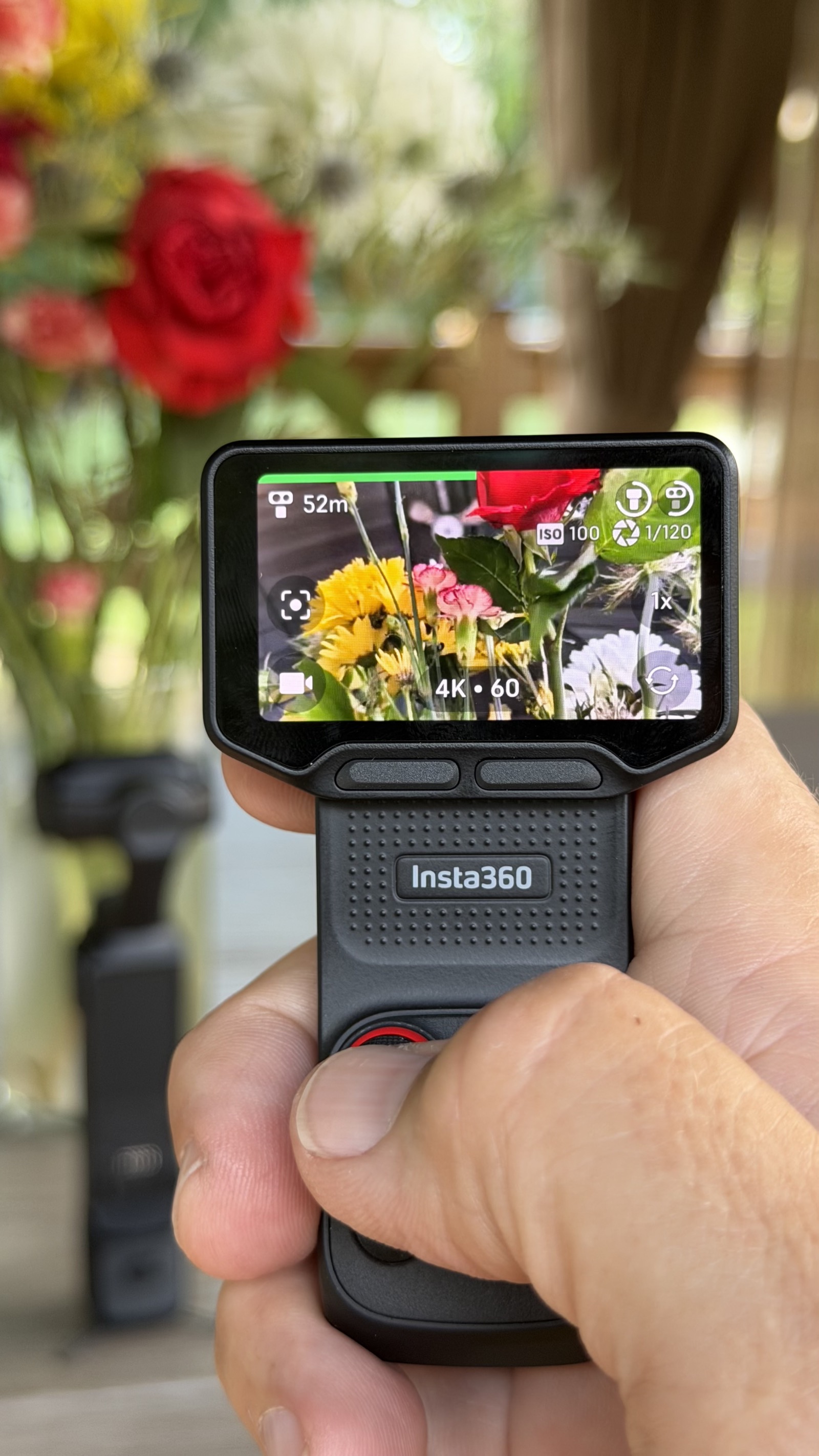
The camera battery is a 1550mAh battery and the screen is 210mAh. Insta360 claims a 4-hour run time shooting 1080p24 in a 77-degree F lab. Your mileage may vary—and probably will. Insta360 says the camera can achieve an 80% charge in 23 minutes with a 15V 3A USB-C PD source.
The expanded tactile controls are nice. The two under-screen buttons are programmable—both single and double punch. I really would like to be able to get to the ISO selection menu by hitting one of these buttons. It would elevate the experience and save me time digging into menus as I move between lighting conditions.
The joystick controls the gimbal—up/down/left/right. A single click toggles to “Deep Tracking” focus, double click centers the camera in forward mode, and triple click moves the camera to selfie position.
“Deep Tracking” is the Luna’s AI focus tracking system. And it’s pretty good too. It latches on to what you select and keeps it in frame and in focus up to the physical limits of the gimbal. Selfie mode was rock solid, but it really shined when I took it to the pickleball courts and selected a player to track and shoot.

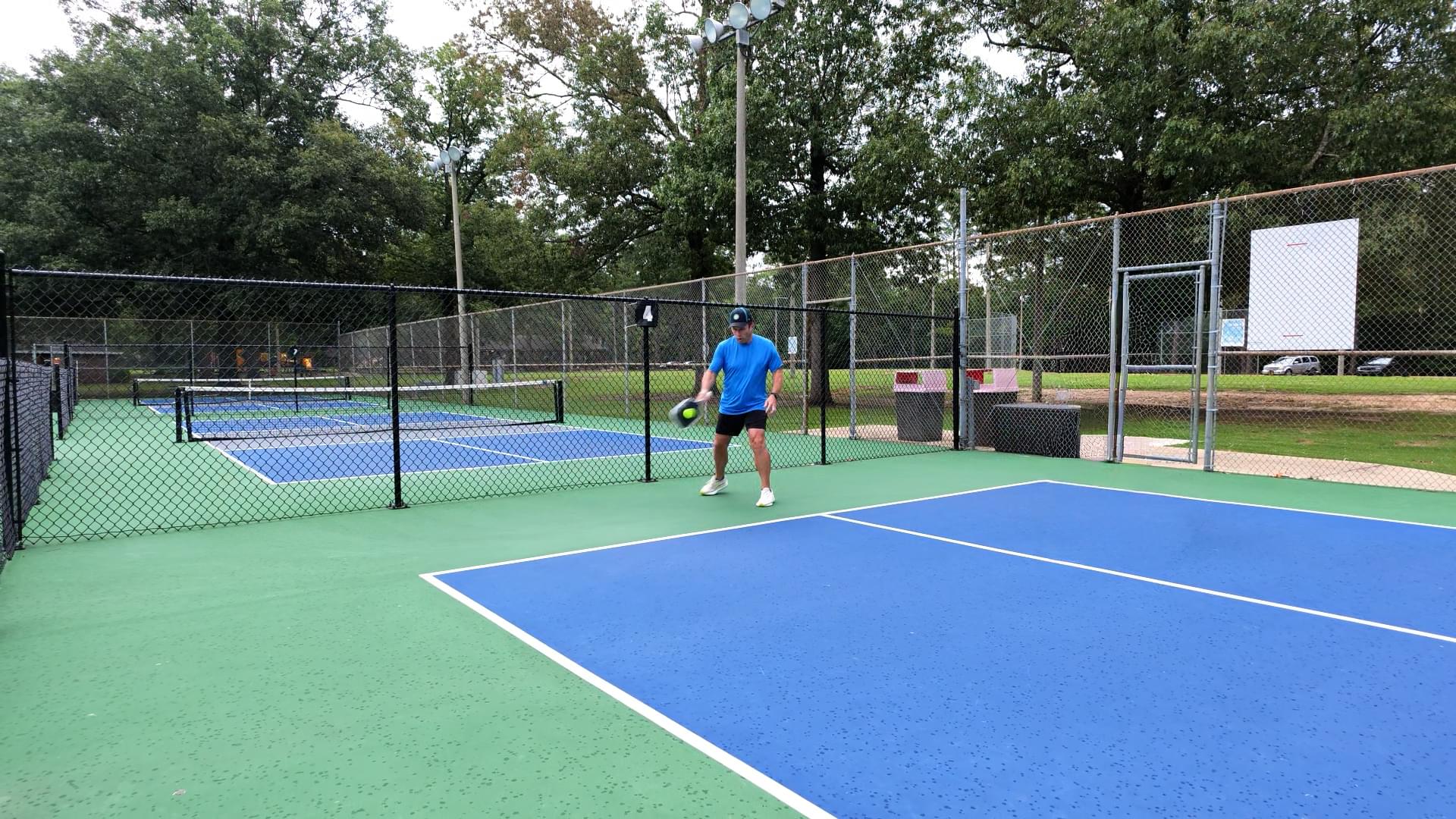
Image Quality and Color
The camera shoots in a whole host of resolutions and flavors (listed at end so as not to drown you in a cornucopia of numbers).
Files are H.265 MP4 with bitrates up to 120Mbps.
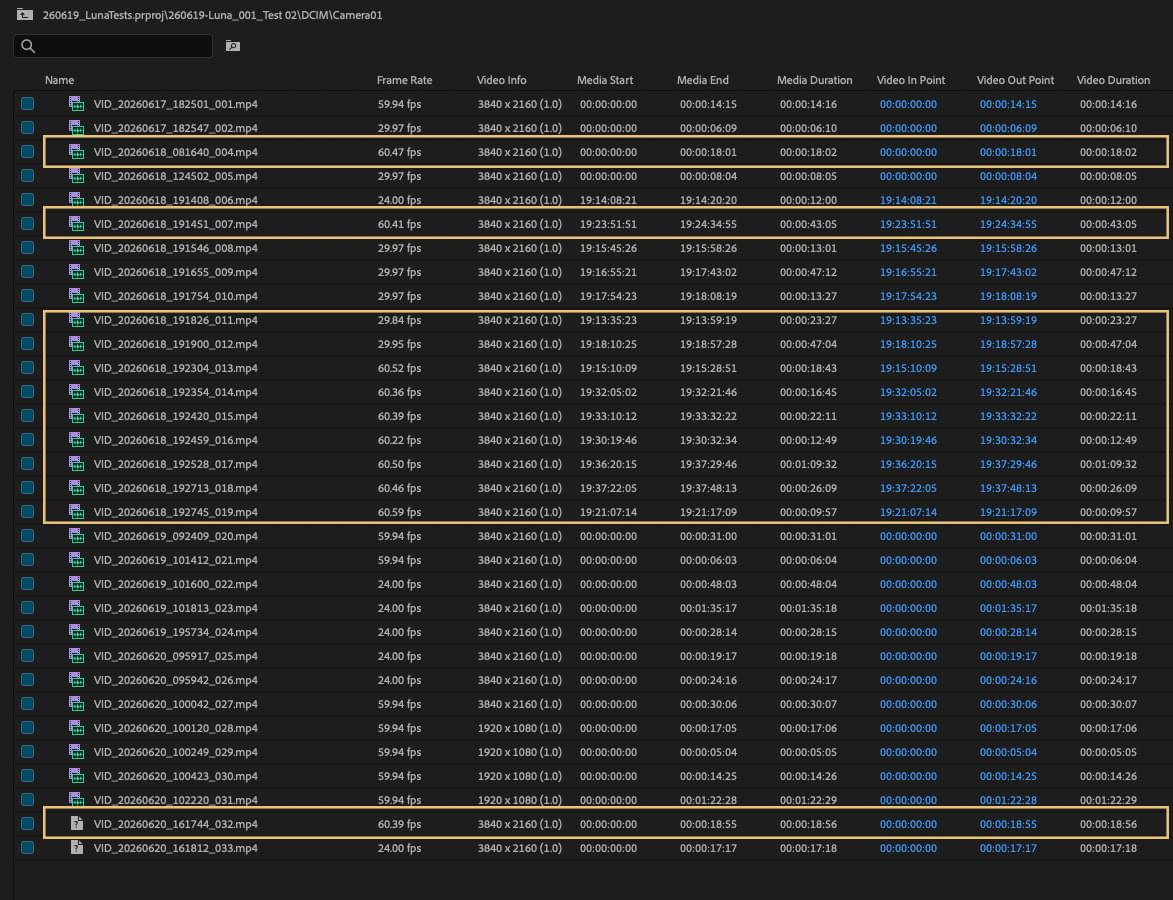
One interesting phenomenon I saw was the inconsistency of clip frame rates when shot in PureVideo mode at 60p. In 4K/60p I got a variety of rates from 60.22 to 60.39 frames per second. I did get some inconsistent rates with PureVideo in 4K/30p too. The media shows 29.84 fps and 29.95 fps in Premiere Pro (26.2.2; Mac Silicon) bin view. I-Log footage did not show these issues at all.

Overall, PureVideo mode looks good, but low light does introduce chroma noise. It is a usable mode in context for certain situations. Just don’t expect infrared military-grade night vision.
Insta360 packed a lot of looks into the Luna Ultra. They include Leica Natural, Leica Vivid, and Leica Chrome filters as film emulations to mimic classic Leica looks. There are also an array of other filters like Pos Film, Fresh, Cinematic, etc., to bake in looks to make delivery a bit faster. These are all available in the Standard color system.
For professional use, Insta360 also includes their I-Log color space for grading and color matching. Tech Support at Insta360 confirmed that I-Log is based on Rec.2020 and can be used in an ACES workflow. Resolve already has I-Log provided as part of the installed LUTs. You can download a standalone LUT here for use in other programs like Premiere Pro and FCP. I-Log files are 10-bit.
There is also an option to record in Dolby Vision to keep a Rec.2020 workflow straight to delivery.
Pro Workflow
Beyond image quality, the next question is: how does the unit handle pro-level features and connections?
The Luna Ultra touts “timecode” capability, which is only the ability to use time of day as running timecode. Insta360 tech support initially gave me instructions on how to jam-sync timecode for the X series of cameras. This doesn’t work at all with a Tentacle Sync E via a 1/8″ TRS-to-USB adapter.
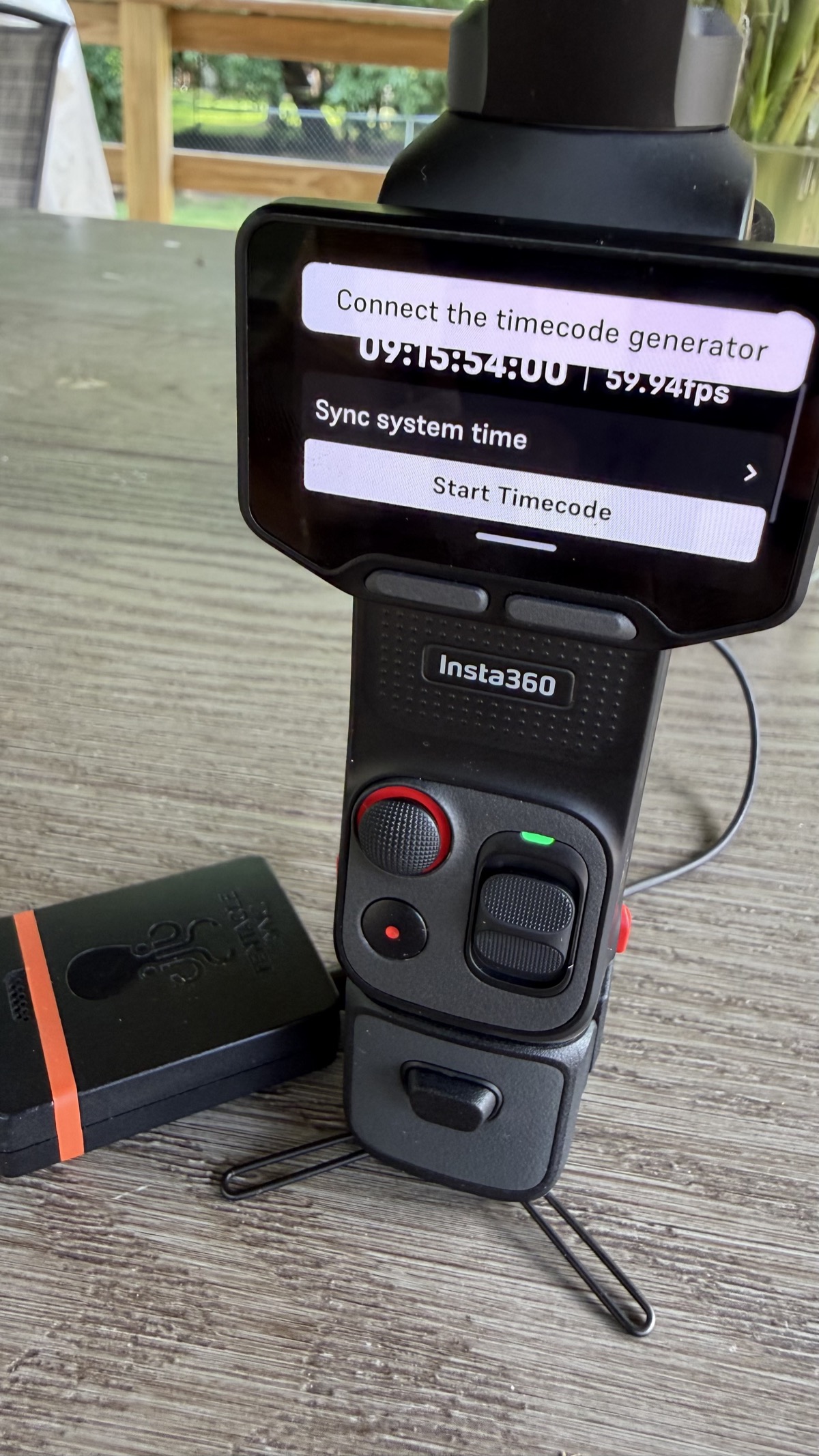

The timecode from the Sync E recorded onto the audio track, though. I used “Modify > Timecode” under clip settings in Premiere Pro to use the audio track as the LTC source, and it appeared to extract and set timecode metadata to match the Sync TC. This Tool Tip Tuesday talks about just that. This would work in a pinch, but I hate to lose the scratch audio track from the mic as a backup source in a multiple-camera shoot.
I tried to pair a DJI Mic 2 transmitter directly to the Luna Ultra via Bluetooth with no success. Just to be sure, I paired the DJI Mic with my iPhone easily, so the issue appears to lie with the Luna Ultra’s Bluetooth implementation.
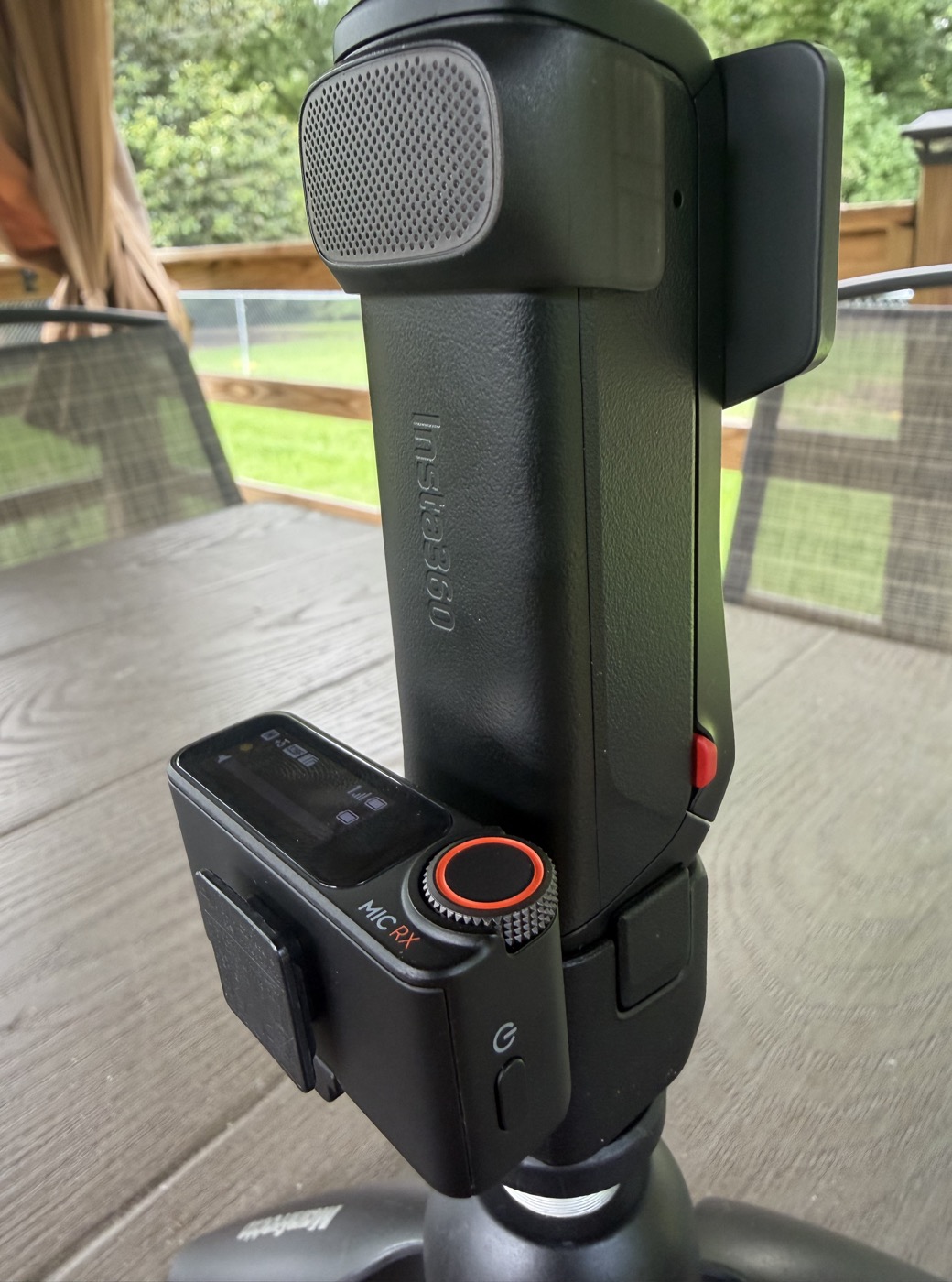

I was able to connect the DJI Mic 2 receiver (once I repaired it to the mic) via USB to the Luna Ultra, and the camera recognized it as an external mic source. Using the included USB plug interface actually made the kit pretty slim.

When recording in I-Log, there is no option for a monitor LUT on screen. To be clear, I’m not asking for the ability to load a custom LUT. I would just like a way to get a Rec.709 approximation on the screen.
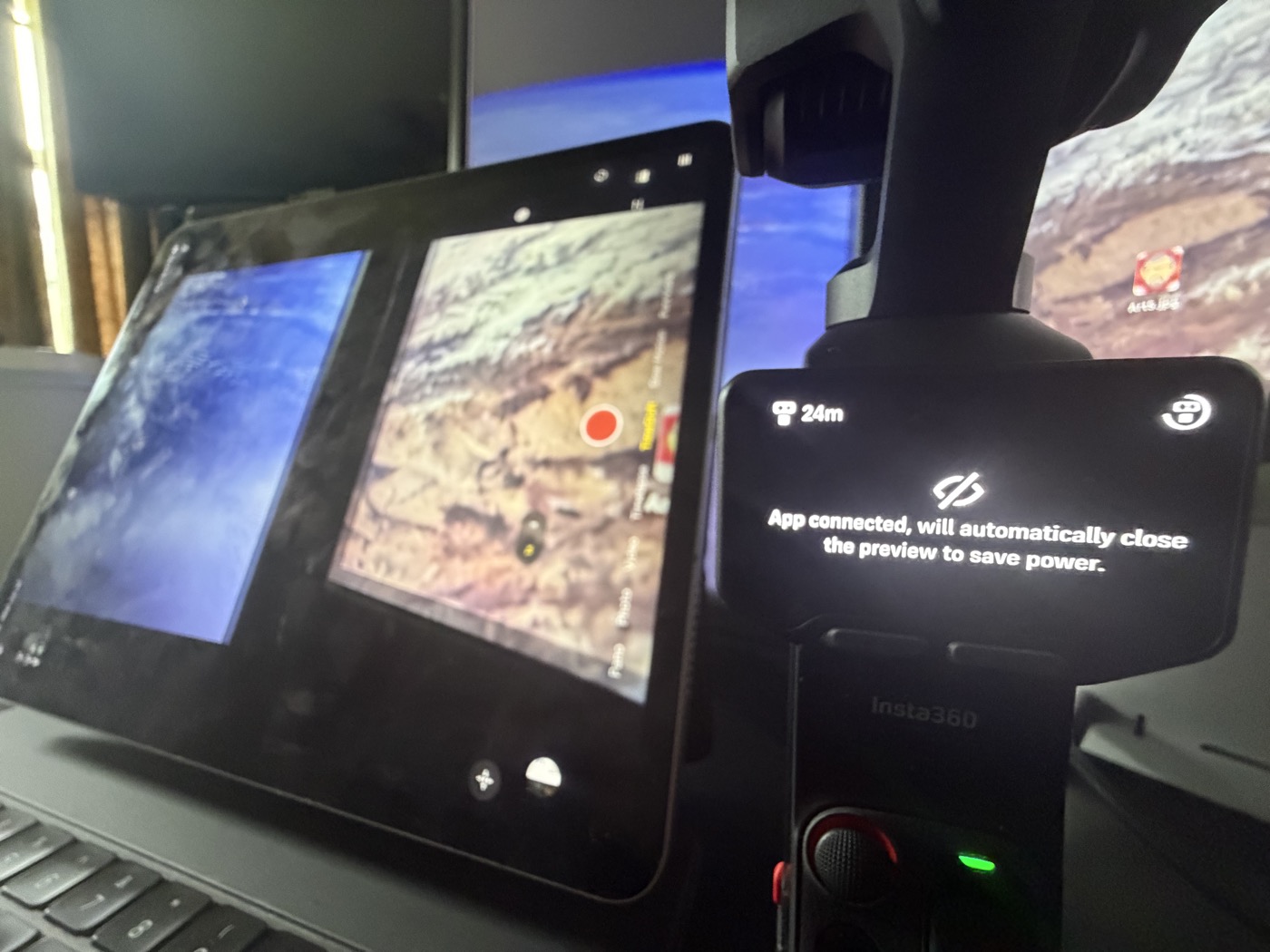
The Insta360 iOS app is quick to load and connect to the Luna Ultra. But once engaged, the on-camera screen blacks out and the controls become inoperable. I would love to be able to direct with the app connected while having an operator on the camera with full control at the same time. DJI only kills live preview in the Mimo app when the OP3 is in 4K recording mode. Crippling the Luna Ultra like this really takes away another level of professional use.

A pet peeve of mine is the lack of external NDs being included in the base kit. With a fixed aperture, I don’t want to depend on high shutter rates to control light into the camera. I always like to maintain a 180-degree shutter for proper motion on screen. I’m not shooting “Saving Private Ryan” and don’t need overly sharp and jittery video. I wish Insta360 would throw a simple 8ND magnetic filter in the base kit.
Pros
- Durable build
- Great image quality and latitude
- I-Log grades really well
- Dual lens with 6x optical/lossless zoom
- “Deep Tracking” AI subject tracking
- Battery life
- Internal storage
Cons
- “Timecode” implementation is glorified TOD with no way to jam-sync to an external source
- PureVideo video files have fractional frame rates
- Bluetooth will not recognize non-Insta360 mics
- Use of the iOS app locks out all on-camera controls, including the joystick and screen
- No way to set custom buttons to quickly change ISO
- No included external NDs
Cautions
- PureVideo video files have fractional frame rates
- No clean HDMI out so onboard recording is the only way to capture footage
- The Luna Ultra is bigger than the Osmo Pocket 3 and not as pocket sized
- The MicroSD slot cover can be a little difficult to open, especially with larger fingers
- Taking the detachable screen on and off repeatedly may stress the connections
Wrap-up
The Luna Ultra is the best pocket gimbal cam that you can buy in the US right now. It is hamstrung by some questionable firmware decisions that I hope can be rectified in the near future. (I tested with a commercially available production model with gimbal firmware 1.0.0 and camera firmware 1.0.38.)
I bought this camera myself with no consideration given by Insta360. I would recommend it as long as you can live with the caveats listed above.
Specs
Video
8K (16:9): 7680 × 4320 @ 30/25/24fps
8K (2.35:1): 7680 × 3264 @ 30/25/24fps
4K (16:9): 3840 × 2160 @ 120/100/60/50/48/30/25/24fps
4K (2.35:1): 3840 × 1632 @ 120/100/60/50/48/30/25/24fps
3K (1:1): 3072 × 3072 @ 60/50/48/30/25/24fps
3K (9:16): 1728 × 3072 @ 60/50/48/30/25/24fps
2.7K (16:9): 2688 × 1520 @ 120/100/60/50/48/30/25/24fps
2.7K (9:16): 1520 × 2688 @ 60/50/48/30/25/24fps
1080p (16:9): 1920 × 1080 @ 240/200/120/100/60/50/48/30/25/24fps
1080p (9:16): 1080 × 1920 @ 60/50/48/30/25/24fps
PureVideo
4K (16:9): 3840 × 2160 @ 60/50/48/30/25/24fps
3K (9:16): 1728 × 3072 @ 60/50/48/30/25/24fps
2.7K (16:9): 2688 × 1520 @ 60/50/48/30/25/24fps
2.7K (9:16): 1520 × 2688 @ 60/50/48/30/25/24fps
1080p (16:9): 1920 × 1080 @ 60/50/48/30/25/24fps
1080p (9:16): 1080 × 1920 @ 60/50/48/30/25/24fps
Slow Motion
4K (16:9): 3840 × 2160 @ 120/100fps
4K (2.35:1): 3840 × 1632 @ 120/100fps
2.7K (16:9): 2688 × 1520 @ 120/100fps
1080p (16:9): 1920 × 1080 @ 240/200/120/100fps
Timelapse
4K: 3840 × 2160 @ 30fps
2.7K: 2688 × 1520 @ 30fps
1080p: 1920 × 1080 @ 30fps