

Welcome to Tool Tip Tuesday for Adobe Premiere Pro on ProVideoCoalition.
Every week, we will share a new tooltip to save time when working in Adobe Premiere Pro.


I made a mistake about projects in this book 14 years ago.
I used a common folder structure where everything was self-contained. And it’s generally a good practice because it makes moving/copying a project a single folder.
The right approach is to organize your project like this:


Here’s why it matters: If your project file sits above the media, Premiere essentially creates relative paths to media.
This means you can reorganize and rename media folders, and Premiere will track them without a relink dialog box.
By the way, this makes moving everything between drives and operating systems dead easy.
But in my books, I incorrectly used this structure:


The mistake (for YEARS) is if your project is buried in its own folder, Premiere uses absolute paths – rename or move a folder, and everything goes offline.

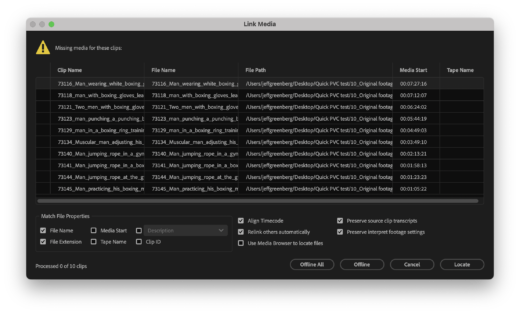
To be clear, this wasn’t a one-time error. I made this mistake not once but twice in different books. Can’t blame my co-authors on this one – this was all me.
Sometimes, you have to make the same mistake twice before the lesson sticks.
This series is courtesy of Adobe.