

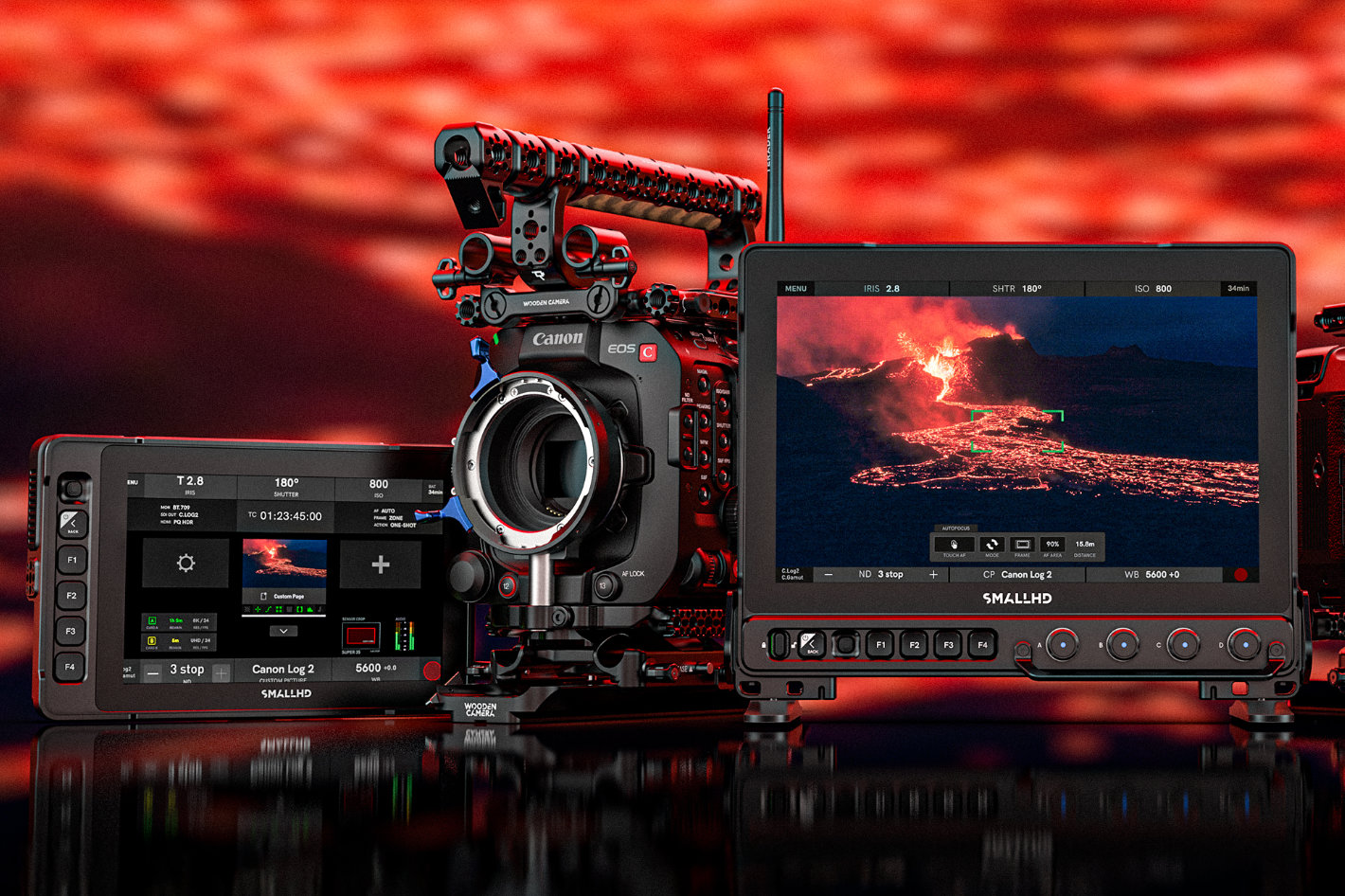

With the release of SmallHD’s popular Camera Control for Canon cinema cameras filmmakers using models from Canon can now adjust critical camera settings directly from their SmallHD monitor, streamlining production and saving valuable time on set.

- Adjust shutter speed, aperture, ISO, ND, codec, and trigger record start/stop
- Use touch-to-focus functionality
- Access and control the full camera menu
- Combine Canon Camera Control with other PageOS monitoring tools on customizable pages
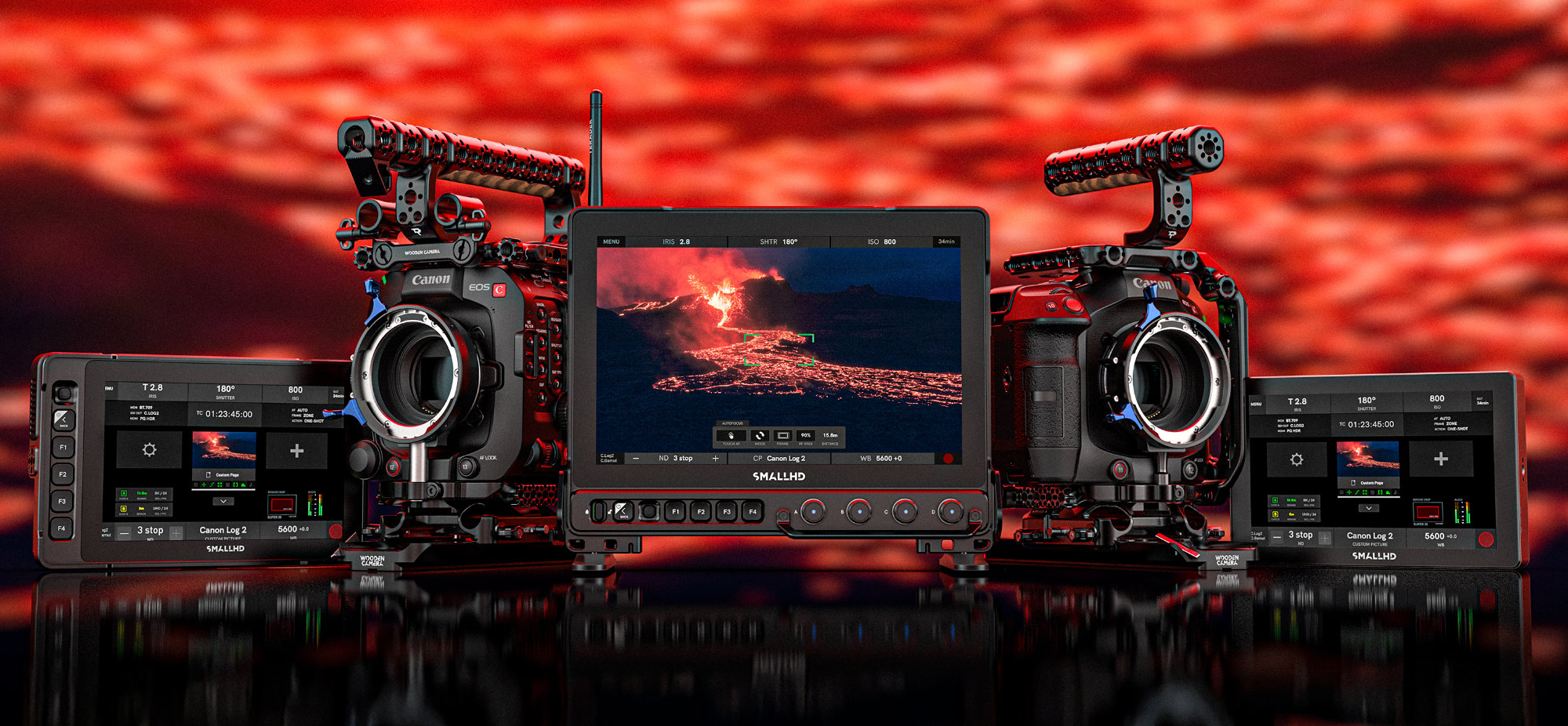

- EOS C300 Mark III
- EOS C500 Mark II
- EOS C400
- EOS C70
- EOS C80
Camera Control for Canon will be supported on the following monitors:
- Cine 5
- Ultra 5 / Ultra 5 RX / Ultra 5 TX
- Cine 7
- CINE7 500 RX / CINE7 500 TX / CINE7 SK RX
- Ultra 7 / Ultra 7 RX (750 & 1500) / Ultra 7 TX (750 & 1500)
- Ultra 10 / Ultra 10 RX
- Cine 13
- Cine 18
- Cine 24
- Vision 17
- Vision 24
- OLED 22
- OLED 27
- Quantum 27
- Quantum 32
“Our goal has always been to give filmmakers complete control and flexibility on set,” said Matt Eidenbock, Product Manager at SmallHD. “Bringing Canon compatibility to our Camera Control lineup delivers more efficiency, less back and forth, and a more seamless monitoring experience.”
Camera Control for Canon is available now at www.smallhd.com.