


Last year I started to learn Unreal Engine 5 and, as many projects do, it got sidelined as life just took over. Well, I’m back on track, and it’s going to be a year of learning, so I thought I’d document the whole process. The simple goal is to be able to produce a 10-30 second animation that I would consider game-worthy, meaning it’s something that I could easily see put in as a cut scene in a video game. There’s a ton of resources out there that I can pay for to do this but, to be honest, I’ve tried a few, and they were, well, less than disappointing. Pretty much a cash grab to give you information that you could easily learn off YouTube, but the larger problem is that none of it was really specific to what I want to do. Now, keep in mind, I’m not looking to do anything crazy here. I need four simple elements to create this animation, and the goal is to do it as “cost effectively” as possible. I’ll need characters, a location, skeletal rig animation(s) and some kind of “visual effects” to create this animation. In this article, I’m going to talk about where we can source these elements from, to create our animation. In future articles we’ll go more in-depth to talk specifically about each of the four categories, and go over exactly how to make the final animation. Unreal Engine 5 is our tool of choice, but as I’ve started to learn, Blender will play an important role in the animation process.
Now I did say that Unreal Engine 5 will be our application of choice. Keep in mind a few things. First, it’s completely free. Second, it’s primarily used as a game engine, but also has a fantastic animation engine as well. If you know an application like After Effects, you’re already on your way to animating in Unreal Engine 5. Even if you have little to no experience with animation or Unreal Engine 5, many of the things that we’ll go through are drag and drop. Meaning, you need an animation of someone walking? You don’t need to create the animation. Chances are we will find something for free that will serve its purpose. Now that doesn’t mean that it won’t need tweaking, but at least we’ll be 90% of the way there. Hopefully, when all is said and done, you’ll be able to get into Unreal Engine 5 and start creating your own animations. So let’s start out with the first “big” element you’ll need for your animation(s) and that is choosing an environment.
Unless you’re a AAA game company, or a higher end studio, we’re not going to be building anything from scratch. We’re going to do what’s called “Kitbashing”, which is taking multiple different elements from different places, and putting them together to create our environment. So, the first big question is, where do we want to get our environment from. Let’s take a look at the different options.
ENVIRONMENTS
KITBASH
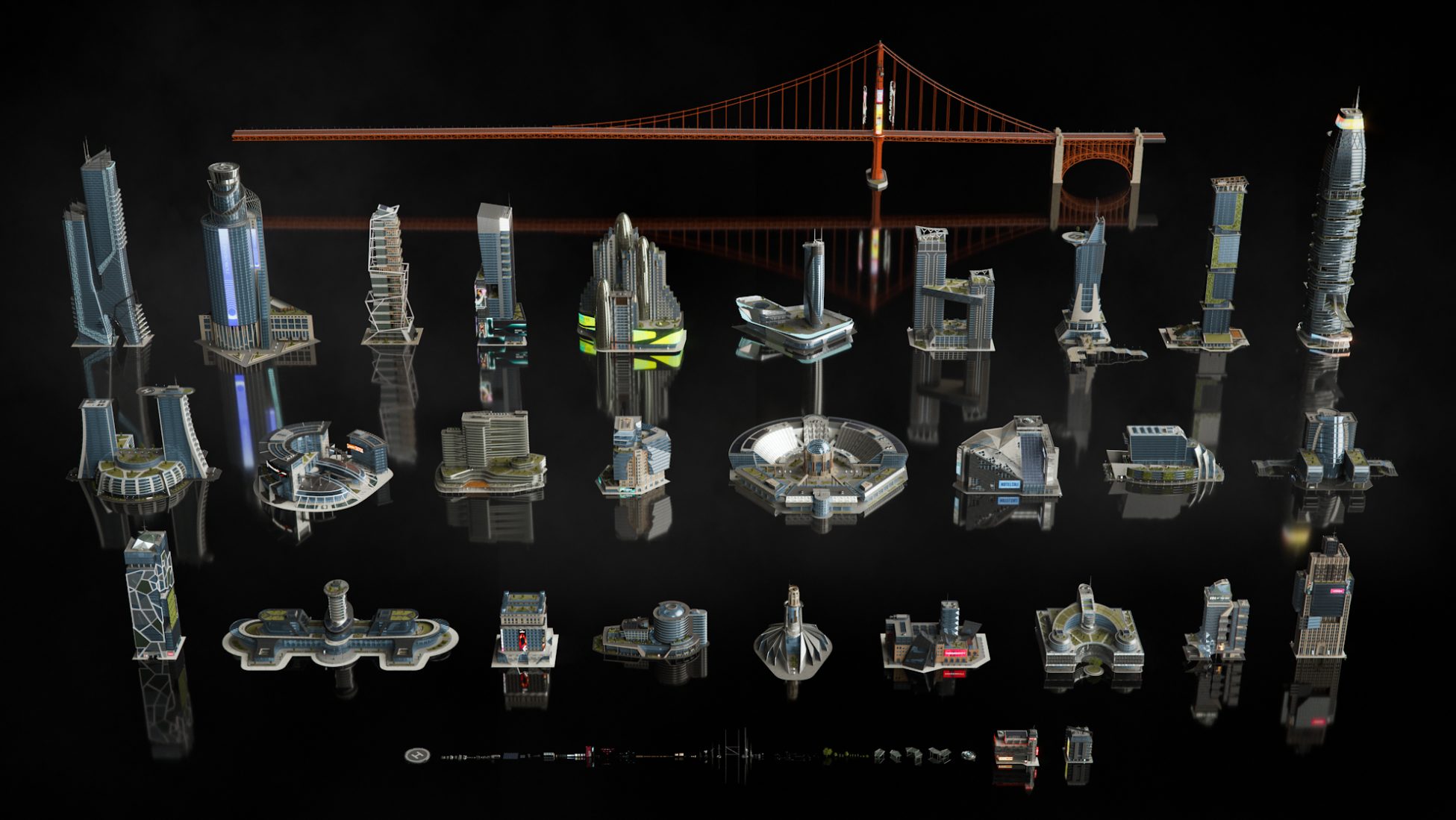
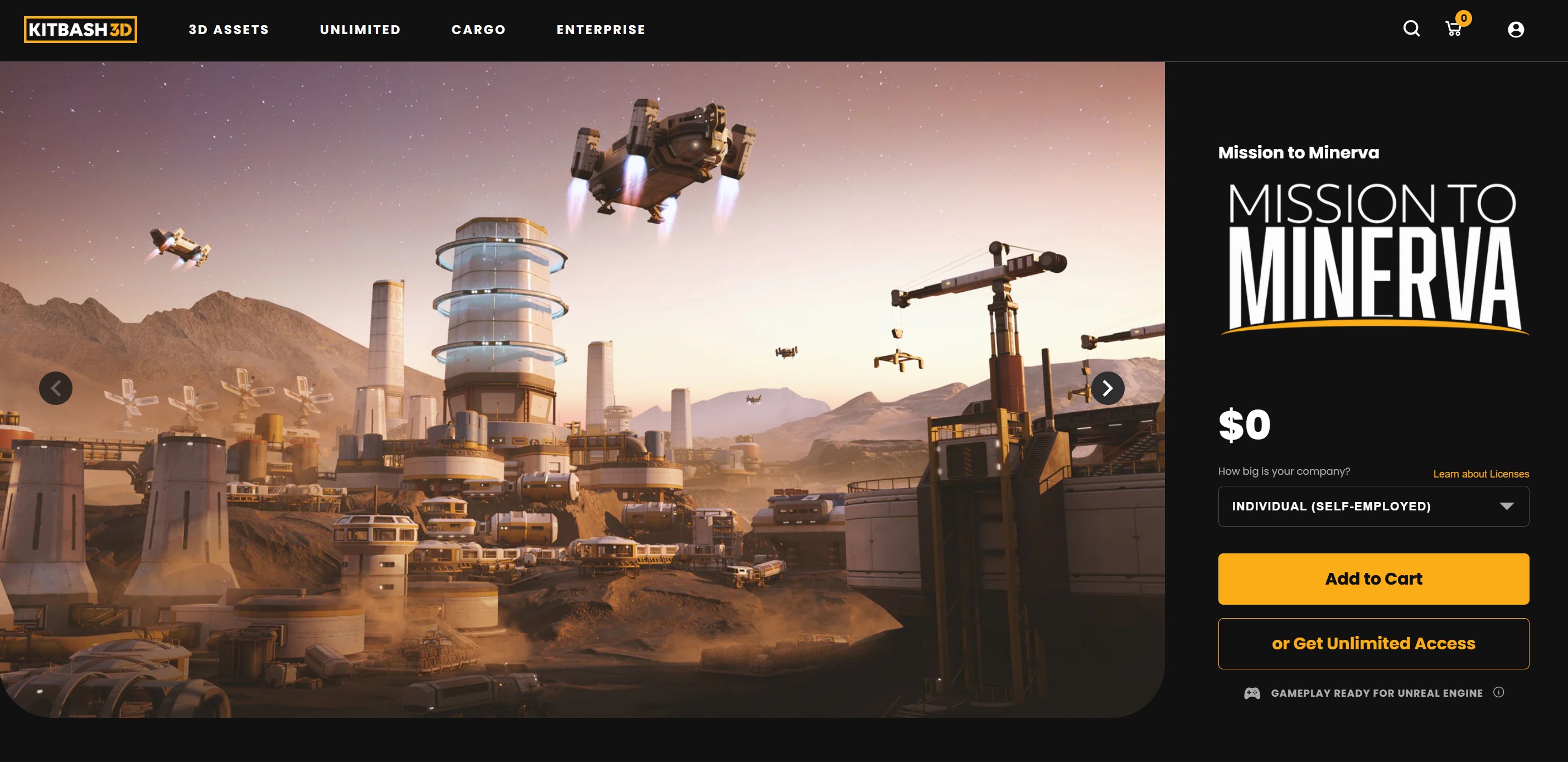
For me, these guys are the absolute AAA of environmental elements. You’ll notice I didn’t say “environments”, as what they provide are elements to build your environments with. There are no demo scenes or levels with any of the Kitbash elements. Also, for the most part, all kits are designed to be used as exteriors, unless they specify otherwise. According to their website, a Kit typically includes 10 large structures, 10 medium structures, 10 small structures, and 50-100 props and components. A Kit also includes between 30-60 materials. Anything else you need to build your environment you’ll need to either source or build on your own. Let me show you an example of exactly what I’m talking about. Tucked away on Kitbash’s website, there is a free kit that you can download and play around with. It’s called “Mission to Minerva”. It was made available to the public with a contest that Kitbash did a while ago. It’s a great kit to pick up as, it’s obviously free, but it will show you the quality you’re getting with Kitbash’s environmental elements. You can find a breakdown of all the kits and elements here, and you’re looking at $95-$245 per kit, based on the one you’re interested in.


BIG/MEDIUM/SMALL
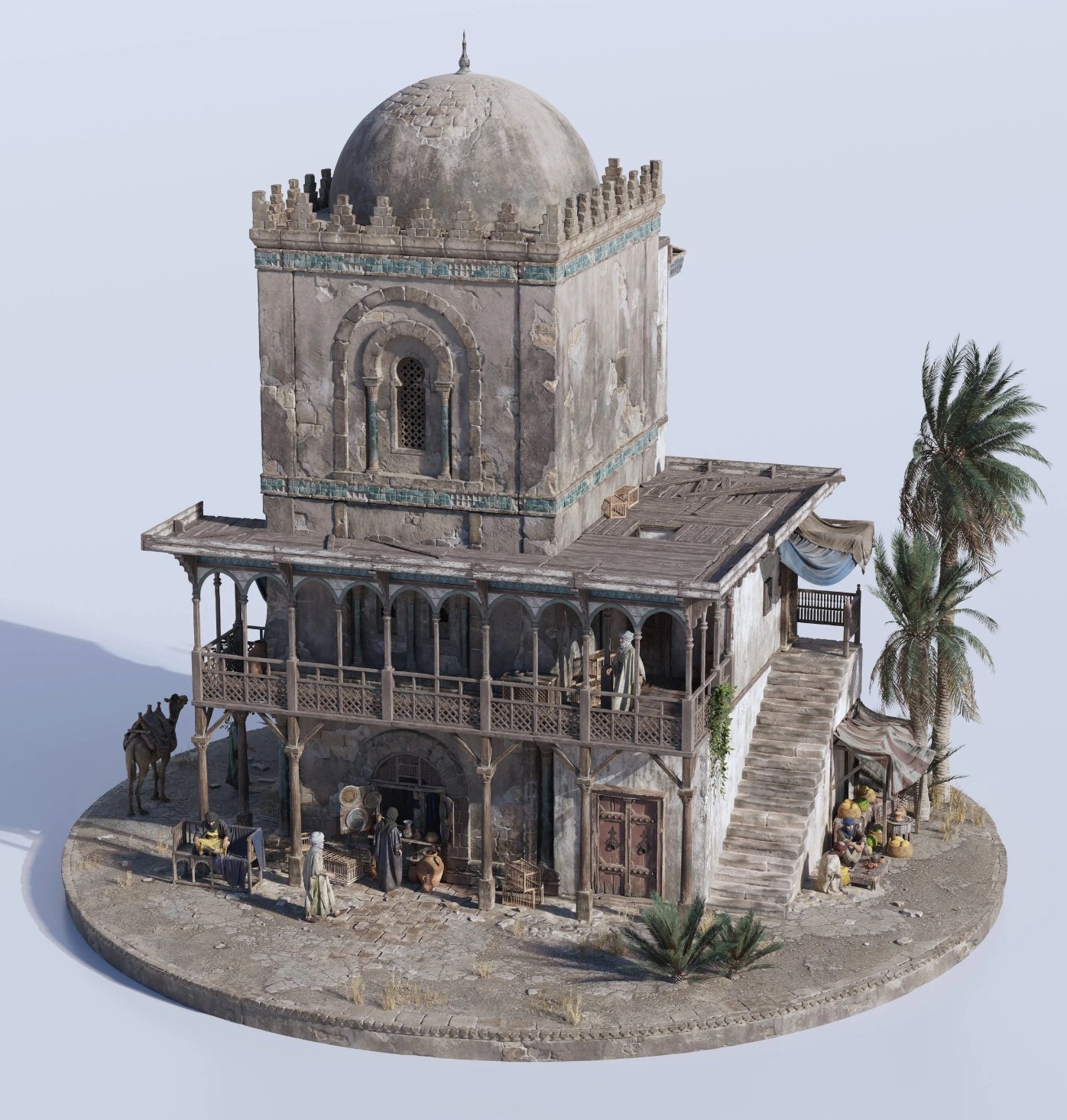
B/M/S is an interesting one for me. On one side, they are much like Kitbash when it comes to the assets they make. They are not complete environments, but kitbash elements that you can use to make environments. Looking at their Grand Bazaar pack, it contains all the elements you could need to build a very cool building, like what you see below.

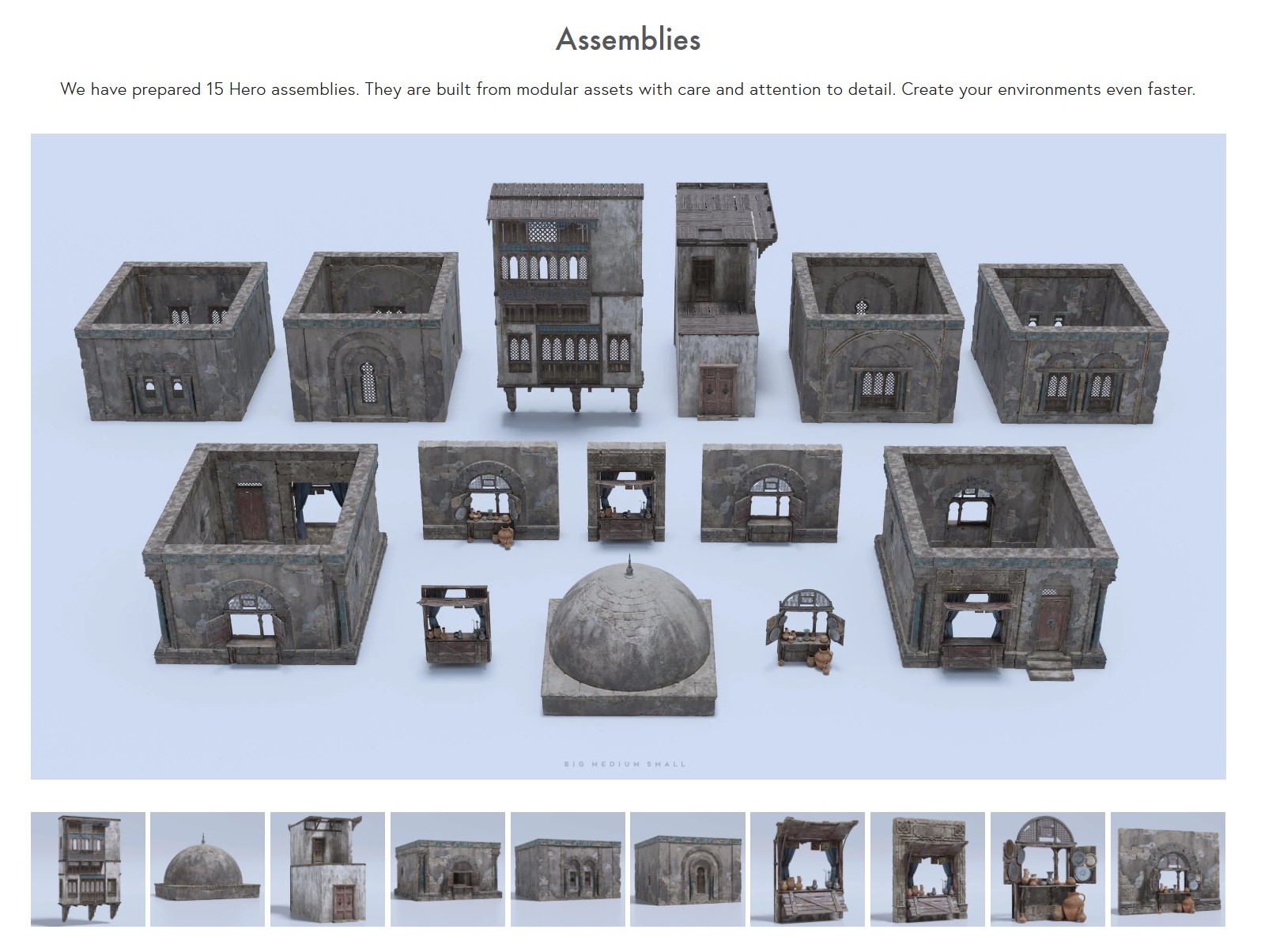

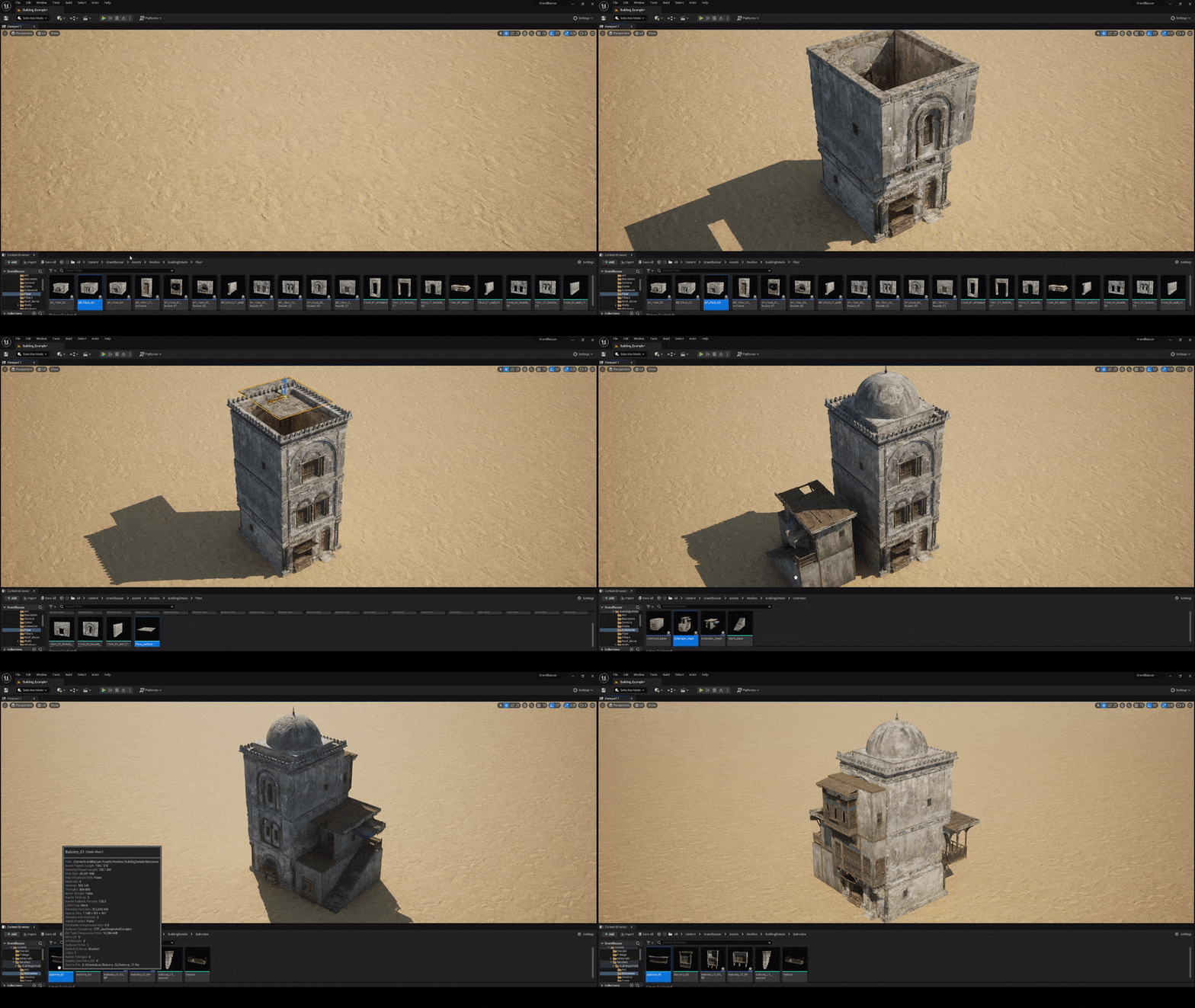

All of their packages are UE5 ready, and have all the building blocks you need to build the worlds you want to build, AND, the big difference between B/M/S and Kitbash is that B/M/S include characters to add to your scenes, which is a big plus for them. The cost is comparable ($99US to up to $600 for the complete character bundle – the Grand Bazaar pack is normally $250), and some of the packages let you choose to have just the characters, or just the scenery pieces, which is extremely helpful.
COSMOS
If you’re looking for full environments to drop your meshes into, Cosmos is the place you want to check out. With both a subscription and a-la-carte option, they have an environment for just about every possible animation you could want to create. What’s important to keep in mind with these environments is that they are just that. Environments. They come with an already built environment for you to place and animate your characters in. I’ll use the Post Apocalyptic Urban environment as an example. It comes with 248 unique meshes and indoor and outdoor locations that can be used in either day or night animations (see the Humble Bundle section for images). It’s regular price is only $60, which is very cost effective, however, there is an even better way to get this element, and a whole bunch of others, at an even better price.
HUMBLE BUNDLE
Yep, believe it or not, if you’re familiar with Humble Bundle and their game bundles for charity, they have software bundles for charity as well, specifically Unreal Engine 5 (and Blender for that matter) bundles. You’ll remember I had mentioned the Post Apocalyptic Urban Environment above, which is $60 US. Well, that same environment, plus nine others as well as other assets packs to populate your environment and even animations and other tools as well are available as a Humble Bundle for only $42 Canadian. Yep, that’s right, and Humble has these kinds of bundles all the time. Whether it’s training, animations, environments or other Unreal Engine 5 Elements, Humble is the place to watch for all the absolute best deals, when it comes to Unreal Engine 5 Environments.
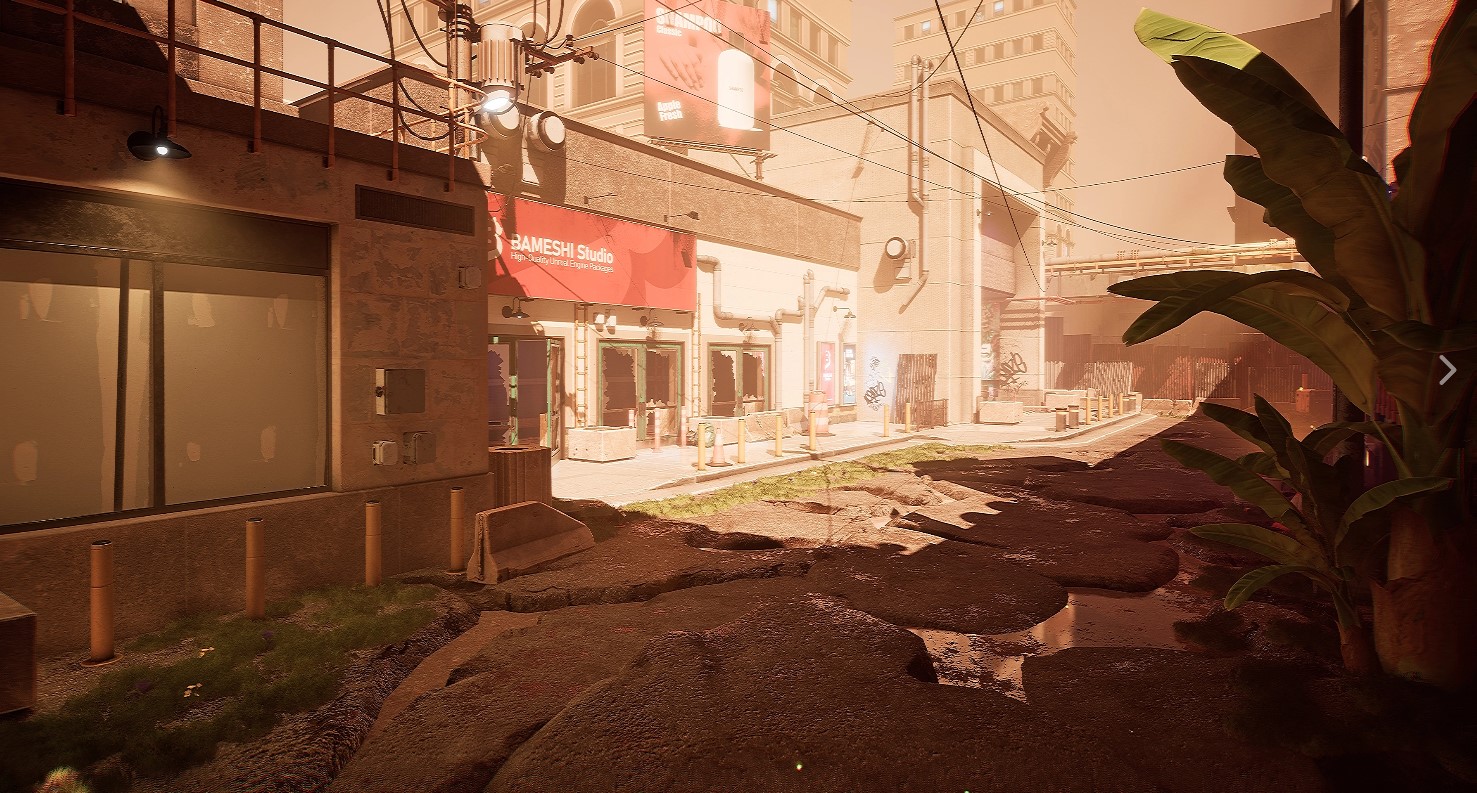

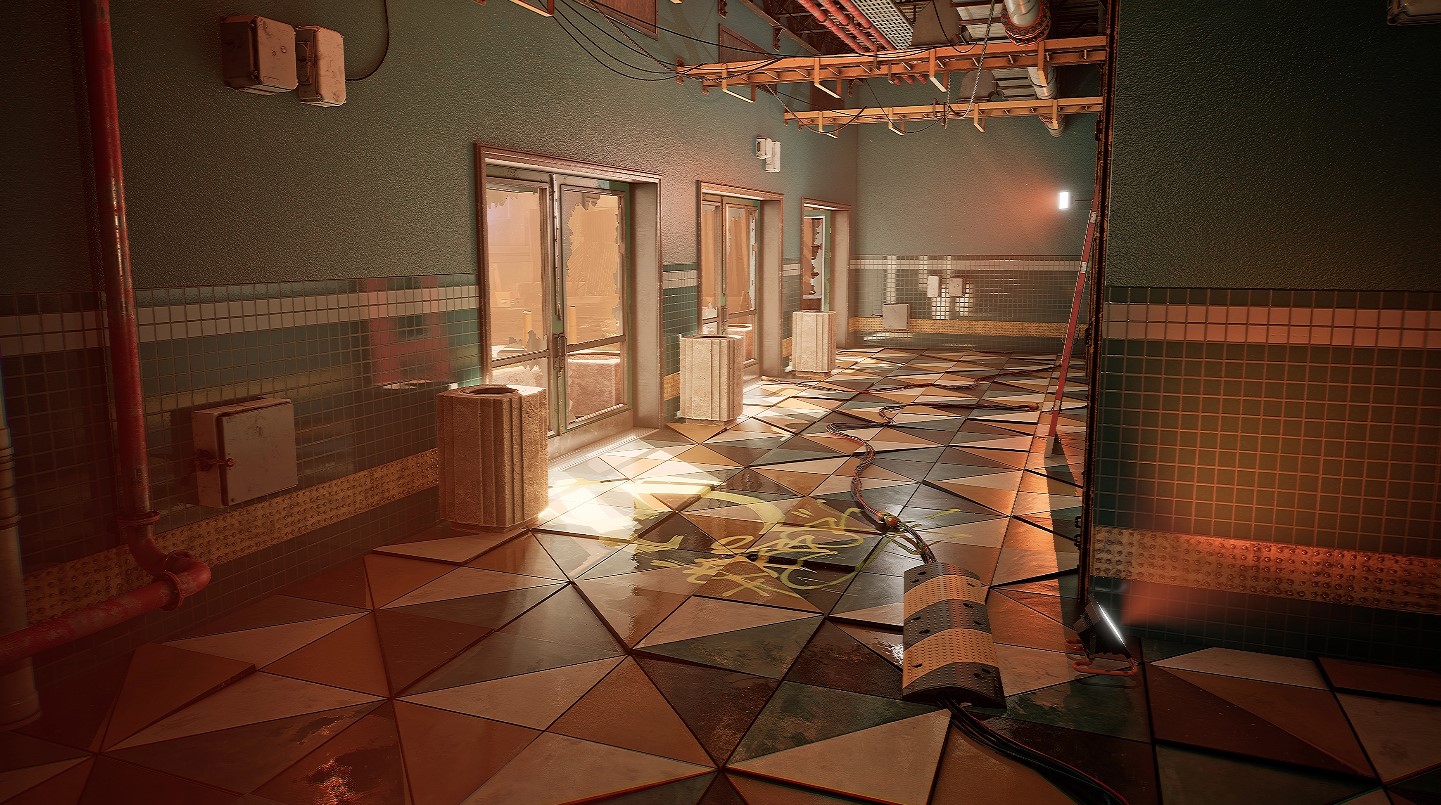

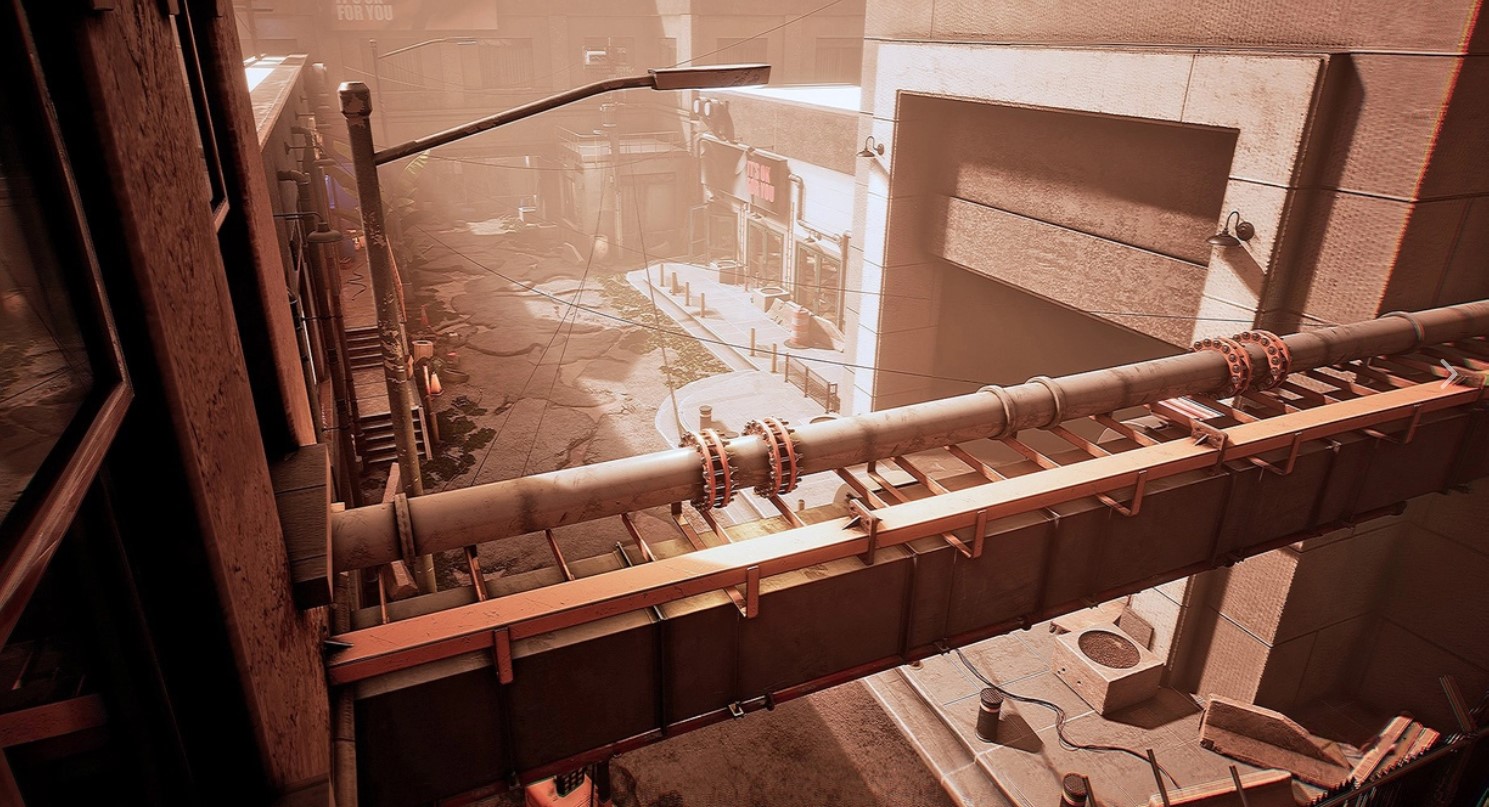

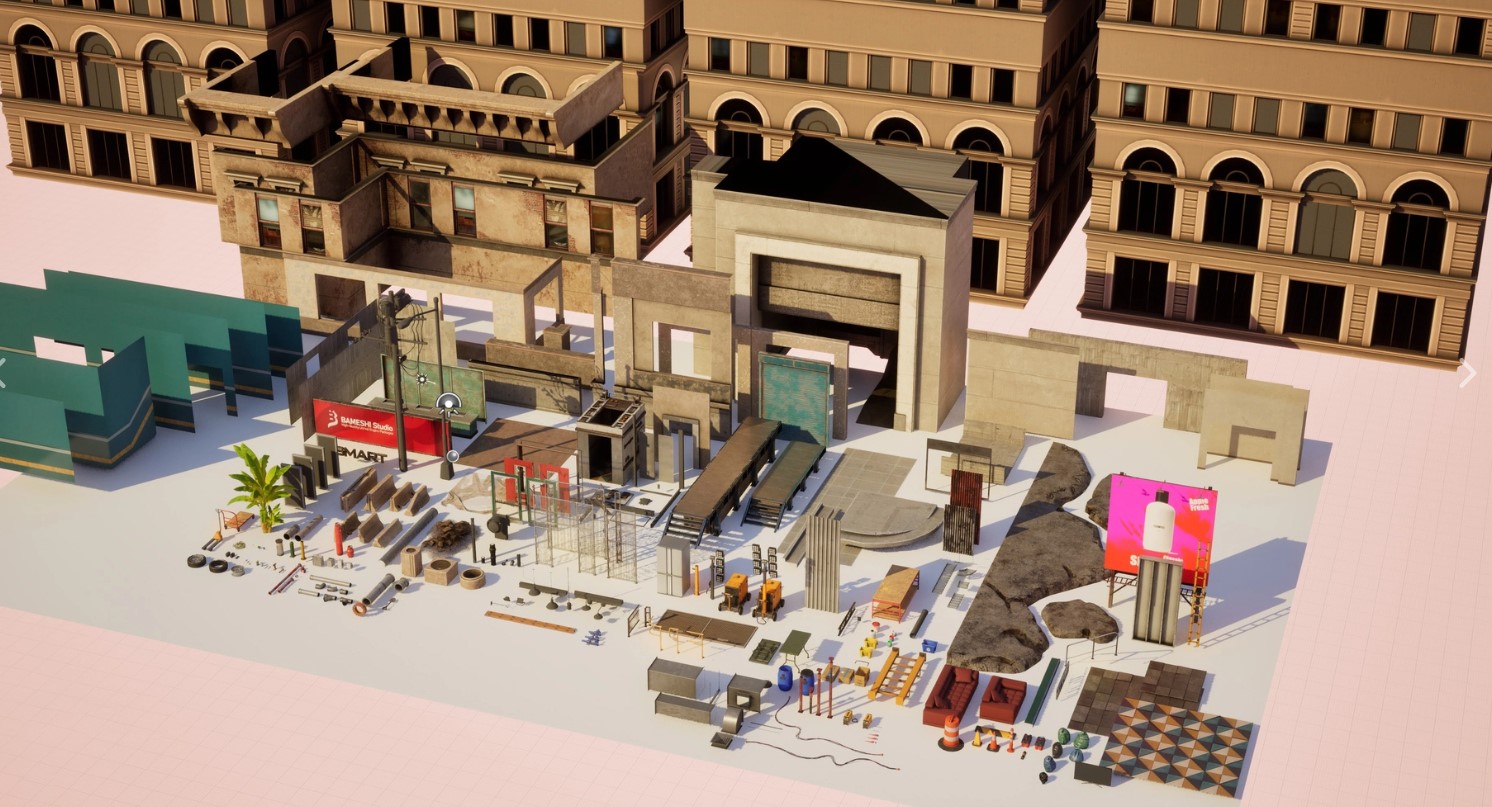

And the best part is, when one sale ends, another one starts. There’s already another bundle posted in the Software section of the Humble Bundle website, along with training bundles, sound effects bundles, and a whole lot more.
CHARACTERS
CG TRADER & ARTSTATION
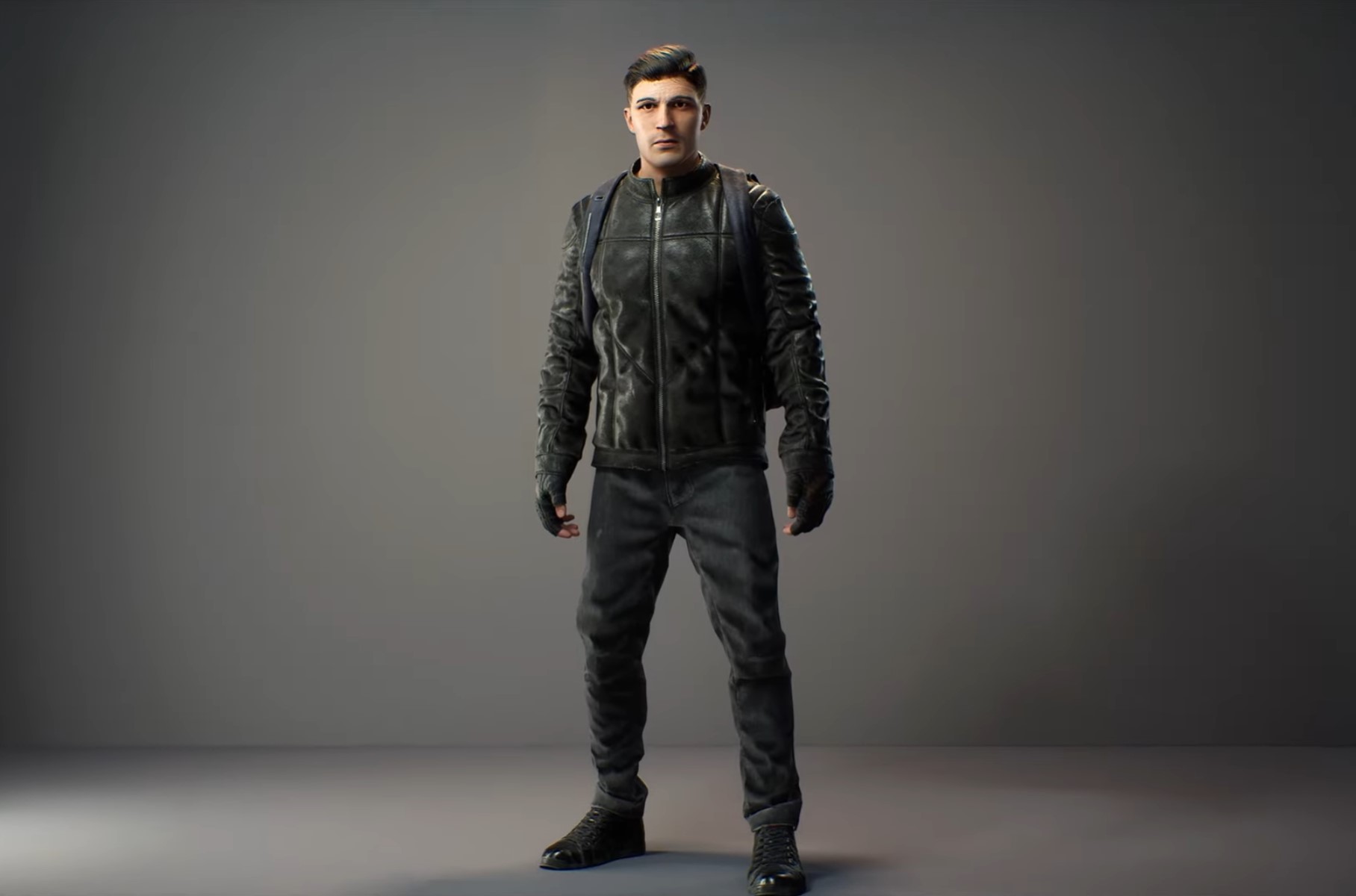
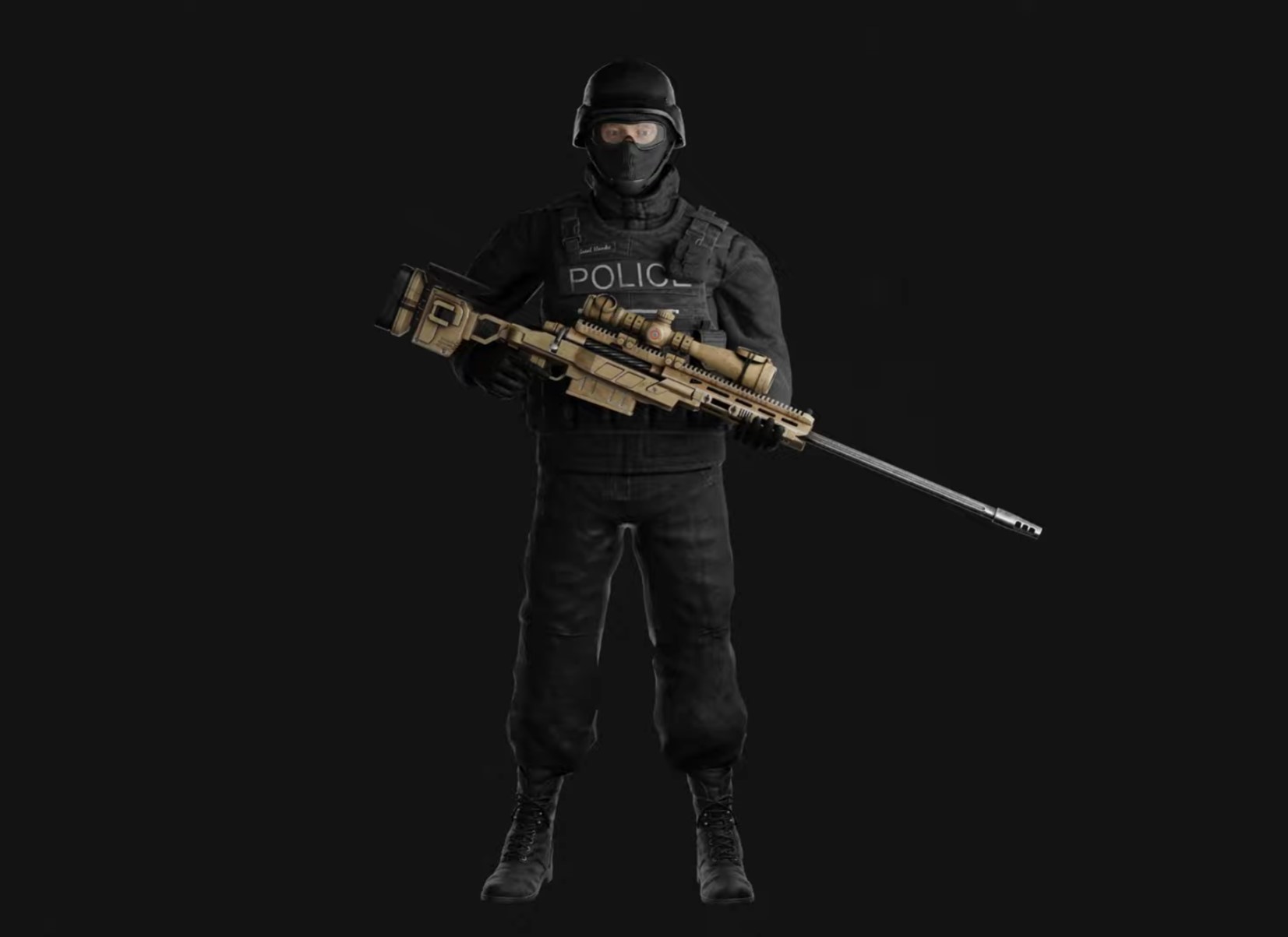
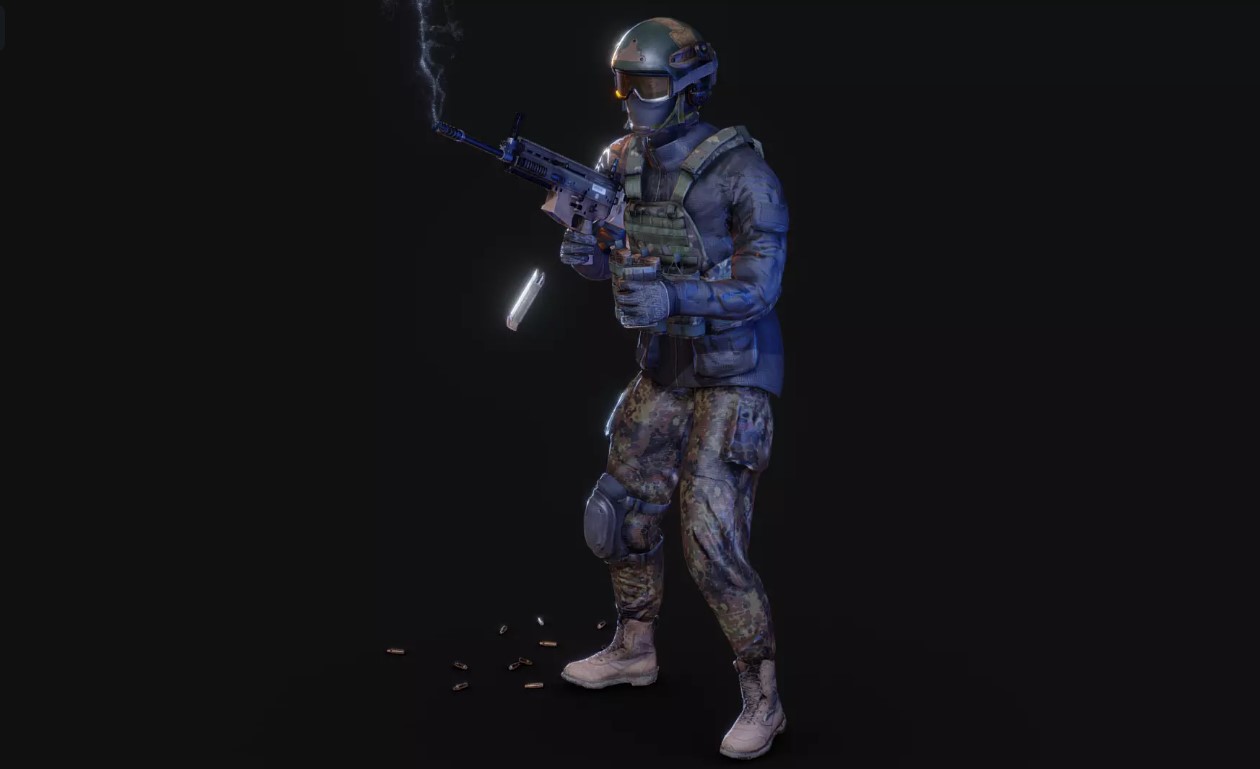
When it comes to tracking down characters for your animation(s), you can run the range of price from a few dollars (or even free) to a few hundred dollars per character. One thing that is exceptionally important to keep in mind is that, chances are, you’re going to be working with what are called .FBX characters. These are “elements” (characters in our case), that have been saved out of a 3D application like Blender, 3DS Max, Maya or really just about any 3D application, and are (more or less) ready to go in Unreal Engine 5, with a few tweaks required before working with them (that we’ll talk about in Future articles). Here’s an example of a few great, free characters that can be used in Unreal Engine 5 that I sourced quickly on CGTrader.



SPECIAL EFFECTS
When I refer to special effects, I’m of course talking about anything that you can get from a company like Action VFX, Motion Array, Envato or any of the other “stock” element companies out there for all the 2D effects you want. Unreal Engine can work with 2D image sequences to keep elements like fire, that you might want loopable, as processor friendly as possible. With that said, however, there will be times where you are going to want to have true 3D special effects in your project, again, like fire, so where do you source something like this. The filetype that you use for true 3D special effects inside of 3D applications like Unreal Engine 5 are .VDB’s. A VDB or volume can represent an amorphous shape like fog or fire, or it can represent a solid surface in true 3D space. Here’s an example of what I’m talking about.
So, where can you get them from? To be honest, it’s like the wild west out there when it comes to VDB’s. Some are much better quality and more realistic looking than others, but for my money, The Pixel Lab is the top of the line for high quality, ultra realistic VDB elements for your Unreal Engine 5 projects. I should mention, before I get too far into talking about The Pixel Lab is that they have both 3D Pre-Rendered VFX elements for renders like Octane, Redshift, Arnold, V-Ray, Houdini etc., as well as 3D VDB’s for you to choose from. Everything from Fire, Clouds, Smoke, Explosions and even more specialized elements such as Meteors, Portals and Atmospherics (fog). I’m going to go in-depth into VDB’s and how they work, and the Pixel Lab specifically in its own article, but here’s a quick sample of what they provide, and how it would work in an Unreal Engine 5 project. Let’s look at Fire elements as our example.
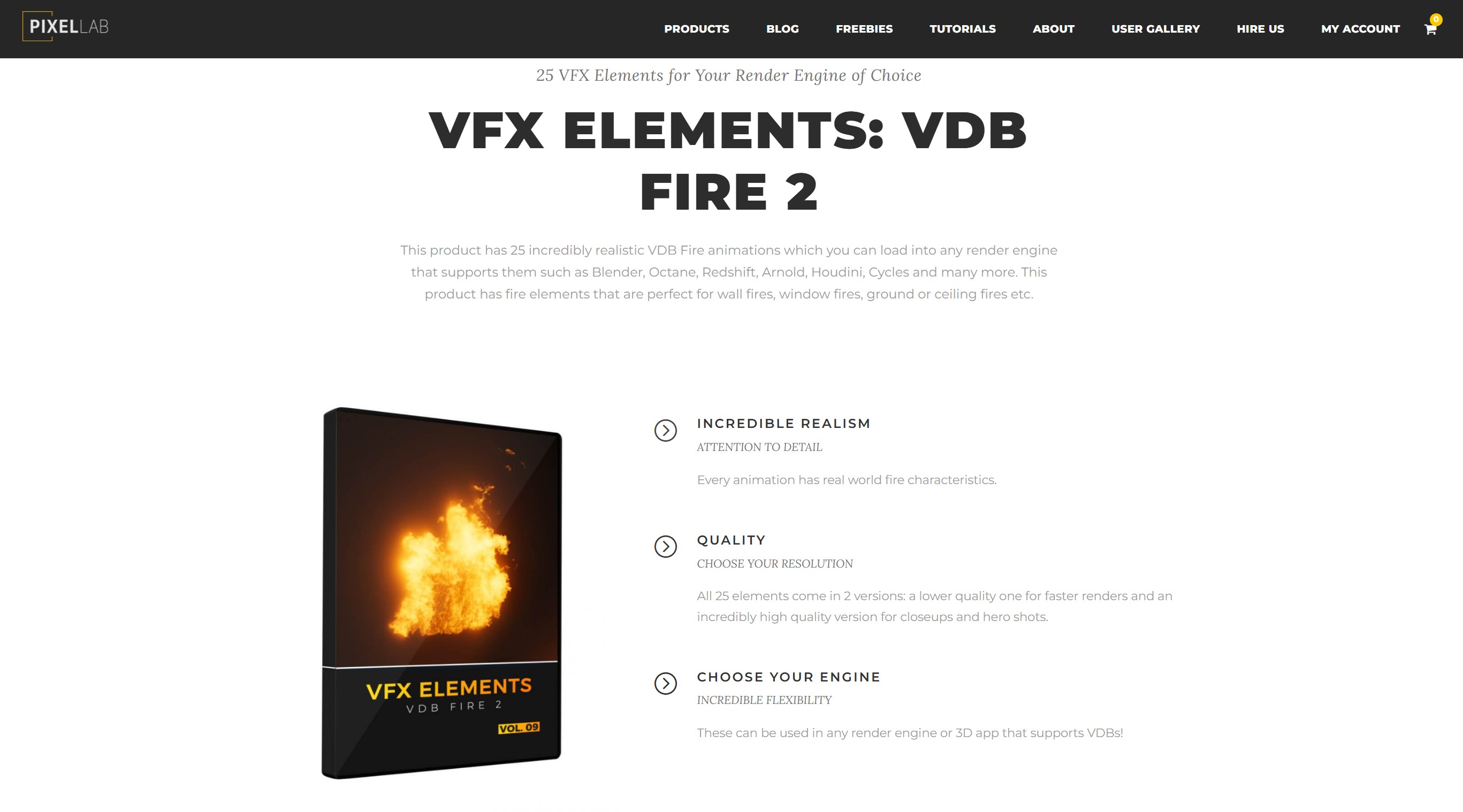


You can see how it seamlessly mixes with the scene, and creates a super realistic effect. Again, like I said before, we’re going to go in depth into VDB’s and how you and use them very easily in Unreal Engine 5, but I’d like to wrap up the second last section by talking about Animations.
ANIMATIONS
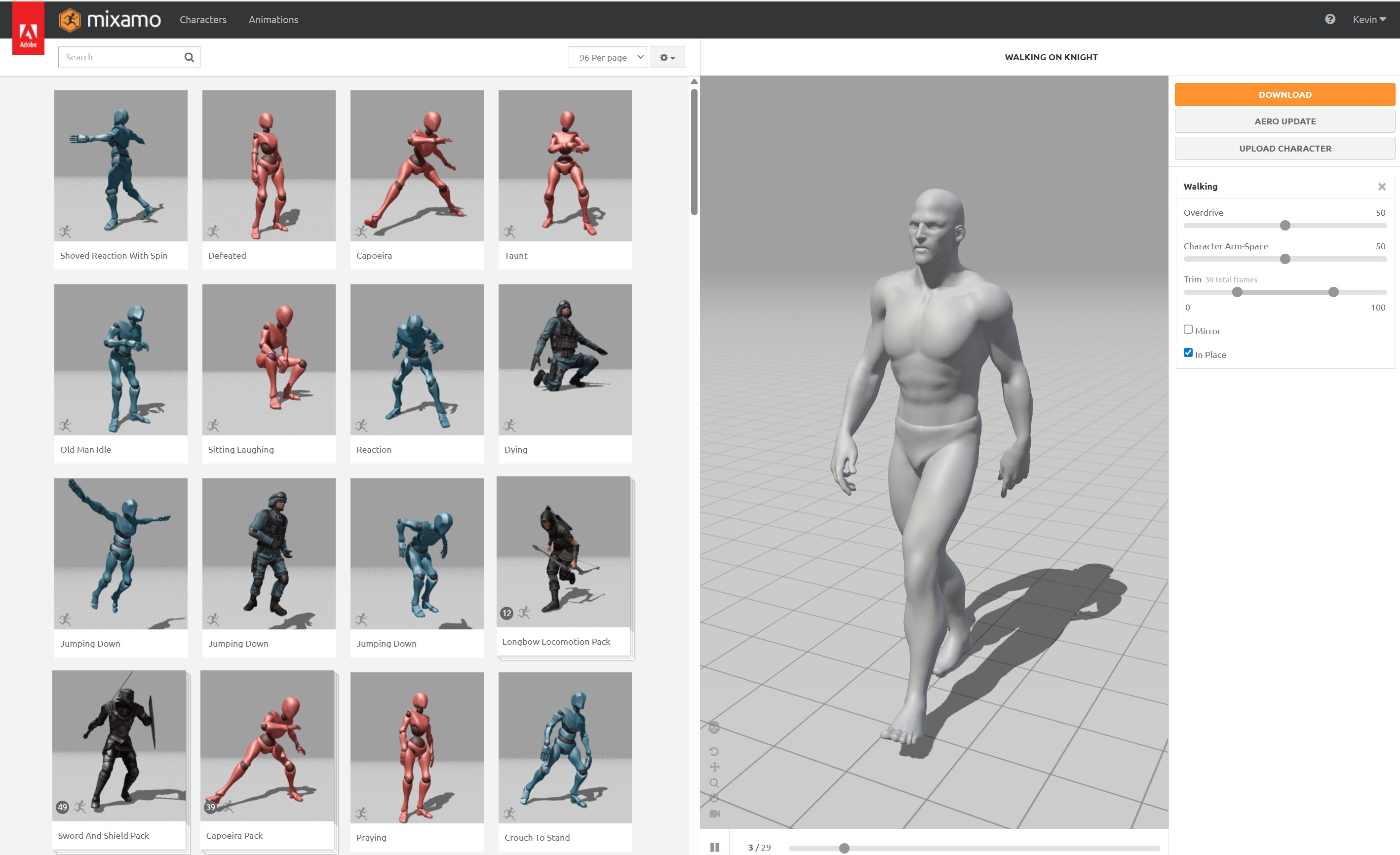
When it comes to our characters, animations are really at the heart of what is going to make them either look very realistic or, for lack of a better word, very odd. We know what proper movement looks like. If our characters don’t move like real people, or like what we would envision that specific character to look like, it doesn’t matter how good everything else looks, the animation won’t work. Our zombies need to move like their muscles are all rotting away. Our robots need to move very stiffly, as real metal would. Our soldiers need to move like they have had years of training and experience on the battlefield. So, where do we turn? Well, you’ll remember in the character section we talked about .FBX files, and how we’ll use them to import our characters into Unreal. Well, with .FBX characters, we can also bring in .FBX animations that we’ll be able to map to our characters. Now, the easiest (and cheapest) place to get .FBX animations is from Mixamo which, believe it or not, is actually part of Adobe.
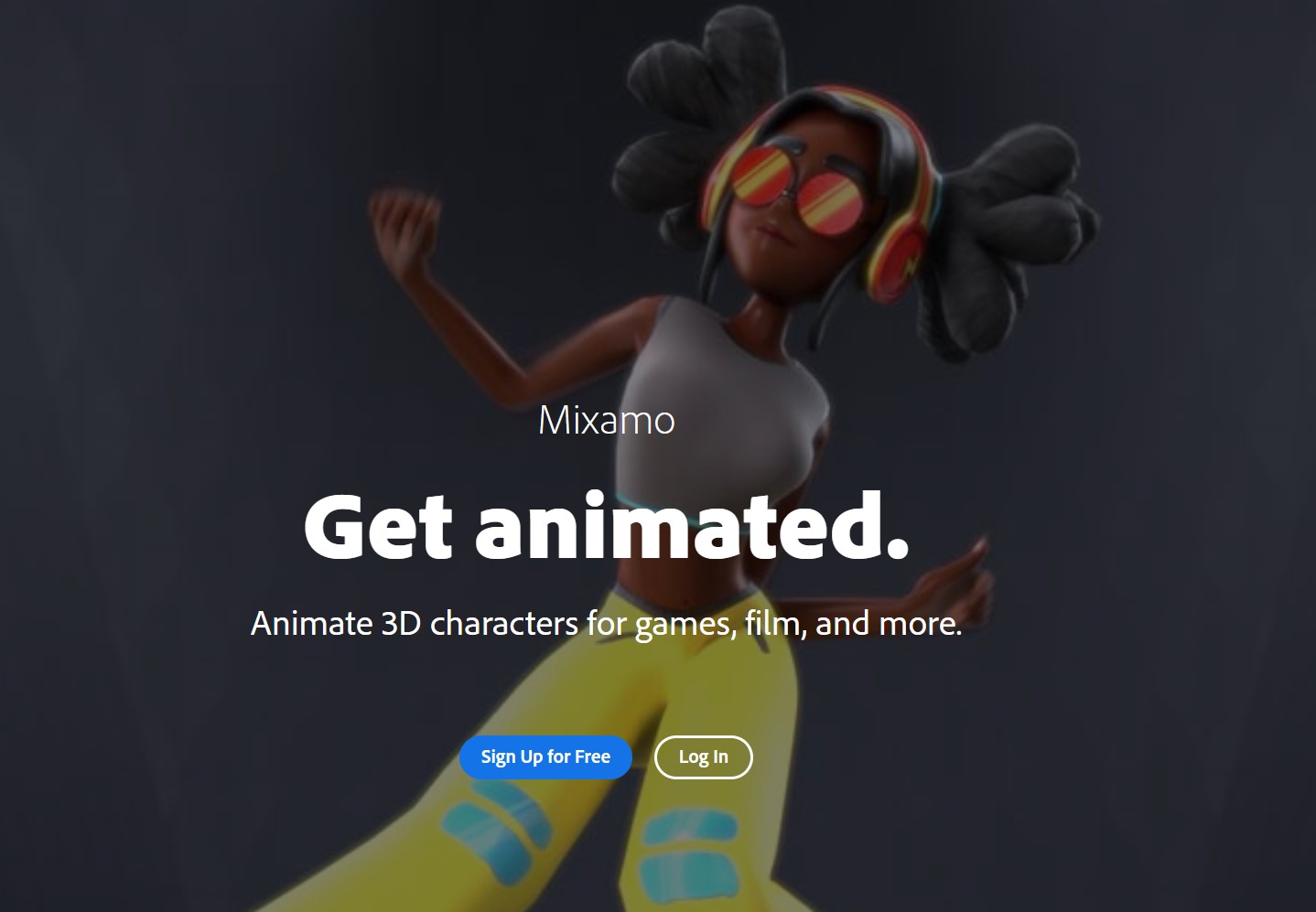

There’s easily a couple hundred animations on this site that you can download for free and use in your project(s).

There are also great third party companies like Mocap Online, Rokoko and Actorcore.
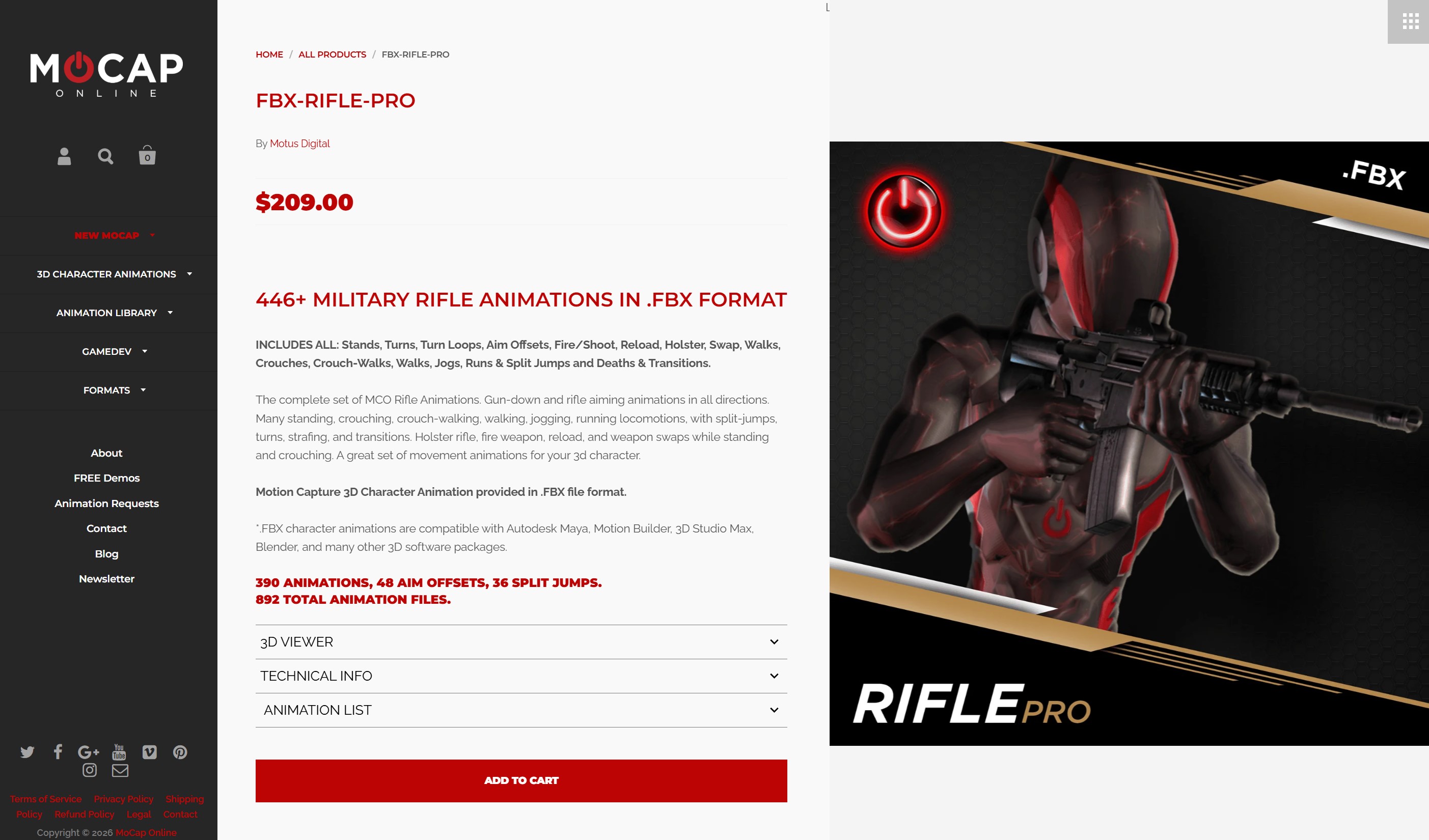

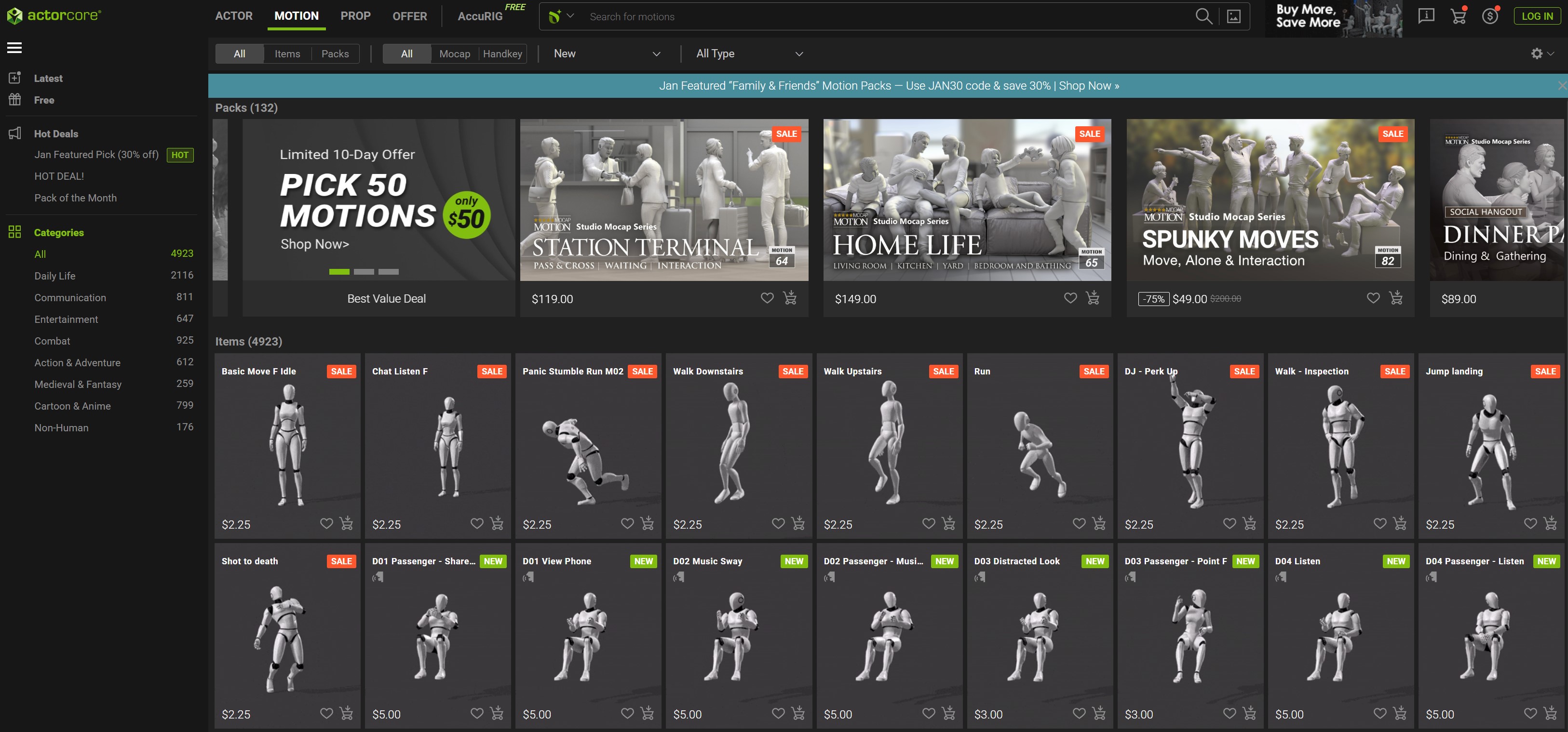

One thing that I want to stress, again, is that all animations (for the most part), will require some kind of tweaking to get them to work the way you want with the Unreal Engine 5 Skeleton, so please keep that in mind. I also have to say that I like Actorcore as you have the ability to purchase not only packs of animations, but individual animations that you might need, as well.
FAB – The Digital Marketplace
With everything said up until this point, I wanted to make sure that I went over all the options outside of FAB, before I dropped this one. FAB – previously the Unreal Marketplace – is a one stop shop for potentially everything you could need to build your animations inside of Unreal Engine 5. They have everything from Environments to Characters to Animations and everything in between. Fab also connects directly to your Unreal Application, so when you make your purchases, you can import them directly from the Fab Marketplace, directly into Unreal Engine 5.
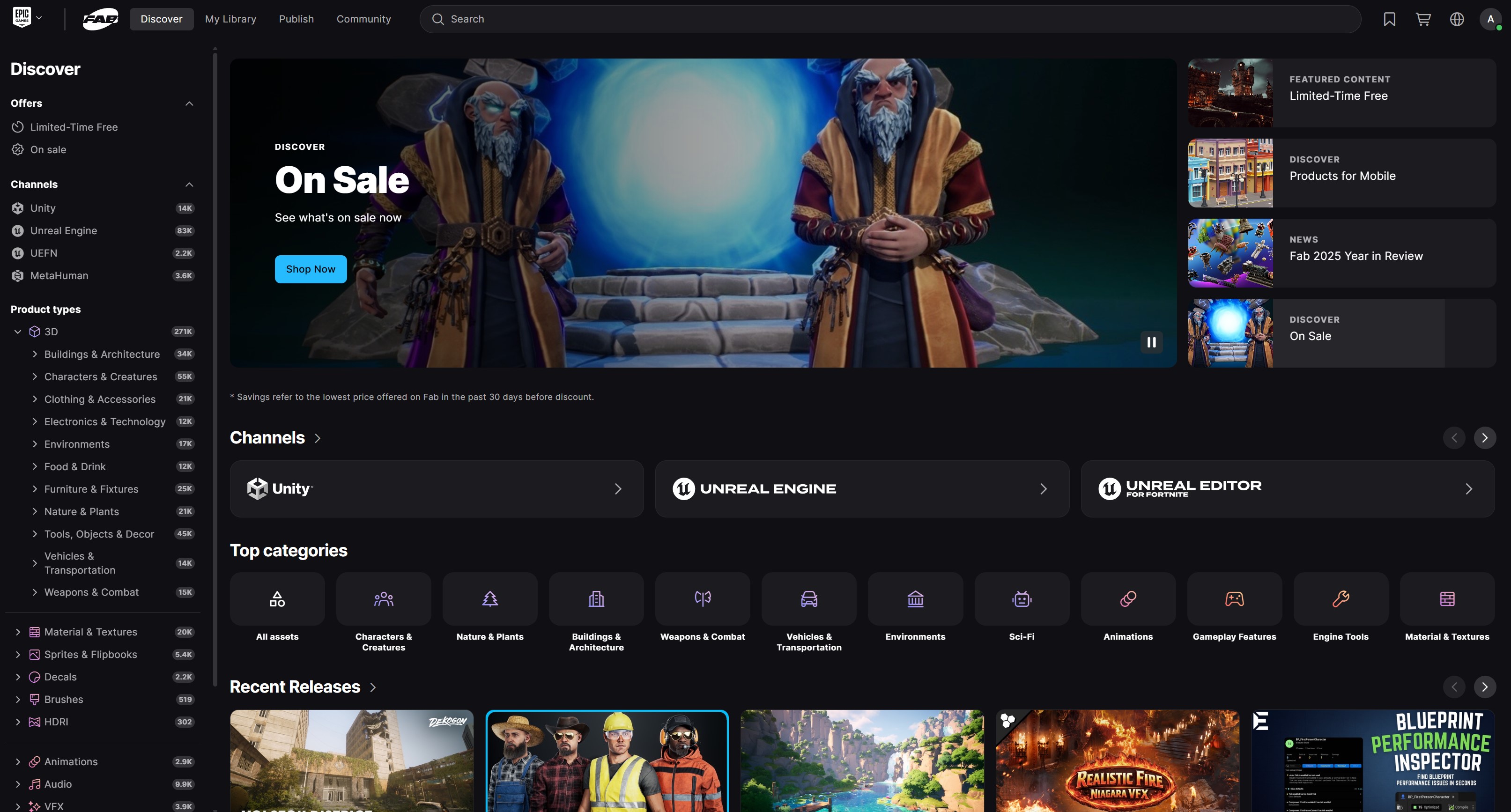

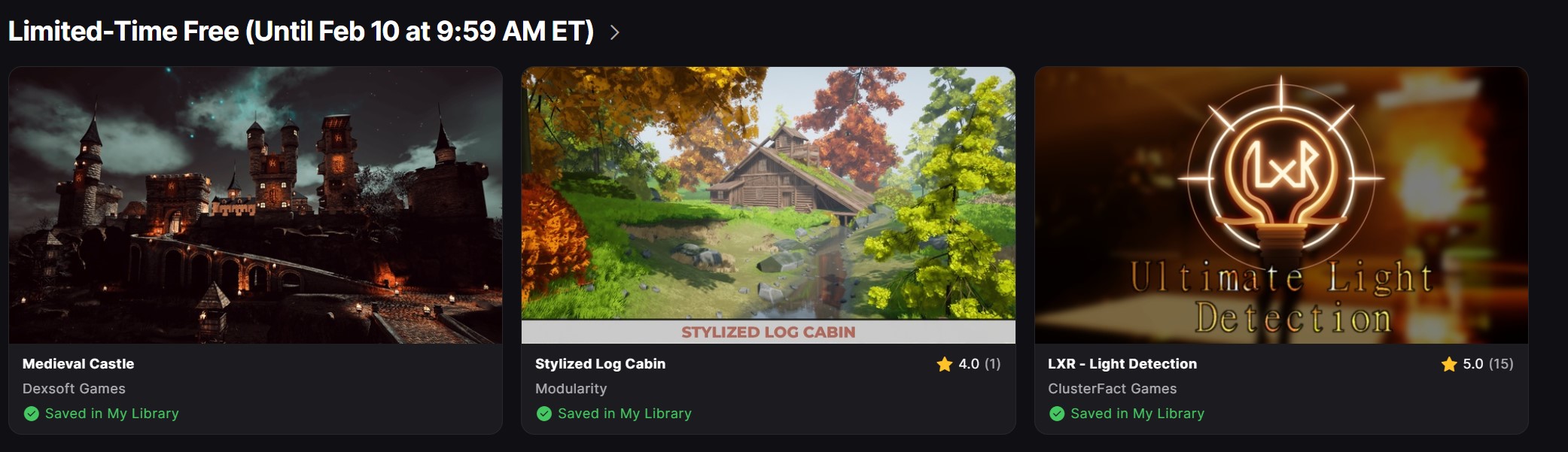
Also, every few weeks they offer free Unreal elements including elements from all the categories we’ve talked about in this article. I have a ton of environments, animations characters I could use to build very cool animations inside of Unreal Engine 5.

The also constantly have sales, so chances are if you want something that’s a bit out of your price range, just hold on for a sale, and pick it up then. The Fab Marketplace is not only for the higher end companies (you can find Kitbash and other on there), but it’s also for the independent creators as well, and there’s many, many things that you can find here, that you can’t find anywhere else.
WHAT’S NEXT?
That pretty much wraps up our look at the components we’ll need to build our animation. In the next article, we’ll pick our environment and also talk about cameras in Unreal Engine 5, how they work, and we’ll take an introductory look at rendering, so that we can get an element in, create some animations and then export it out to our NLE or compositing application of choice. For more information about Unreal Engine 5, you can download it from https://www.unrealengine.com/en-US/unreal-engine-5 .