

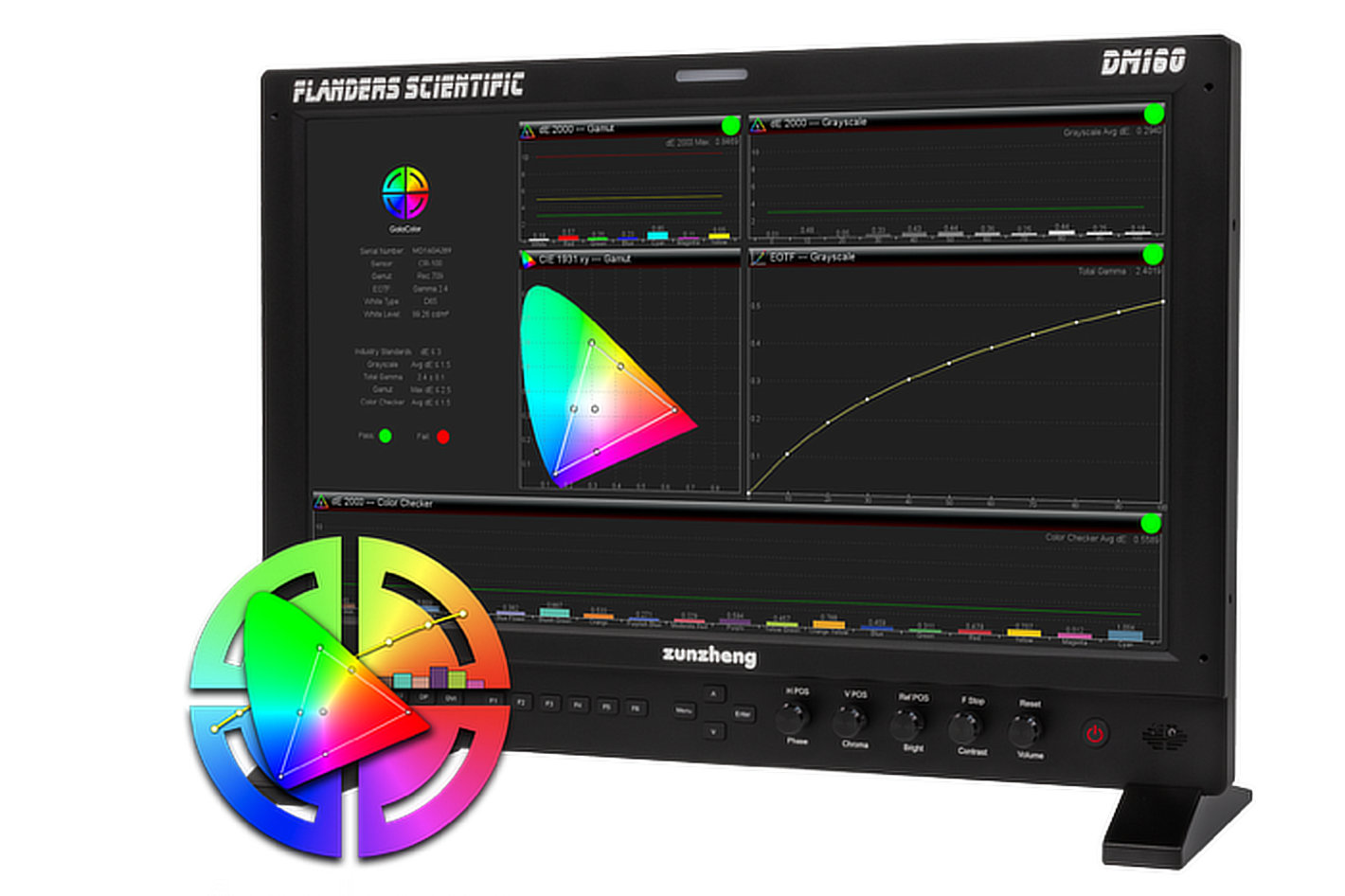

Together, GaiaColor AutoCal and GaiaColor Analyzer make it easy to calibrate supported XMP, XMP C and DM Series monitors, verify the results and objectively confirm ongoing performance using a supported measurement probe, without an external computer or calibration software.
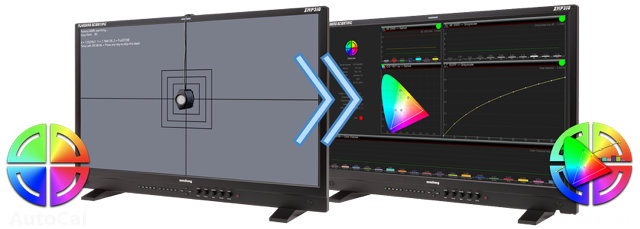

GaiaColor AutoCal provides a simple, fast, and extremely accurate way to calibrate supported FSI reference monitors. With a supported measurement probe connected directly to the monitor, AutoCal automatically displays measurement patches while the probe records the monitor’s native performance. This alignment data creates a precise volumetric characterization of the display and is stored directly within the monitor.
Once the alignment data has been saved, calibrated LUTs for supported combinations of gamut, EOTF, color temperature, luminance and other operating modes are automatically generated, stored and applied whenever those modes are selected. This provides highly accurate calibration with minimal effort, with a single AutoCal routine supporting the monitor’s various operating modes.

Creating an accurate calibration is only part of maintaining an accurate reference monitor. Equally important is verifying that the display continues to perform as expected over time. GaiaColor Analyzer uses the same supported measurement probes as AutoCal to verify calibration results and check ongoing performance, helping users identify when recalibration may be needed.
Unlike AutoCal, Analyzer does not modify the calibration. Instead, it measures and reports the monitor’s current performance against the reference standard for the active color-management configuration. The process takes about 60 seconds with most monitor and probe combinations and generates a comprehensive on-screen quality-control report with pass/fail performance summaries and detailed measurements.
The two most recent reports are stored directly within the monitor for convenient review and can be exported as PDF files using FSI’s free IP Remote Utility for documentation or sharing. Reports can be saved in dark mode for on-screen use or light mode for printing.
Together, GaiaColor AutoCal and Analyzer provide a complete calibration and verification workflow across supported FSI XMP, XMP C and DM Series monitors. Recognized with a TVTech Best of Show Award at NAB 2026, Analyzer extends FSI’s established calibration platform from automated adjustment to fast, self-contained verification.
- Simple, fast, and extremely accurate volumetric calibration with GaiaColor AutoCal
- No external computer or calibration software required to calibrate or verify
- Verify AutoCal results and ongoing performance without changing calibration
- On-screen QC reports with pass/fail summaries and detailed measurements
- Two recent Analyzer reports stored directly within the monitor
- Light-mode or dark-mode PDF export through the free FSI IP Remote Utility
GaiaColor Analyzer is available now through free firmware updates for FSI XMP and XMP C Series monitors and a free beta firmware update for DM Series monitors. Compatible measurement probes are sold separately. Follow the link for product information and probe compatibility.