

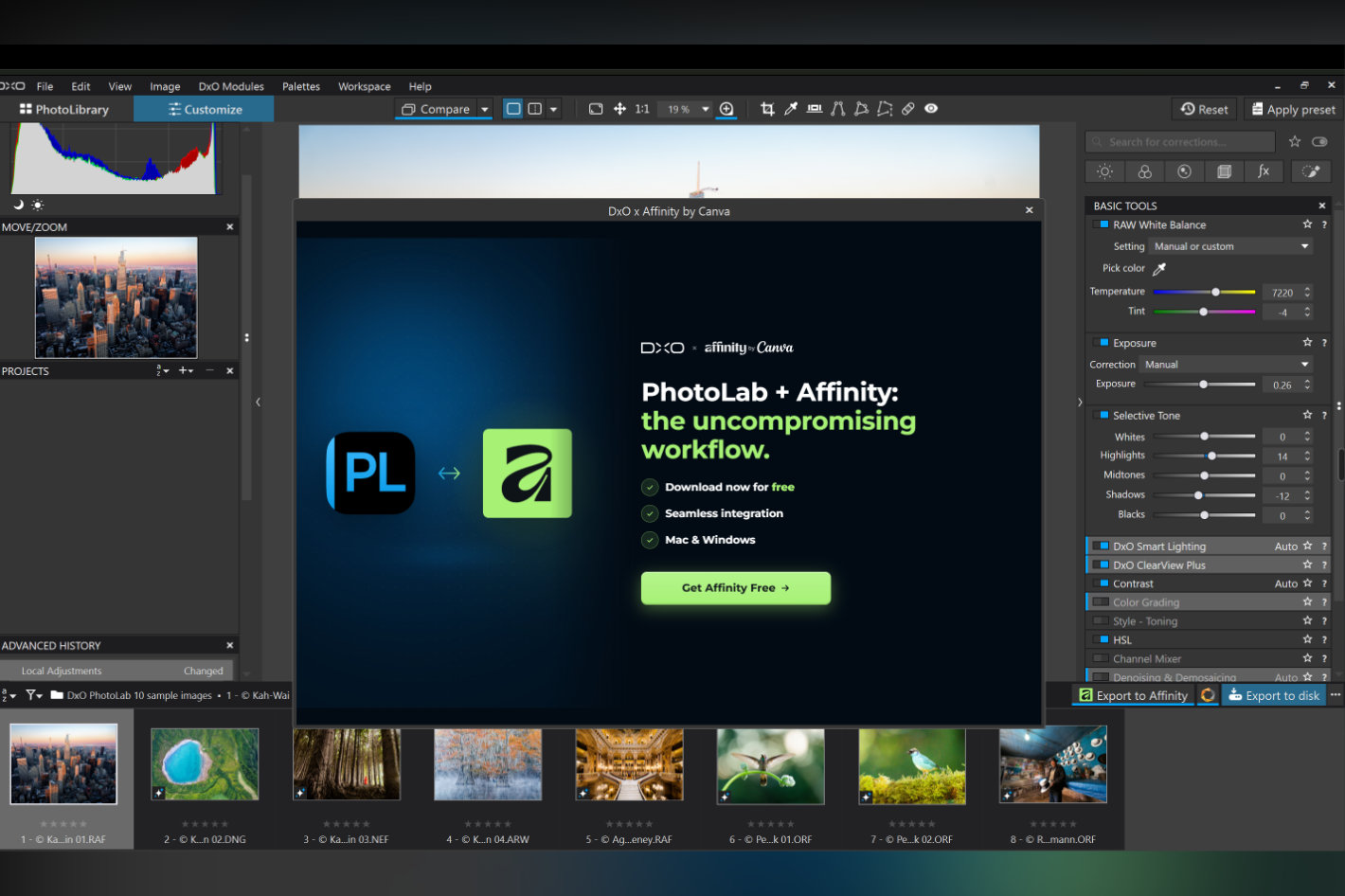

Launched recently, DxO PhotoLab 10 is now updated to DxO PhotoLab 10.1, with a new feature that opens a direct path from RAW development to professional retouching. One click sends the fully developed image into a native Affinity file, where photographers can retouch, composite, add type, and lay out finished pages. It brings together two complementary strengths: DxO’s science-led RAW processing and Affinity’s trusted, free professional editing and design tools.
“We’re thrilled to see DxO tightly integrating with Affinity to make it seamless for photographers to combine world-class RAW editing with cutting-edge editing, retouching and design,” says Duncan Clark, CEO of Pro Design for Canva. “Photographers and designers have been telling us loud and clear that they want simple, smooth workflows instead of fighting to get different products to talk to each other. This partnership is further evidence that a new generation of creative tools is meeting that need.”
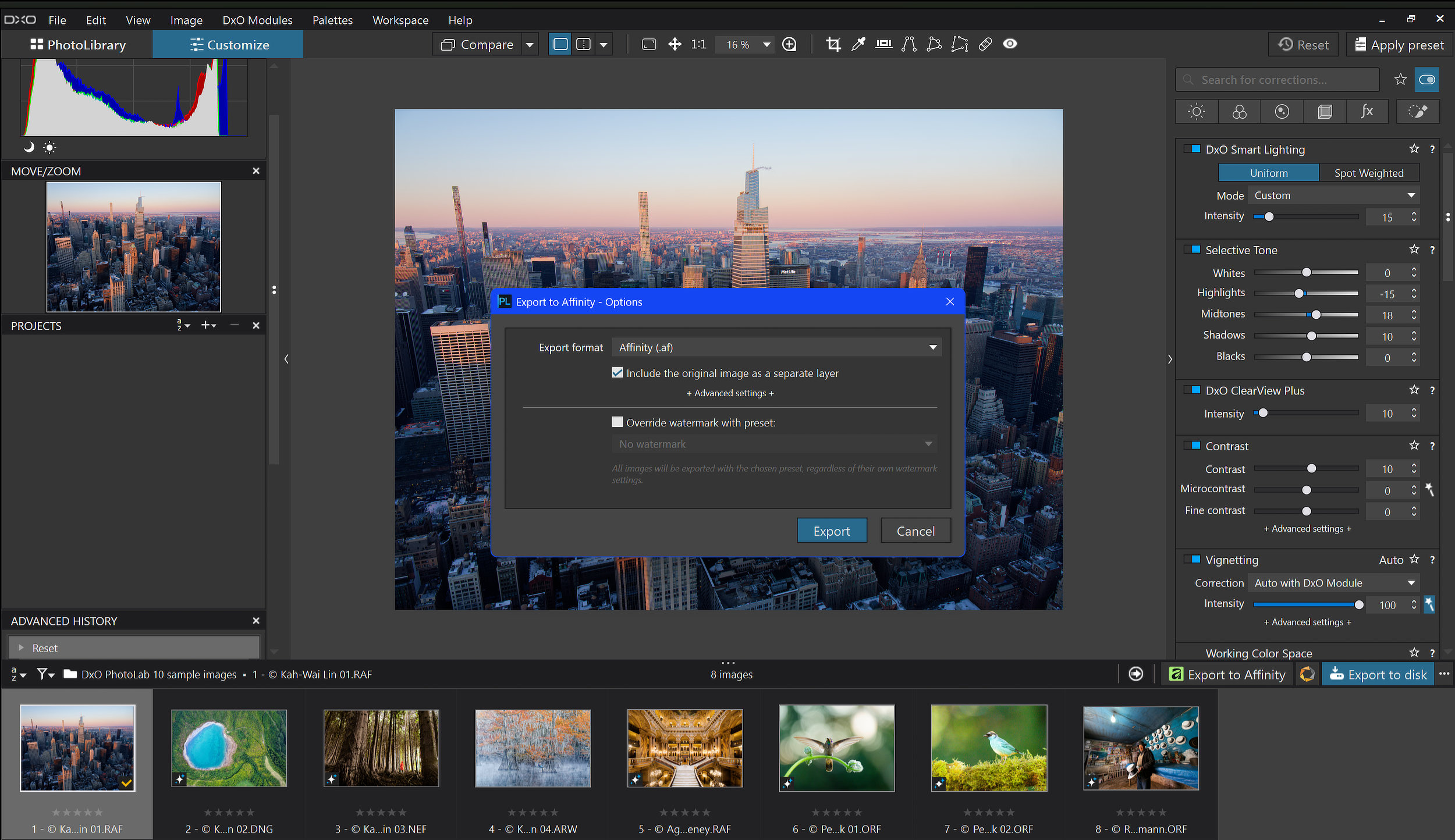

For PhotoLab users, Affinity adds what a RAW developer is not built for: local retouching, compositing, vector graphics, typography, and page layout. Because Affinity’s Pixel, Vector, and Layout studios share the single .af format, a photograph can move from retouch to finished layout without ever changing file format.
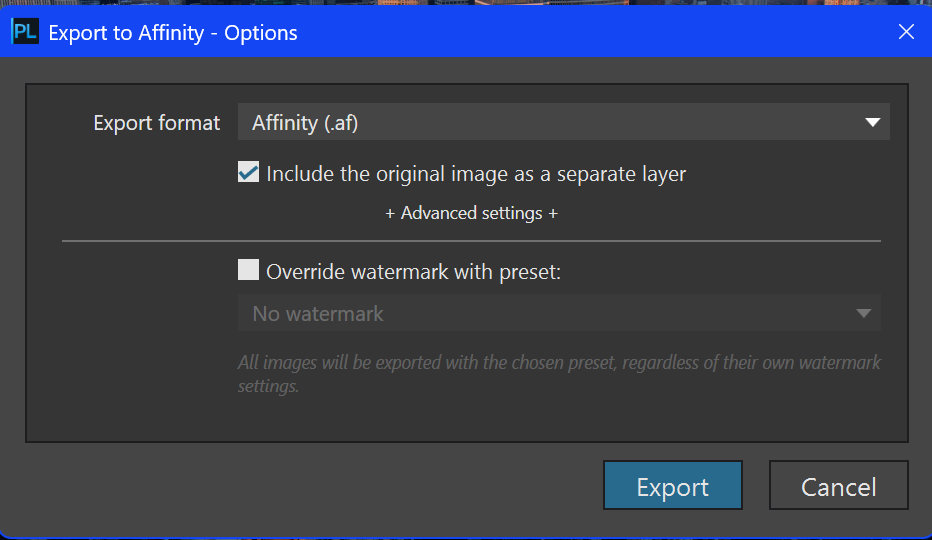
Each export produces a native Affinity document carrying the fully developed image, with the option to include the original, unprocessed photograph as a second layer: a clean reference that retouchers can mask, blend, or compare against at any point in their creative work. PhotoLab remains the source of truth for RAW development; Affinity takes over for everything layer-based that follows.
Photographers who do not yet use Affinity are guided through creating a free account and installing the app without leaving PhotoLab. Affinity is free for everyone on macOS and Windows, with the long-awaited iPad version due in November.

DxO PhotoLab 10.1 is available now as a free update for all DxO PhotoLab 10 users. DxO PhotoLab 10 is available from the DxO website for macOS and Windows. A 30-day free trial is available from DxO Labs.
The all-in-one creative app Affinity is completely free and available for macOS and Windows from affinity.studio/get-affinity; all it takes is a free Canva account.