


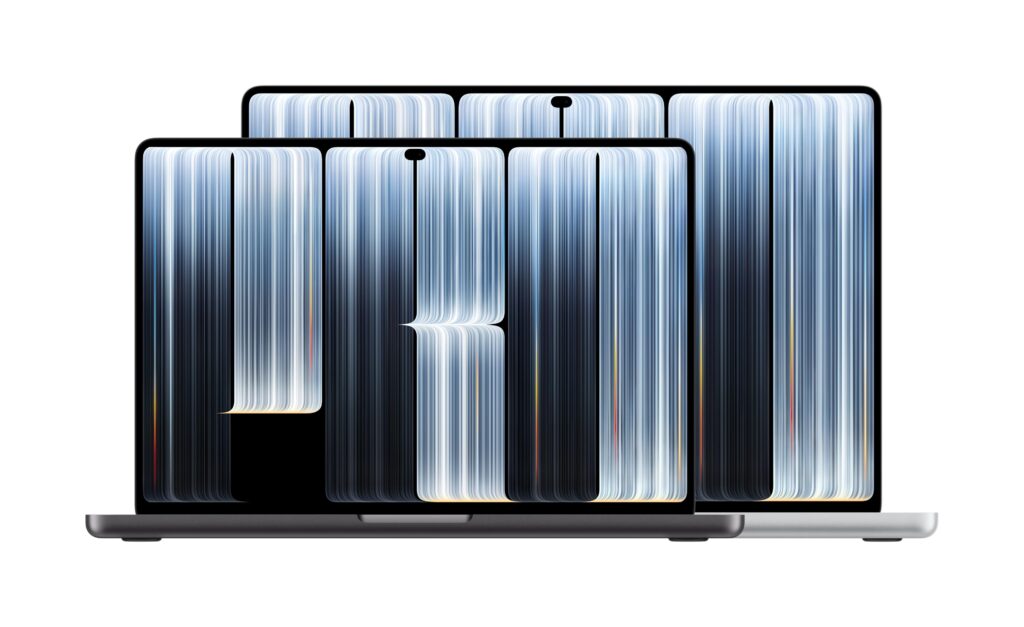
It’s been a big week for Apple and the Mac (already new MacBooks and a new Final Cut Pro), and today we get the new MacBook Pro with a PROLED XDR display and a touchscreen. This is the first-ever Mac with a touch-sensitive screen, and I guess it is the natural evolution of what made touching a screen second nature and expected: the iPhone.

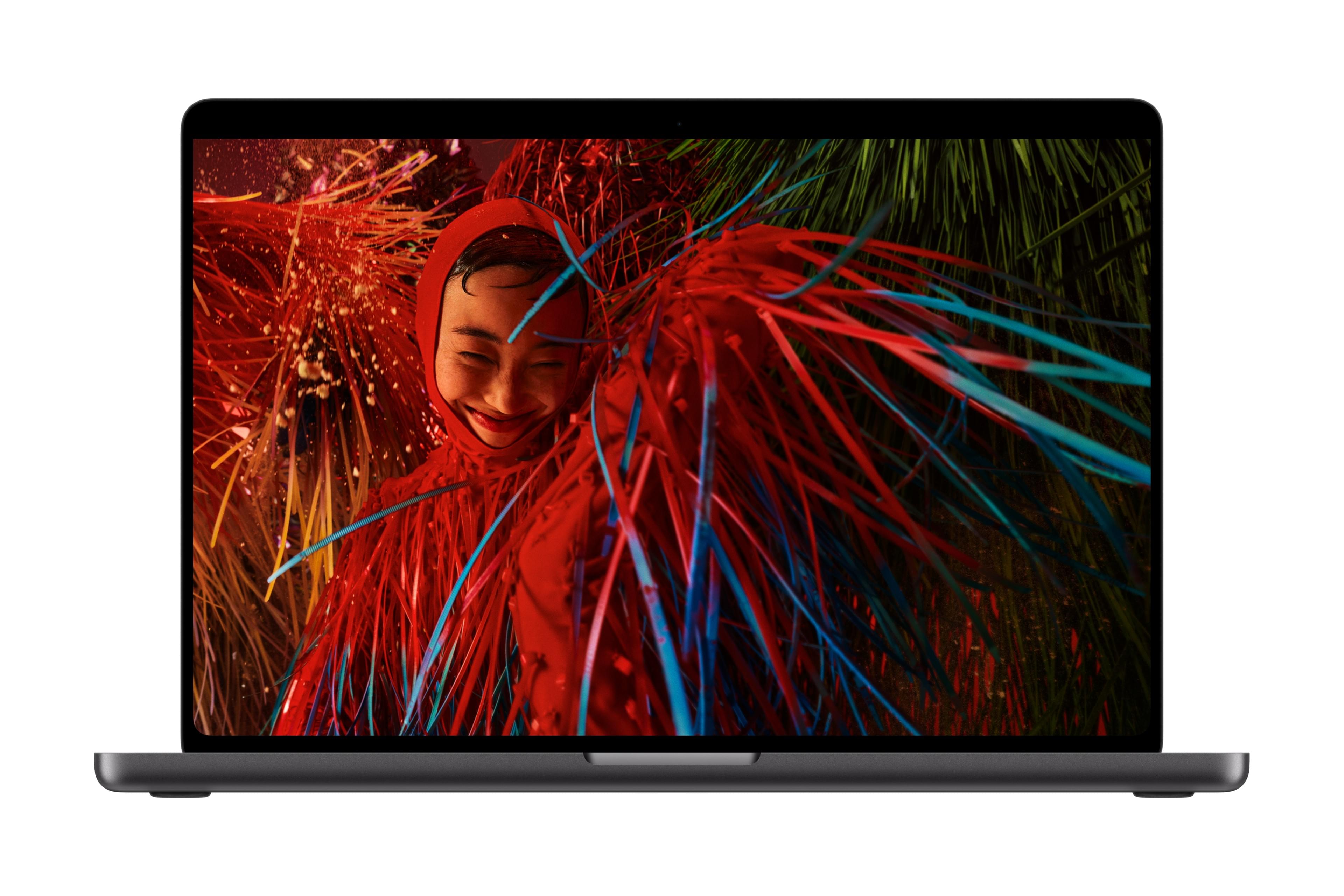
Apple announced the new MacBook Pro today and led with the display, which says a lot about how significant the company thinks this update is. The new PROLED XDR Display uses tandem OLED technology, and the numbers are impressive so let’s break it down a bit.

- 2000 nits
Plenty of OLED displays hit high peak brightness in HDR and look spectacular playing back HDR content. But there are a lot of mentions of “SDR brightness” in the press release. When you’re editing in a lit room (which is most of the time), you’re working in SDR. A display that maintains 2000 nits in SDR is easy to see. I feel like that will be a useful spec for day-to-day editing, not just for viewing HDR deliverables. Let’s face it, many of us aren’t delivering in HDR.
- 10,000,000:1 contrast ratio
The 10,000,000:1 contrast ratio is another big number. Contrast is where you see shadow detail, and shadow detail is where a lot of color grades either live or die. OLED panels have always done well on contrast, but tandem OLED is new for a MacBook Pro. I’m not an OLED expert but this spec caught my eye from the new MacBook Pro webpage: “PROLED XDR combines two self-illuminating pixel layers for a jaw-dropping visual experience. Each pixel turns on and off independently, producing deep blacks right beside brilliant highlights — without the blooming and halos typical of backlit displays.” Okay, I don’t have any doubt this will be a gorgeous screen as Apple displays usually are. Apple has even posted a white paper on this display. So if you’re into the nerdy display technology, this PDF read might be for you.
- 120Hz ProMotion and wide color
The 120Hz variable refresh rate (ProMotion) and expanded color gamut covering P3 and beyond round out the display specs. ProMotion isn’t new to MacBook Pro, but it matters for editing motion work where you want smooth playback. P3 and AdobeRGB coverage has been standard on MacBook Pro for a while and that’s always an important spec for video editors. We need this in an editing and color work display as it goes above a standard monitor, which might only cover a basic sRGB color space.

- Touch input: useful or novelty?
The new MacBook Pro brings touch input to the Mac for the first time, which is what I am most intrigued about. Apple has resisted touchscreens on Macs for years, and the arguments against it (arm fatigue, workflow disruption) have always had merit. I’ve used an iPad with a keyboard and trackpad for years, and I find myself making a lot of use of that trackpad, but still also touching the screen. I’ve honestly never felt the need to touch the screen while using a MacBook Pro, so I don’t know if I’ll feel that need with one of these machines or not. The other question I have is how our editing software will be updated to be more touch-friendly. But perhaps that’s not the target here.
- M5 Pro and M5 Max: what to configure
Both M5 Pro and M5 Max chips are available in the new MacBook Pro. We don’t get an Ultra in a laptop but for video editors, one big difference is media engine count as the M5 Max carries double the media encode and ProRes encode and decode engines. Plus the Max chips have more memory bandwidth. If your work involves a lot of format conversion or export, the Max configuration is the one to look at. The M5 Pro is still a serious chip for editing, but the Max is that extra power. if you buy one of these new MacBook Pros, you’ll probably keep it for quite a few years.

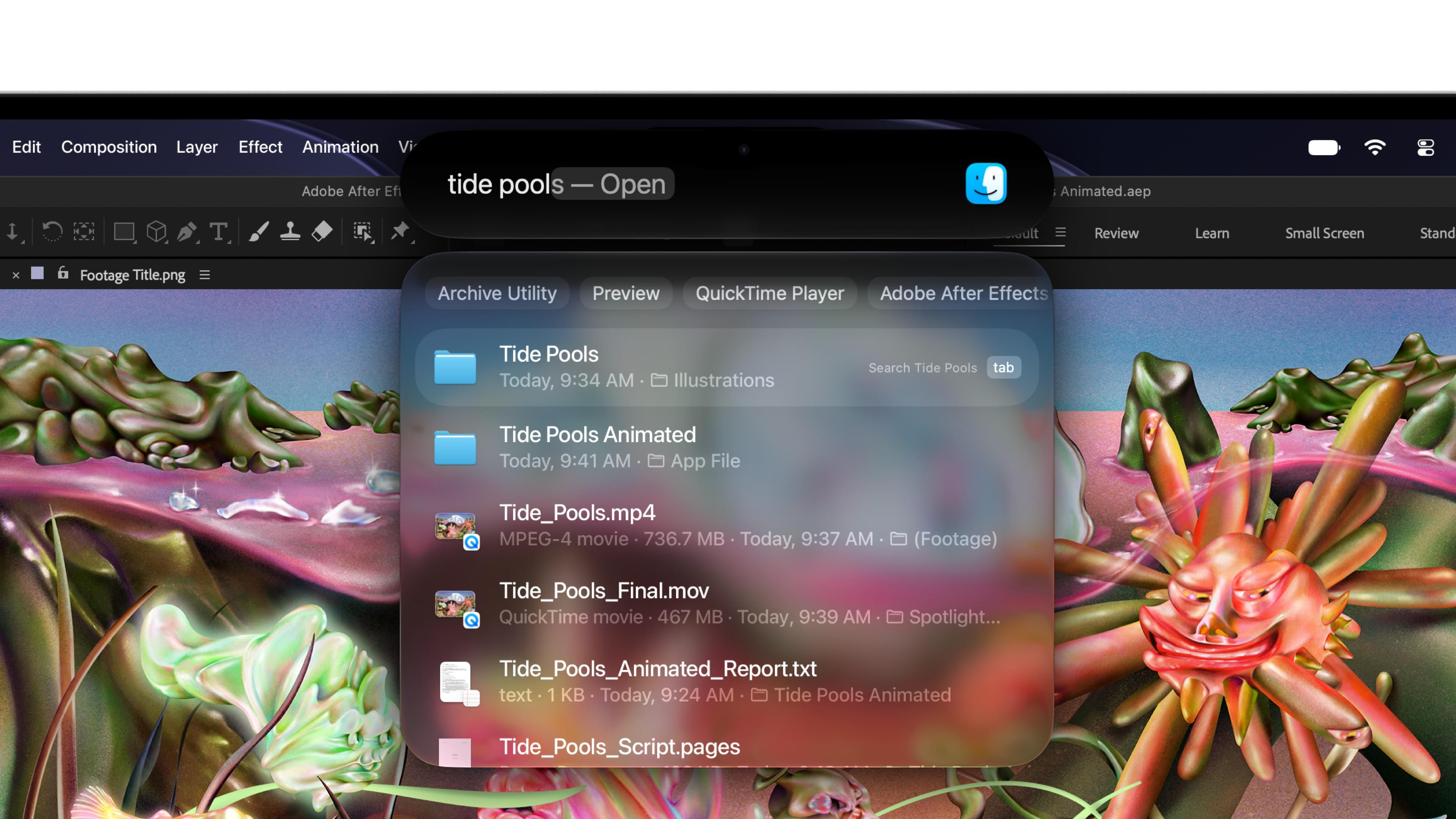
Overall, I think the display is the story here: 2000-nit SDR brightness and a 10,000,000:1 contrast ratio in a thinner and lighter chassis, paired with up to 24 hours of battery life and M5 Pro or M5 Max performance. Plus, there’s the touch screen which is all new in a MacBook Pro. For editors who need a portable machine they can actually trust for color-critical work, this is the most compelling MacBook Pro that I think Apple has built. They are available in 14-inch and 16-inch models, and I’ve always loved the portability of a 14-inch, especially if you plug it in a lot at your desk. The 16-inch may be the way to go with the touchscreen. the 14-inch starts at $2899 and the 16-inch at $3399. You can go up to 16TB of storage but if you manage your media well, you can probably stick with the included two terabytes and be okay.
Ignore all the $10,000+ configurations you’ll see bandied about on the internet. You can get a sixteen inch M five Max for around, it’s going to be very usable for video editing for around $5,000. They’ll start shipping next week.