


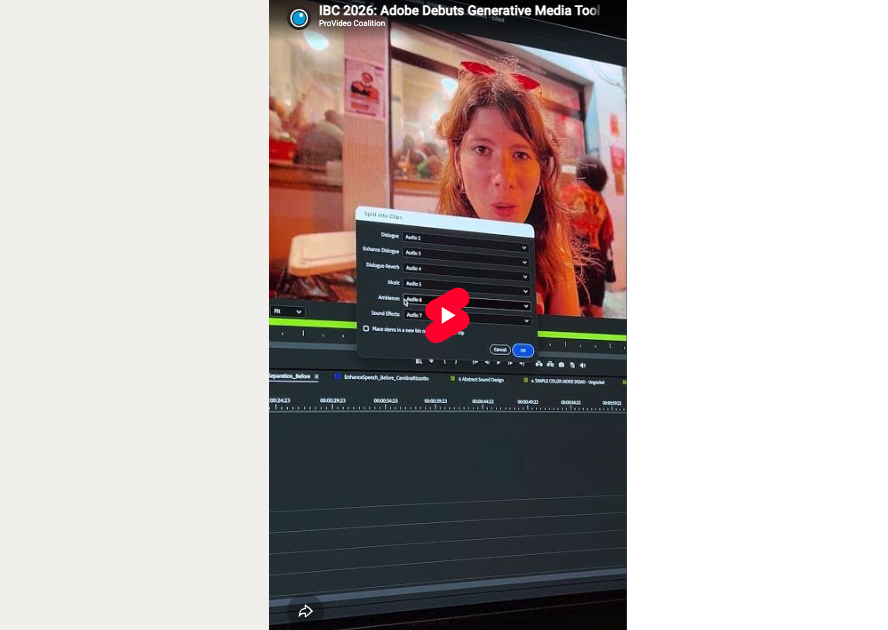
Adobe’s Generative Media Tool allows users to produce text-to-media AI-generated content and directly import it within their Premiere Pro timeline. Instead of hopping back and forth between multiple different platforms, the tool aims to cut out the middleman and expedite workflows, keeping everything accessible within the Premiere Pro ecosystem. No external applications required.
We’ve already previewed Adobe’s IBC release for Premiere and After Effects, but as Adobe brings the Generative Media Tool out of beta, they took to the IBC show floor in Amsterdam to officially debut it to the wider public. ProVideo Coalition had the chance to get hands-on with the software before its official release.

The Generative Media Tool is designed to work from the timeline outward. Editors select the range where new media is needed, enters a text prompt and chooses from the AI models available in Premiere.
For video generation, Adobe supports its own Firefly model in addition selected partner models, including Google Veo, Kling and Luma. Model availability can vary by region and subscription. Options within the generator include frame rate, resolution, and aspect ratio, and editors can regenerate content if they find the initial result unsatisfactory, with information from the original output available for further refinement. These iterations are held in a Generated History bin within a dedicated project folder.
Editors can also guide the AI output using existing frames from their sequence as visual references. Multiple reference frames can provide additional visual and stylistic context.
The tool is also capable of generating sound effects, with training data sourced from Adobe’s in-house audio library, commercially safe.
The Generative Media Tool integrates Content Credentials to identify the source of media and support transparency around how content was created. Users can configure their preferences through Adobe Content Authenticity, after which Premiere applies those settings during export.
What sort of creative opportunities could this open up for your workflows? How will or won’t you use these new capabilities? Let us know in the comments!