

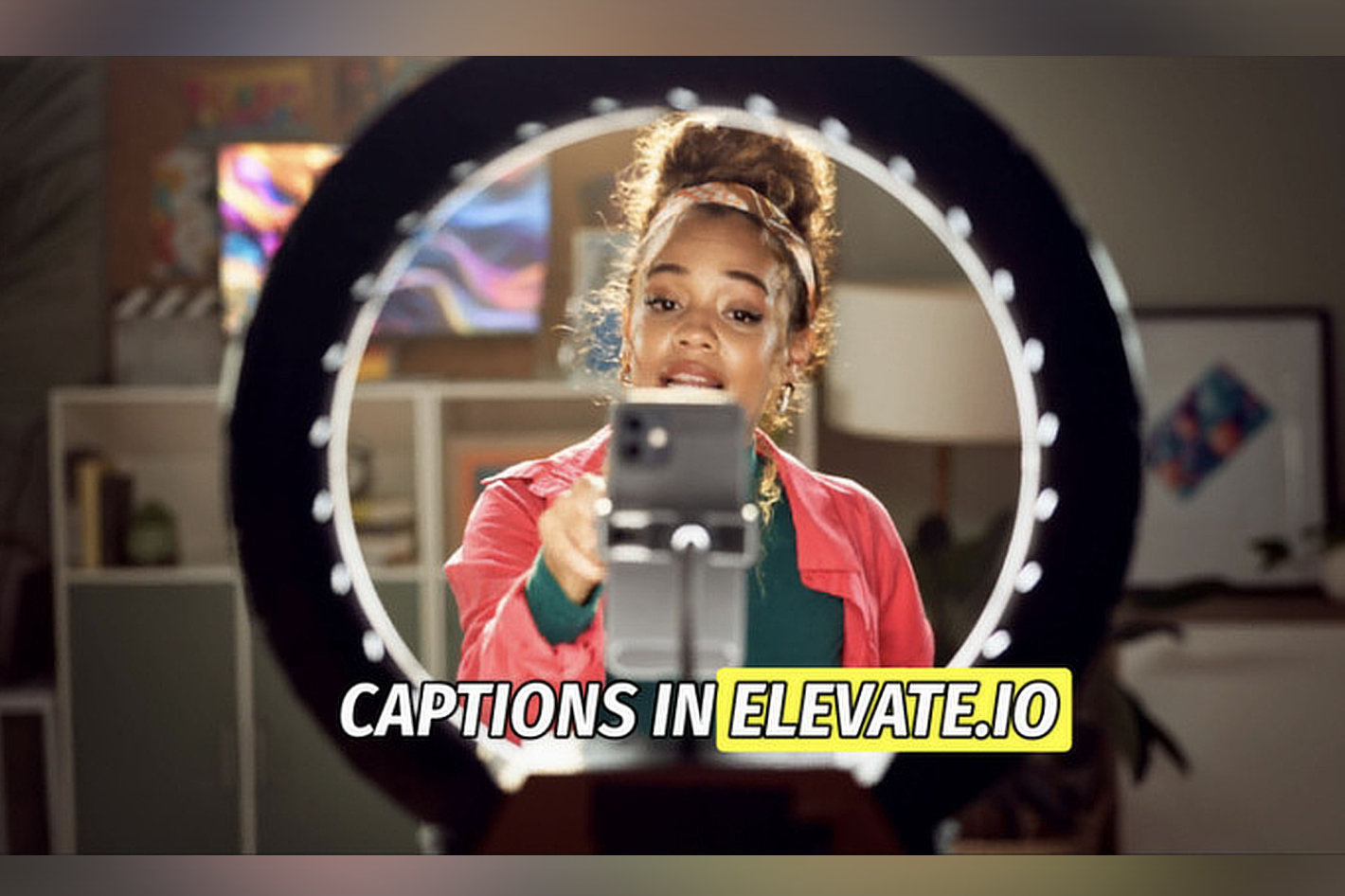

A division of Blackbird, elevate.io continues its mission to reduce video production cycles from weeks to hours through a fundamentally new approach to collaborative video creation. . By making integrated services such as subtitles and transcriptions available in the browser – and easily accessible directly within the timeline – elevate.io removes traditional bottlenecks in the production process. This launch also follows the recent partnership announcement with Epidemic Sound, which will see Epidemic’s music library directly integrated into the elevate.io platform in Q1 2026.
With elevate.io’s new transcription technology, video creators can simply transcribe their entire timeline in a single click and pick from a range of creative design templates to design unique subtitles.
elevate.io has designed subtitles with an entirely unique and new approach; synchronised and embedded in the original source media. Users can continually move and edit clips even after adding subtitles and they will remain perfectly in place. Additionally, users can transcribe a clip once and the transcript lives forever within the source media across all projects where they are needed. This added bonus is a massive timesaver, especially for video creators who work in teams on tight deadlines, such as in marketing departments or agencies.
Adding subtitles in elevate.io is simple. Once users have some clips on the timeline, add subtitles in just a few seconds:
- Transcribe your timeline
- Click the ‘Subtitle sequence’ icon right above the top right corner of the timeline.
- Generate subtitles
Users now have full control over which clips get transcribed:
- Hit ‘Transcribe and enable’’ and a ST (subtitle track) will appear at the top of your timeline.
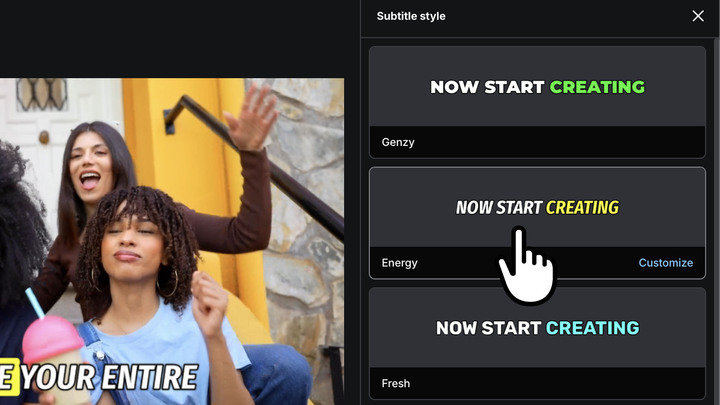
- Choose a design template. In the ‘Subtitle’ tab, click ‘Change style’ to apply one of our many great subtitle templates.
Change or correct subtitles:
- To change or correct your subtitles simply select a clip, go to the ‘Subtitle’ tab, and edit the transcript. Your subtitles will adjust automatically and remain perfectly in sync.
Create your own unique look:
- To customize the design of your subtitles simply select a clip, go to the ‘Subtitle’ tab, and click ‘Change style’. Hover over a template and click ‘Customize’ to open up a massive selection of customization options.

Sumit Rai, Chief Product Officer and co-founder of elevate.io added, “Moving beyond traditional “last-step” subtitle workflows, where transcription is added only after an edit is complete, elevate.io links transcriptions directly to the source media. This makes subtitles fully editable throughout the entire editing lifecycle.”
Subtitles utilise tokens, which were introduced in Q4 2025. This will provide users with an easy way to obtain the service and elevate.io with a mechanism to monetise the usage.
The full elevate.io video co-creation platform is available immediately and is free for all users. However elevate.io also offers a subscription-based Creator Plan with expanded features and benefits.