

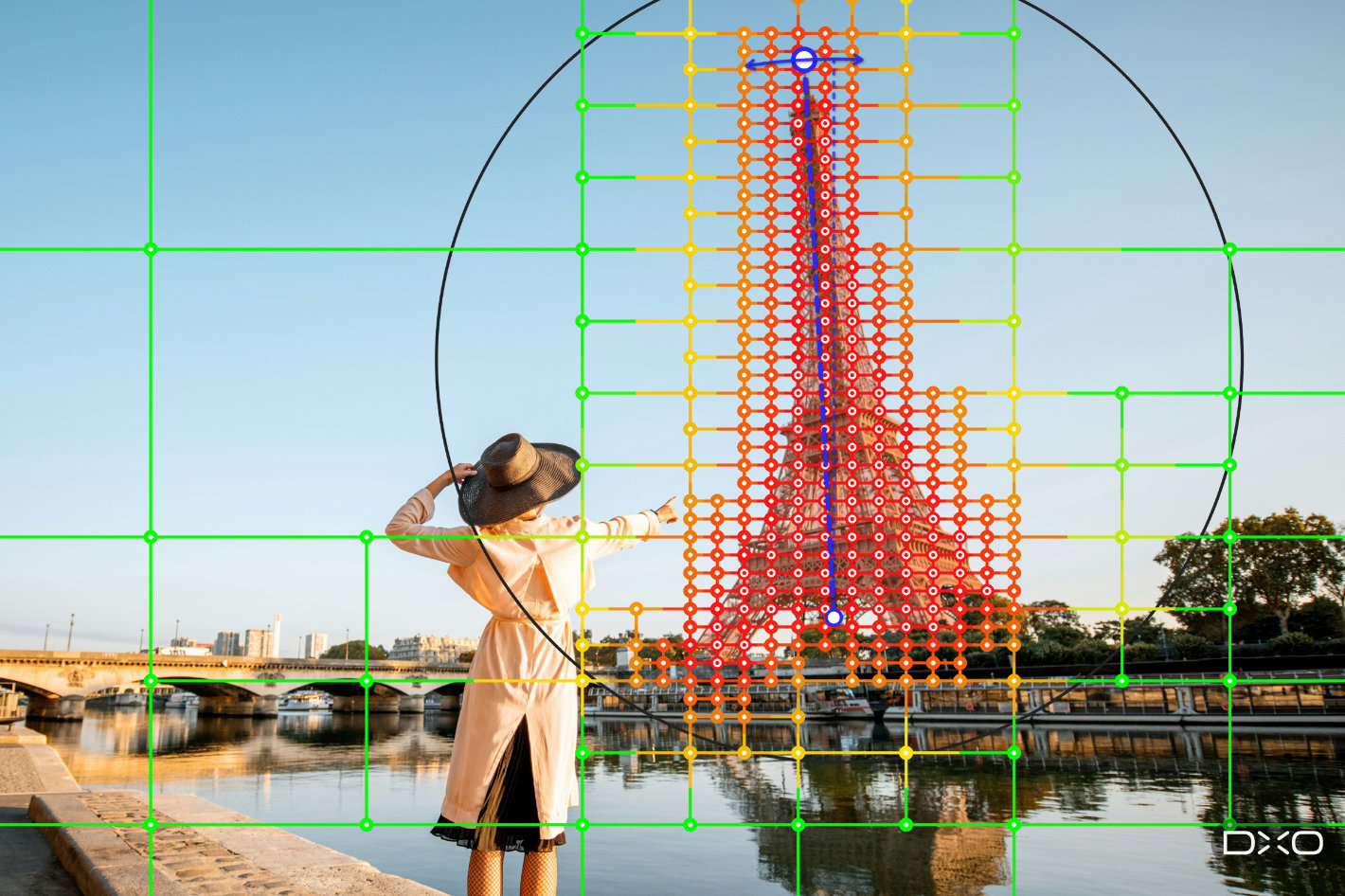

One introductory note before we continue: DxO says that although AI is used in DxO ViewPoint 6, “nothing is generated and nothing is invented. DxO ViewPoint 6 rearranges the scene the photographer captured, with AI masks bringing new precision to local corrections.”
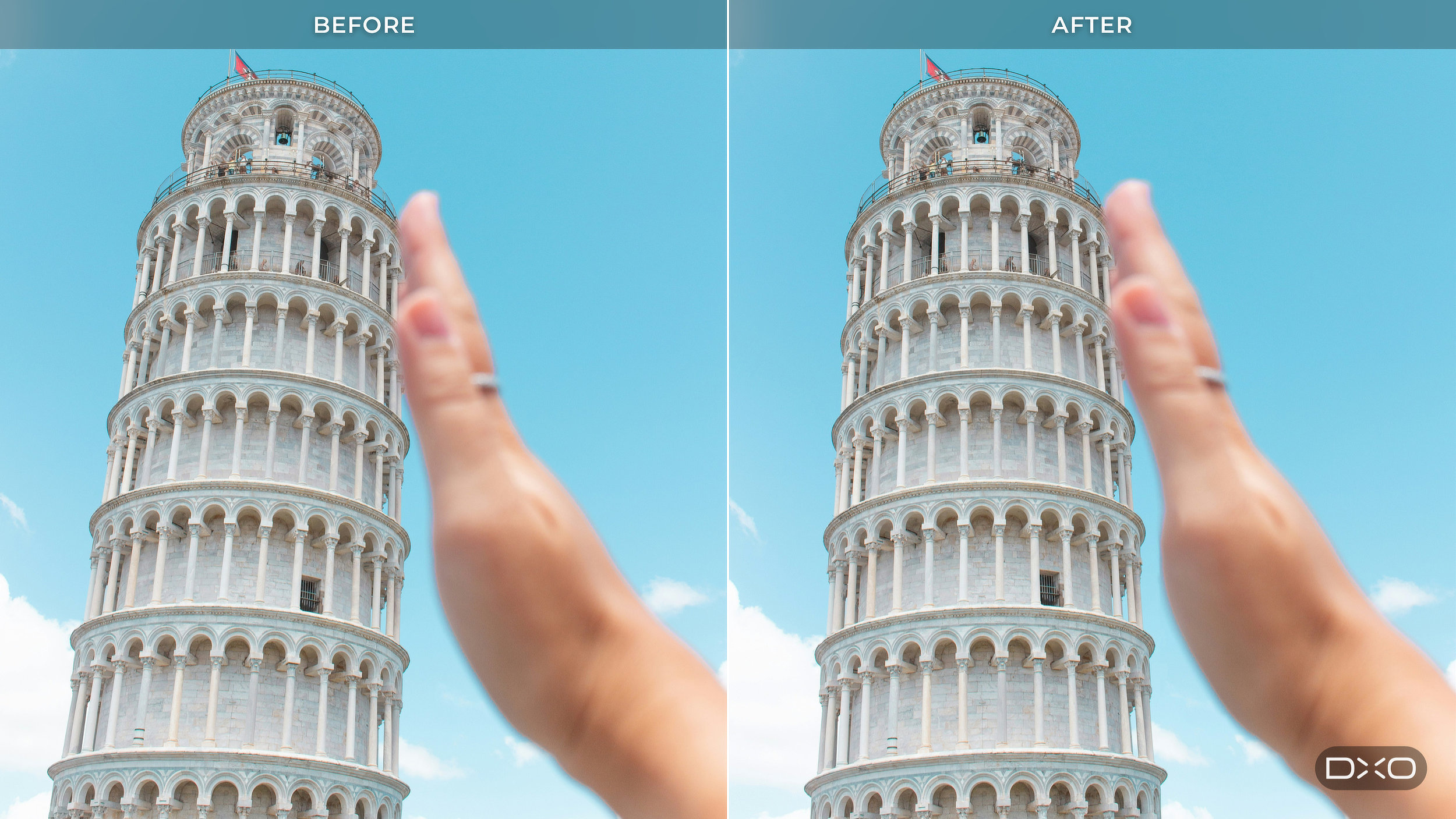
In fact, the latest version of DxO’s software for correcting geometry, perspective, and distortion brings AI masks to ReShape Fusion, the tool for adjusting the components of a scene from within the frame. Photographers can now, according to DxO, “concentrate a geometric correction on a single element of the scene instead of applying it across the whole picture.”
“Photographers have long accepted a trade-off when correcting perspective: straighten the geometry and you can lose part of the frame,” says Jean-Marc Alexia, VP of Product Strategy at DxO. “With AI masks in ReShape Fusion, photographers can define the element they want to work on, refine the mesh where greater precision is needed, and control how the correction transitions into the surrounding image. They are rearranging the components of the scene while preserving the framing they chose.”
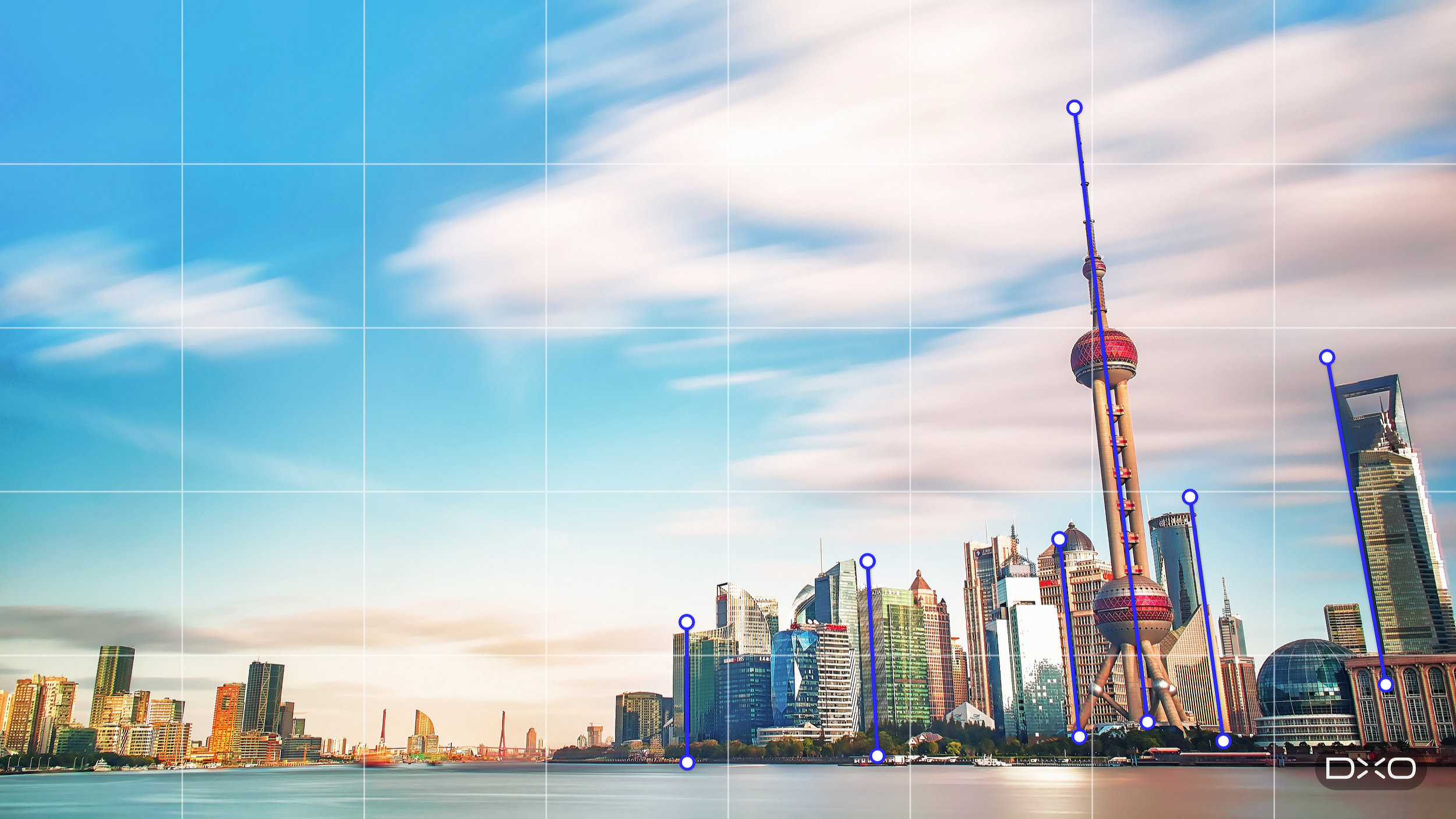

That cost has always been the trade-off. Conventional perspective tools work on the whole image: straightening converging verticals tilts the entire picture plane, the rectangle becomes a trapezoid, and recovering a rectangle means cropping. The stronger the correction, the more image area goes with it.
Nothing is generated at any point. ViewPoint invents no pixels and fills nothing in at the edges. It rearranges the components of the scene the photographer captured rather than recreating them, and the dimensions of the frame stay as they were.

AI masks are there to make the selection precise. The corrections themselves stay in the photographer’s hands.
The photographer draws a rectangle around the subject, and ViewPoint finds the element inside it and builds a mask that follows its outline. The mesh is then built to match that outline, so the control points sit where the subject actually is, rather than on a uniform grid laid across the picture. The density of that mesh varies across the image: coarse where nothing needs to change, fine where the work is.
From there the photographer works the mesh directly. Regions can be subdivided for finer adjustment or merged where that detail is unnecessary, subdivision can be directed inside or outside the selection, and individual control points can be switched on or off. That control extends to how far a change reaches into the rest of the picture, which matters because reshaping one element always pulls at what sits around it.
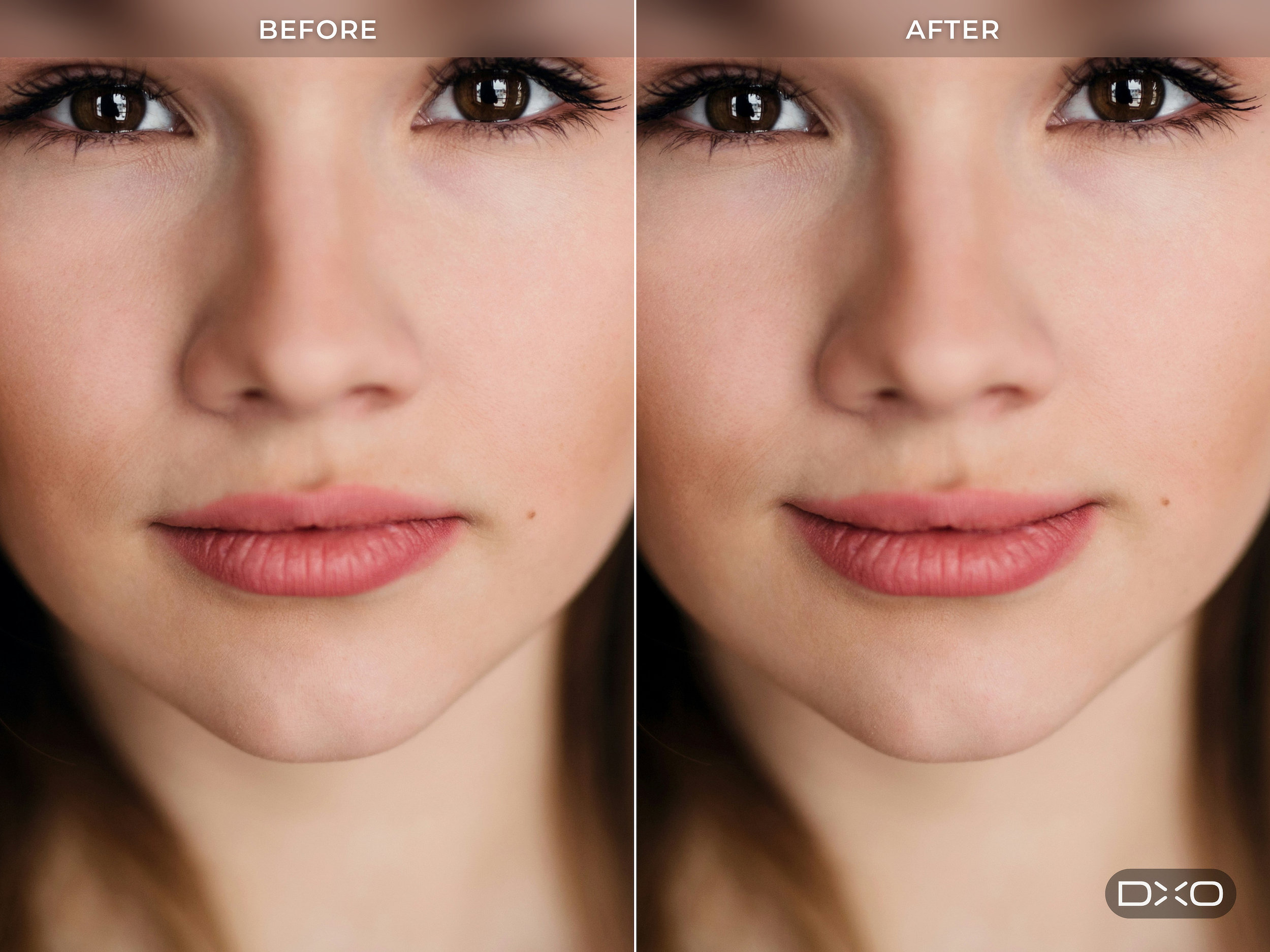
The result is local geometric correction precise enough to use on the things photographers actually shoot. A face near the edge of a group portrait can be brought back toward natural proportions, with control over how the adjustment carries into the people beside it. The same mesh handles broader work, repositioning or resizing an element that is out of proportion with the rest of the scene.
With DxO ViewPoint 6 the company gives photographers all the tools to solve every geometry problem in one application. Three geometry problems recur across photography, and they become especially visible when using a wide-angle lens. Straight lines bow outward through barrel distortion. Tilting the camera produces converging verticals through perspective projection. Subjects near the edge of the frame are stretched by volume deformation, which is why people at the ends of a group shot look wider than those in the middle.

ViewPoint is often associated with architecture, but geometry is not an architectural concern alone. Interiors, real estate, events, travel, street, portrait and landscape photography all produce images whose structure needs adjusting, at any focal length. That makes ViewPoint relevant well beyond its traditional audience.
DxO ViewPoint 6 opens RAW files directly. RAW, TIFF and JPEG images can all be worked on in the standalone application with no pre-conversion and no round trip through a host application. RAW files are rendered on opening with DxO’s own camera profile in DxO Wide Gamut, and ViewPoint reads the embedded metadata to download and apply the matching DxO Camera-Matching Profile, correcting distortion automatically.
Editing is non-destructive from end to end. Corrections are written to a sidecar file that sits beside the image, so the original RAW, TIFF or JPEG is never altered. Close ViewPoint and reopen the image tomorrow and every correction returns with it, across as many sessions as the work takes. ViewPoint writes its own sidecar files, kept deliberately separate from the ones PhotoLab writes so that neither application can interfere with the other’s work. Finished images are saved out as TIFF, in 8-bit or 16-bit, or as JPEG.
DxO ViewPoint 6 runs as a standalone application and as a plugin for Adobe Lightroom Classic, Adobe Photoshop, and Capture One. Owners of DxO PhotoLab 10 find its tools integrated directly into PhotoLab’s Geometry palette.
DxO ViewPoint 6 is available today from the DxO website (shop.dxo.com) for macOS and Windows computers. A new license costs $129.99 / €119.99 / £109.99. Upgrade from DxO ViewPoint 5 is viable and costs $84.99 / €74.99 / £69.99. A 30-day free trial is available from DxO’s website.